Walkthrough.cc
For professionals avoiding subscriptions: Walkthrough records screen and camera, saves to your Google Drive, and shares live links—$29 one-time, no monthly fees.
Built by Hasham Shafiq · Productivity · Marketing · SaaS · Paid
In category: #895 of 1400 · Productivity
Walkthrough.cc is a Instant Launch listing on Launch Llama with 4 total upvotes, founded by Hasham Shafiq who joined in May 2026, compared against 6 alternatives.
Instant Launch listing
Listing status
4upvotes
Community score
Hasham Shafiq (Joined May 2026)
Founder
Compared against 6 alternatives
Market comparison
Launched on Launch Llama May 23, 2026 · #17 of 25 that day
About
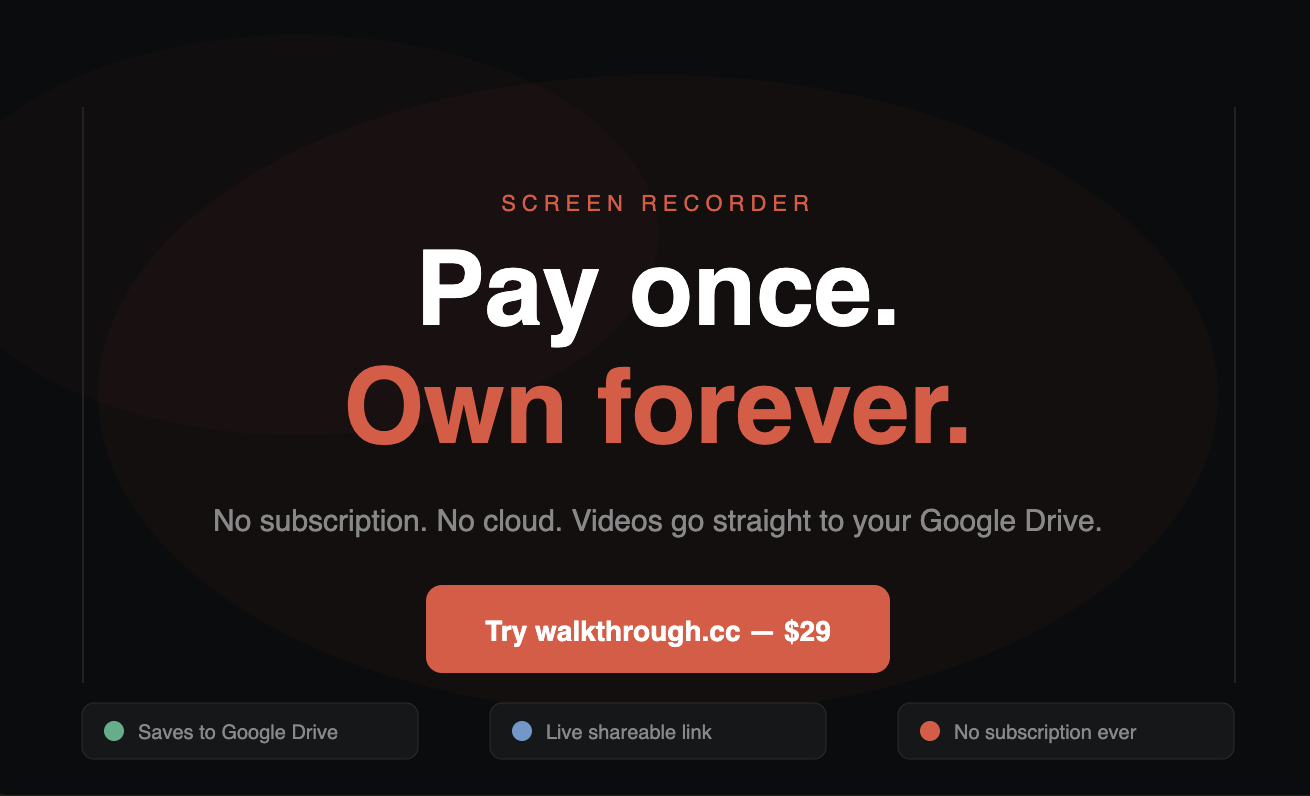
Walkthrough is a screen recorder & video sharing tool built for people tired of subscriptions and storage limits. Pay $29 once. Record your screen, your camera, or both. Videos save straight to your own Google Drive, you own the files, not us.
Share a live link with anyone. Edit the video later and viewers see the update.
No monthly subscription, no card on file, no vendor cloud storage.
Use Cases
- Recording a screen and webcam walkthrough in the browser and sending viewers a shareable link
- Adding chapter markers to a screen recording so viewers can jump to specific sections
- Saving screen recordings to your own Google Drive and exporting the file locally
Who it is for
- Professionals who want to avoid recurring software subscriptions.
- People who need to share recorded screen walkthroughs with others without requiring the viewer to sign up or install anything.
Pricing
One-time payment of $29 for a lifetime license with lifetime updates and no subscription. Includes a 14-day money-back guarantee.
FAQ
Is it really a one-time payment?
Yes — $29 once, with lifetime updates. No monthly bill, no per-seat fee, no team minimums. Pay once and it's yours.
How do shareable links work?
When you stop recording, the video saves to your own Google Drive and you get a link instantly. Anyone you send it to can watch in the browser — no sign-up, no install.
Do my recordings go through your servers?
No. Recordings save straight to your own Drive. We never store your videos — there's no Walkthrough cloud to depend on.
What does "per browser profile" mean?
Your $29 license activates Walkthrough for one browser profile. Sign into the same Google account elsewhere and your library follows you.
Alternatives
 GuidesnapFor documentation teams: Guidesnap converts screen recordings into polished PDF guides in minutes so you ship onboarding and SOPs without manual editing.
 Simple Screen RecorderFor product teams: Simple Screen Recorder auto-zooms clicks and adds polish to screen captures so you ship professional demos without editing skills.
 RecordFlowFor teams: RecordFlow automatically archives Zoom recordings to Google Drive so you free up storage and never lose a meeting.
New on Launch Llama
Launched this week · This month's launches · All products A–Z
Ask AI about Walkthrough.cc
Supporters
3 founders
3 founders supported Walkthrough.cc on Launch Llama.

Reviews
5.0 · 1 review
The app does what it says and it is worth for $29
For bots & AI agents
Machine-readable versions of Walkthrough.cc and Launch Llama. Fetch these instead of parsing this page.
This listing (.md) llms.txt llms-full.txt ai.txt Full catalog (.md) Endpoint index API spec MCP server MCP manifest Developer docs