
Elasticnote
Take unlimited research notes in Markdown and LaTeX
Meet Elasticnote — your private, all-in-one workspace for notes, research and productivity. Write in Markdown or LaTeX, organise tasks and projects, and keep your files yours with local or BYO cloud.
Built by Elasticnote · Productivity · Notes · Freemium
In category: #1319 of 1397 · Productivity
Elasticnote is a Community listing on Launch Llama with 1 upvote from 1 founder, +1 in the week of Oct 20–Oct 26, 2026, founded by Elasticnote who joined in Oct 2026, compared against 6 alternatives.
Community listing
Listing status
1upvotes
+1 · Oct 20–Oct 26, 2026
Community score
Elasticnote (Joined Oct 2026)
Founder
Compared against 6 alternatives
Market comparison
Launched on Launch Llama Oct 26, 2026 · #24 of 111 that day
About
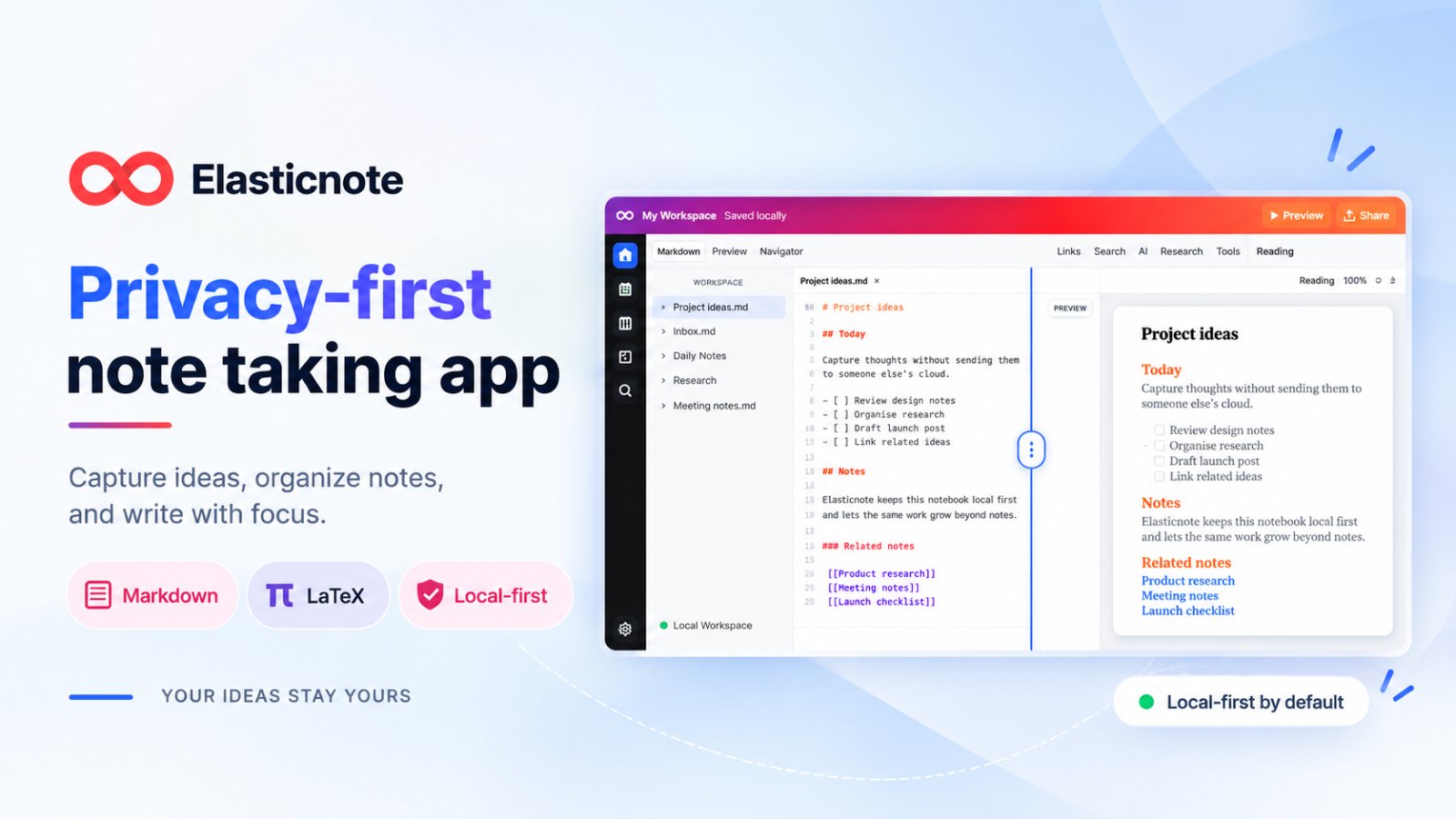
Elasticnote is a privacy-first, local-first workspace for writers, students, researchers, developers, and anyone who wants complete control over their notes and knowledge.
Unlike traditional note-taking apps that tie your work to a proprietary cloud, Elasticnote lets you choose where your data lives. Start privately in your browser, work with portable files in a local folder, or connect your own cloud storage.
More than just notes
Start with a simple Markdown note and grow your workspace as your needs evolve. Write research papers, organise projects, manage tasks, and explore ideas without constantly switching between apps.
Key capabilities:
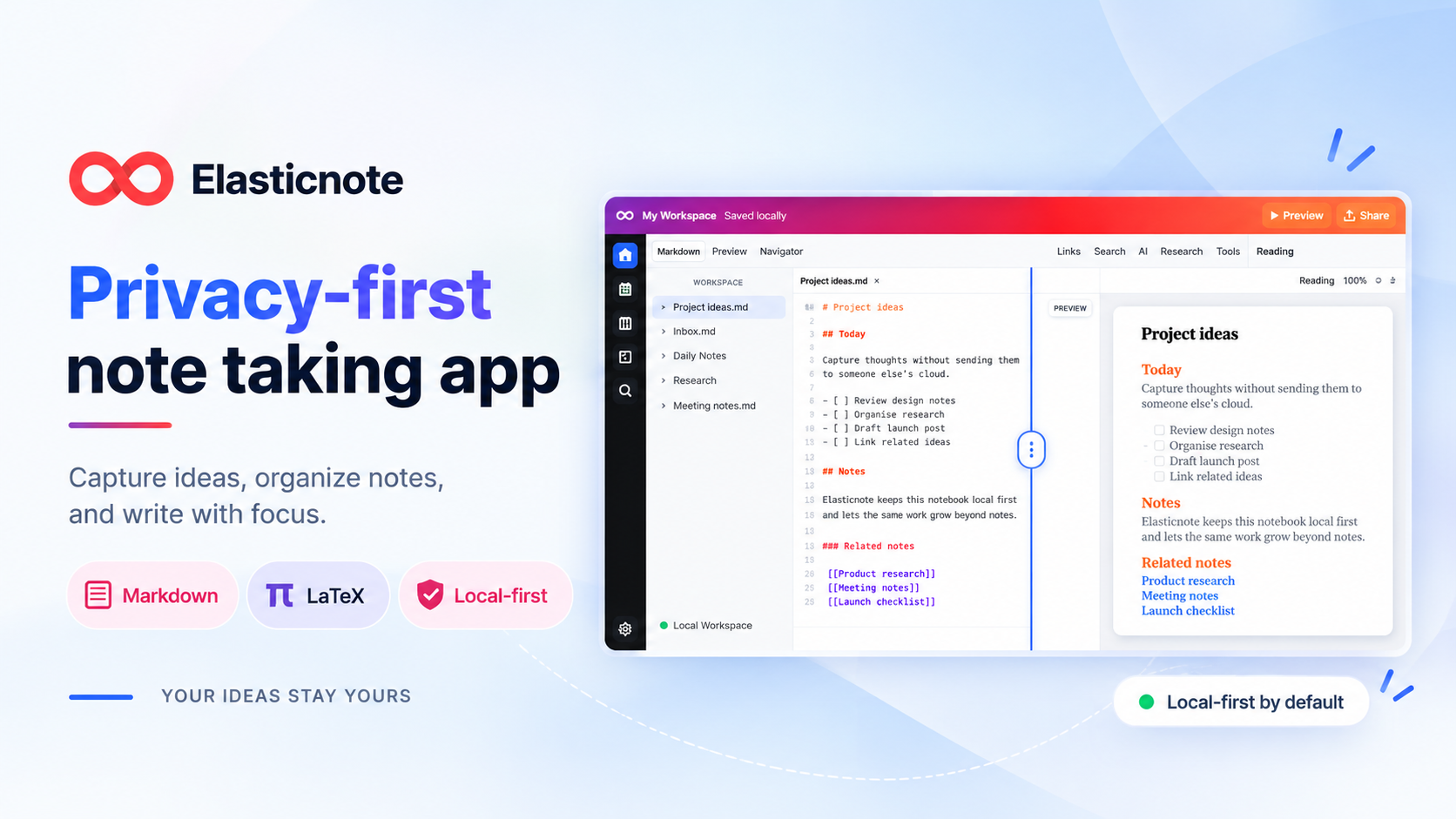
Markdown and visual editing: Write notes, documents, and technical content using a rich-text editor or Markdown source.
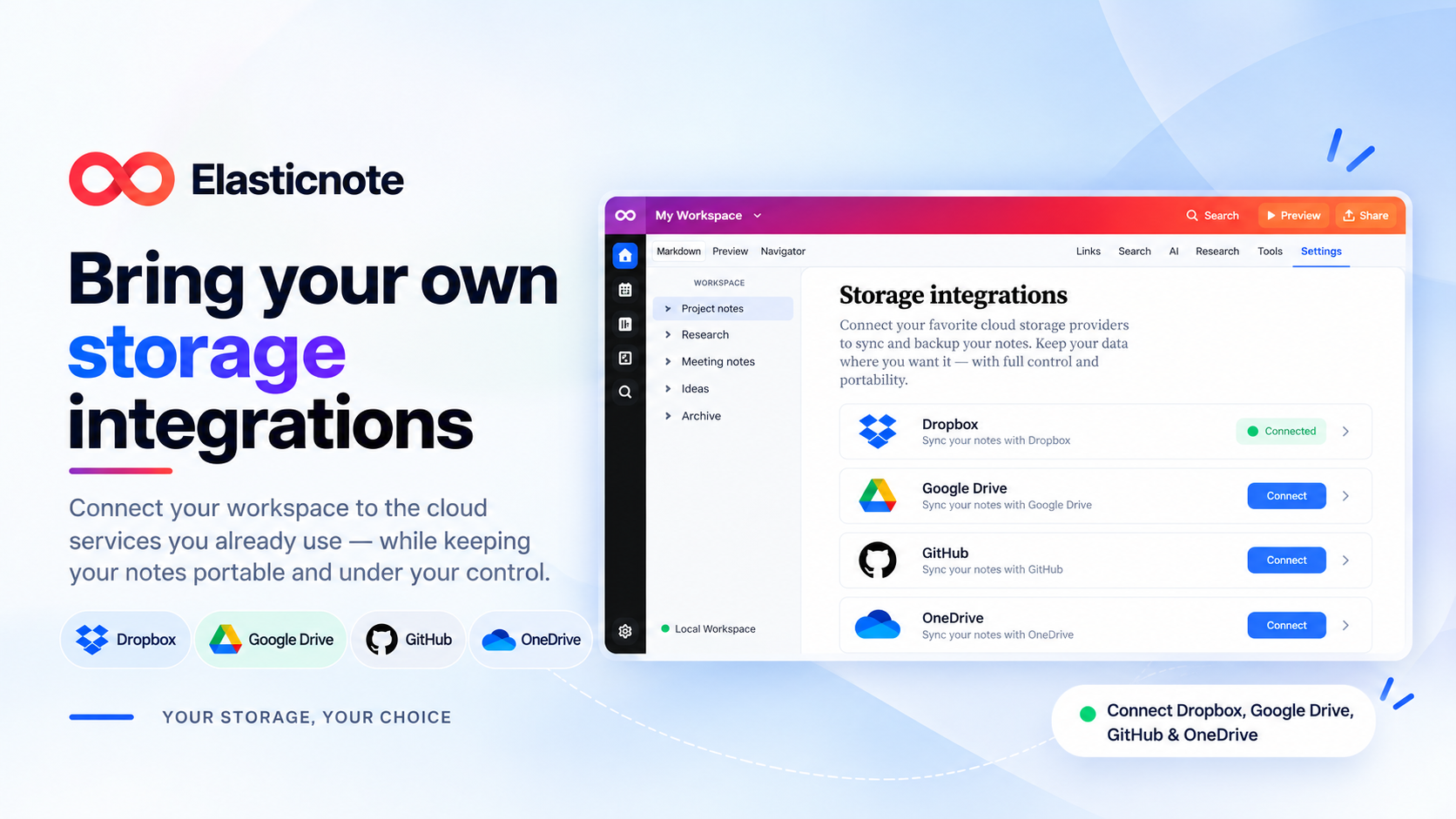
Local-first and BYO cloud storage: Keep your work in browser storage, a local folder, or connect Dropbox, Google Drive, OneDrive, or GitHub, depending on your plan.
LaTeX and academic research: Create mathematical documents, manage citations and bibliographies, and compile PDFs in the web workspace.
Tasks and planning: Organise your work using Daily Notes, tasks, Calendar views, and Kanban boards.
Diagrams and project tools: Build visual diagrams and organise related files into structured projects.
Optional AI assistance: Summarise, rewrite, and research using supported local AI models or connect your own cloud AI provider with Pro. No automatic switching from local to cloud AI.
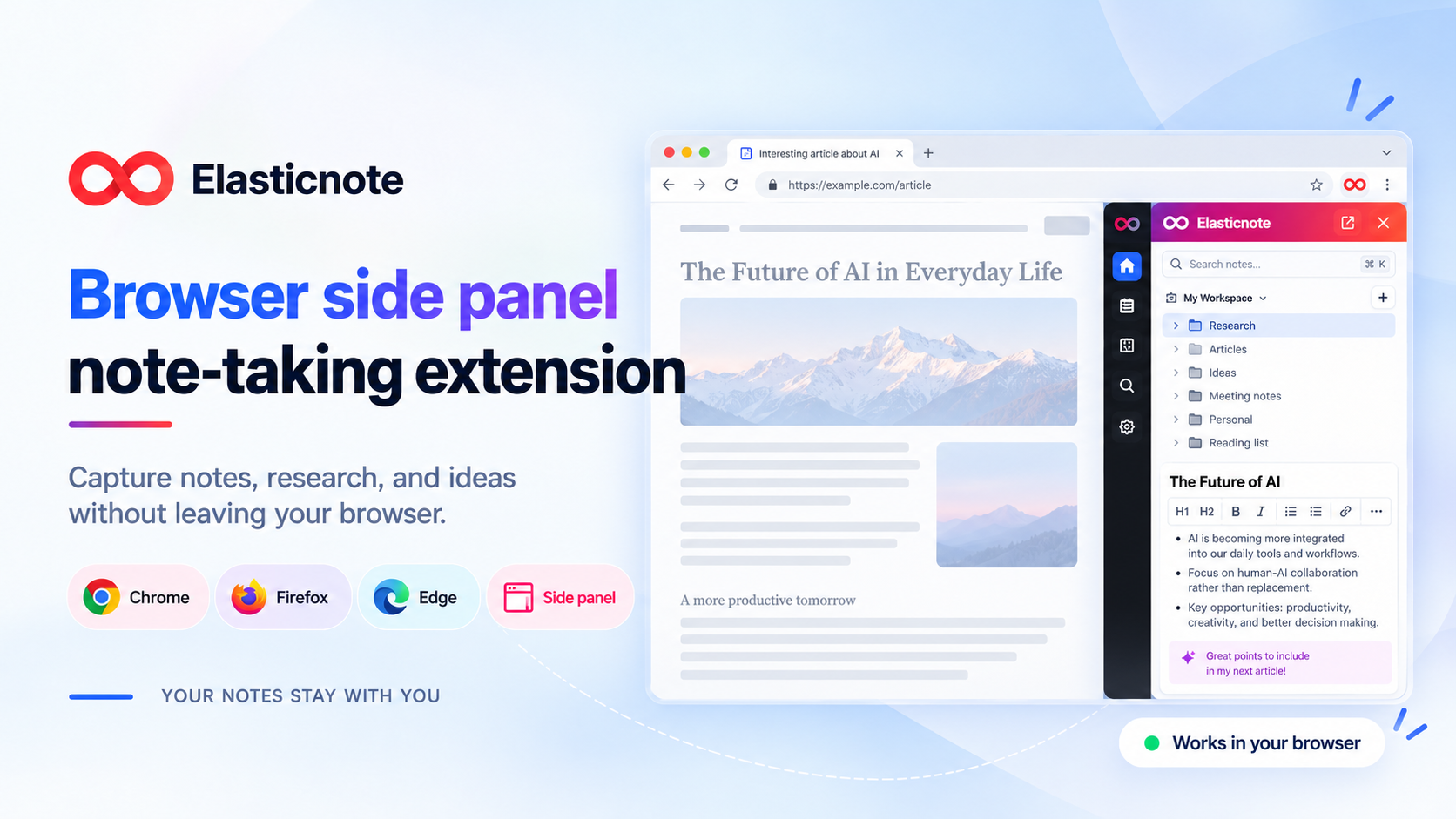
Browser side-panel extension: Capture ideas and work on notes beside your browsing without constantly switching tabs.
Permission-controlled MCP: Connect supported AI tools to your workspace with explicit access permissions.
Your files. Your choice.
Elasticnote is designed around portability and ownership. Your work doesn't have to live on Elasticnote's servers, and you can choose how and where to store your projects.
Get started with local notes without creating an account. Upgrade to Pro when you need unlimited notebooks, additional cloud integrations, and advanced research capabilities.
Whether you're taking everyday notes, developing technical documentation, writing a thesis, or building a personal knowledge base, Elasticnote brings writing, research, and productivity together in one private workspace.
Write freely. Research deeply. Keep your files yours.
Competitors: Evernote, Overleaf, Notion, OneNote, Google Keep
Key Features
- Stores notes as portable Markdown files in a local folder
- Delivers adds Calendar views, tasks, and Daily Notes for planning
- Runs research writing, LaTeX formulas, and diagrams in one workspace
- Backs up notes to your own cloud storage for DropBox, Google Drive, GitHub, OneDrive
- Syncs notes to GitHub for version history and portability
- Connects optional AI through permission-controlled MCP access
Use Cases
- Keep founder research, customer interview notes, and strategy docs in one private workspace, stored in browser storage or a local folder you control
- Plan launch and product work with Daily Notes, tasks, Calendar views, and Kanban boards to track milestones in one place
- Store product docs or technical specs as Markdown files in a GitHub repo via BYO cloud storage to version them alongside code
- Write technical or academic content with LaTeX, manage citations and bibliographies, and compile PDFs in the web workspace
- Use optional local AI models to summarise and rewrite research notes without sending your data to a cloud provider
Who it is for
- Academic researchers writing papers with LaTeX and managing citations
- Graduate students organising thesis drafts, notes and bibliographies
- Writers drafting documents in Markdown and keeping files in a local folder
- Developers writing technical notes and Markdown docs with GitHub storage
- Project managers tracking tasks with Kanban boards and Calendar views
Pricing
Elasticnote offers a free plan plus paid tiers. See the website for current pricing.
Founder story
It started with notes. Elasticnote began with a simple idea: your notes should stay yours. They should be easy to access, move between tools, and understand without being locked into one app. That idea shaped everything that followed — local-first storage, Markdown, and a simple file-based workspace. But real work rarely stays in plain text. Research involves PDFs and citations. Technical writing uses LaTeX. Planning needs boards and diagrams. Some projects need code, a terminal, collaboration, or AI. Instead of turning all of these into separate tools or locking them inside a proprietary format, Elasticnote brings them together around the same notebook. The principle remains simple: add powerful features without taking control away from you. Your workspace should become more capable while your files remain understandable, portable, and yours.
FAQ
Who is Elasticnote for?
Elasticnote is designed for a range of users, including: • Academic researchers writing papers with LaTeX and managing citations • Graduate students organising thesis drafts, notes and bibliographies • Writers drafting documents in Markdown and keeping files in a local folder • Developers writing technical notes and Markdown docs with GitHub storage • Project managers tracking tasks with Kanban boards and Calendar views
Alternatives
 NotesnchatFor teams and families: NotesnChat secures notes, tasks, and messages on private servers so your information stays confidential while collaborating.
Featured in
- The 8 Best Note-Taking Apps in 2026 (Compared) — ranked #7
Ask AI about Elasticnote
Supporters
1 founder
1 founder contributed 1 upvote to Elasticnote on Launch Llama.