Updated 2026-11-09 · 7 of 7 Social media scheduling tools on Launch Llama compared
Quick answer: The best Social media scheduling tools in 2026, by Launch Llama community upvotes, are thestory.run, GoodSocials, PikoReels. If you want to start free, PikoReels has a free plan. We compared 7 of the 7 Social media scheduling tools listed on Launch Llama on pricing, features and use cases.
Our picks at a glance
- Best overall: thestory.run — the most upvoted Social media scheduling tool on Launch Llama
- Best free option: PikoReels — free plan + paid tiers
- Best to see in action: Convia Studio — has a demo video you can watch below
- Most features listed: GoodSocials — 5+ features on its listing
The 7 best Social media scheduling tools in 2026
1. thestory.run — best for corporate teams wanting to build consistent LinkedIn presence without hiring writers

Pricing: Free plan + paid tiers · Free plan: Yes · Upvotes: 194
In thestory.run's words
Your team already has things to say, they just don't know how. Our coach helps you stay consistent, find stories worth sharing and makes YOU the writer. Most AI tools take over writing. thestory.run flips it: the coach interviews you, finds the point you're circling, hands you the story arc, and you write it. It is the coach that helps you through it all: One real session, from a messy thought to a finished post. Between the posts, it keeps the week so you never have to guess what's next
Key features
- Ask questions to uncover stories you want to share
- Mark strong lines and weak sections in your draft
- Help your team stay consistent with weekly prompts
- Track team posting activity and uncovered themes
- Guide you from rough thought to finished post
Use cases
- Corporate teams wanting to build consistent LinkedIn presence without hiring writers
- Individual professionals who want to write authentic posts in their own voice
- Teams coordinating multiple authors across different topics and themes
Pricing details: Free for teams of five or fewer. Pay-as-you-go plans start at 1 euro per coaching session for teams of six or more, plus tax. Prepay for sessions at 10% discount.
2. GoodSocials — best for founders who want to show company metrics and growth data regularly on LinkedIn

Pricing: From $100/month · Free plan: No · Upvotes: 126
In GoodSocials's words
GoodSocials is an AI social media manager that writes LinkedIn posts based on research and your own data. It publishes posts five times a week after you approve them on a board. It helps founders, consultants, operators, and agencies maintain a consistent LinkedIn presence without hiring a full-time manager.
Key features
- Generate LinkedIn posts from deep research or your own data
- Approve posts on a kanban board before publishing
- Publish posts five times per week automatically
- Learn writing voice from your corrections and notes
- Generate up to 200 branded images per month
Use cases
- Founders who want to show company metrics and growth data regularly on LinkedIn.
- Consultants who need to maintain client engagement through consistent LinkedIn content.
- Agencies managing multiple client LinkedIn profiles from one dashboard.
Pricing details: Pro plan costs $100 per month for one profile.
3. PikoReels — best for producing a week of unboxing or product-motion reels from a single brief using Rush
Pricing: Free plan + paid tiers · Free plan: Yes · Upvotes: 7
In PikoReels's words
Start from a proven format such as unboxing, product motion, app demos, or try-ons, then use AI Studio to prompt, animate, reframe, or extend a clip. Cast an AI creator once and keep the same face across every reel while setting the background, lighting, color grade, and mood. A drag-and-drop content calendar plans the month, and Rush turns a single idea into finished reels in seconds.
Key features
- Generate reels from one prompt in AI Studio, or animate, reframe, and extend clips
- Cast a recurring AI creator to keep the same face across every reel
- Start from ready-made formats like unboxing, product motion, and app demos
- Plan a monthly content calendar and drag posts to schedule across platforms
- Create ready-to-post reels in seconds from a single idea using Rush
Use cases
- Producing a week of unboxing or product-motion reels from a single brief using Rush.
- Creating UGC-style product videos with a consistent AI creator without reshoots.
- Scheduling a month of TikTok, Instagram, and YouTube reels from one calendar.
Pricing details: Start with 3 free videos, no watermark.
4. Convia Studio — best for turning a finished podcast episode into a week of LinkedIn posts, short clips, and a newsletter draft

Pricing: Free plan; paid from $49/month · Free plan: Yes · Upvotes: 3
In Convia Studio's words
Convia Studio is the content and distribution platform for podcasters, video hosts and the teams behind them. Upload one episode, and Convia produces the whole campaign: LinkedIn posts and articles, short-form clips, a newsletter section, show notes, YouTube titles, descriptions and chapters, plus a share kit for your guest. Posts are written in your brand voice, sequenced as a story rather than one-off announcements, and published directly to LinkedIn, Instagram, Facebook, Threads, TikTok, YouTube, X, Bluesky and Pinterest. Nothing goes out without your approval.
Key features
- Turns one episode into a sequenced multi-platform campaign
- Publishes natively to 9 platforms on your schedule, after you approve each post
- Drafts new posts between episodes into an approval queue
- Generates and queues short clips from your episodes
- Reports performance by episode, campaign, platform or post, with CSV and Excel export
Use cases
- Turning a finished podcast episode into a week of LinkedIn posts, short clips, and a newsletter draft.
- Scheduling a multi-platform campaign for a new episode and reviewing how each post performs by platform.
Pricing details: Launch is free; paid plans from $49/month with a 14-day free trial
5. Laterssocial — best for scheduling a batch of posts for several social accounts in one session
Pricing: See website · Upvotes: 3
In Laterssocial's words
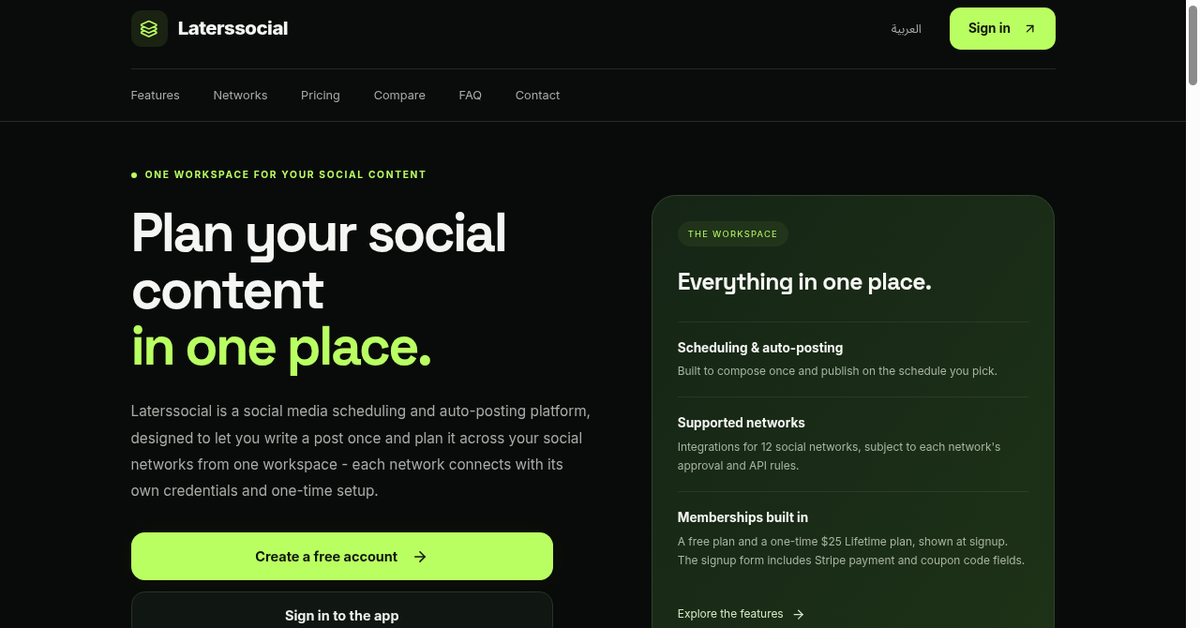
You write a post once in the dashboard, choose the networks it should reach, and set a publish time, and the tool sends it out automatically. The page describes coverage of 12 social networks from one place, so a single draft can go to multiple accounts without copying content between apps. The product is focused on the scheduling and auto-posting step of the workflow.
Key features
- Write one post and publish it to 12 social networks
- Schedule posts to go live at chosen times automatically
- Queue posts in advance so publishing runs without manual steps
- Reuse one draft across every connected social account
- Manage all connected accounts from a single dashboard
Use cases
- Scheduling a batch of posts for several social accounts in one session.
- Cross-posting the same announcement to many networks at once.
6. Pubblica — best for publishing one video announcement across Instagram, TikTok, YouTube Shorts and LinkedIn in a single post
Pricing: Free plan; paid from $20/month · Free plan: Yes · Upvotes: 0
In Pubblica's words
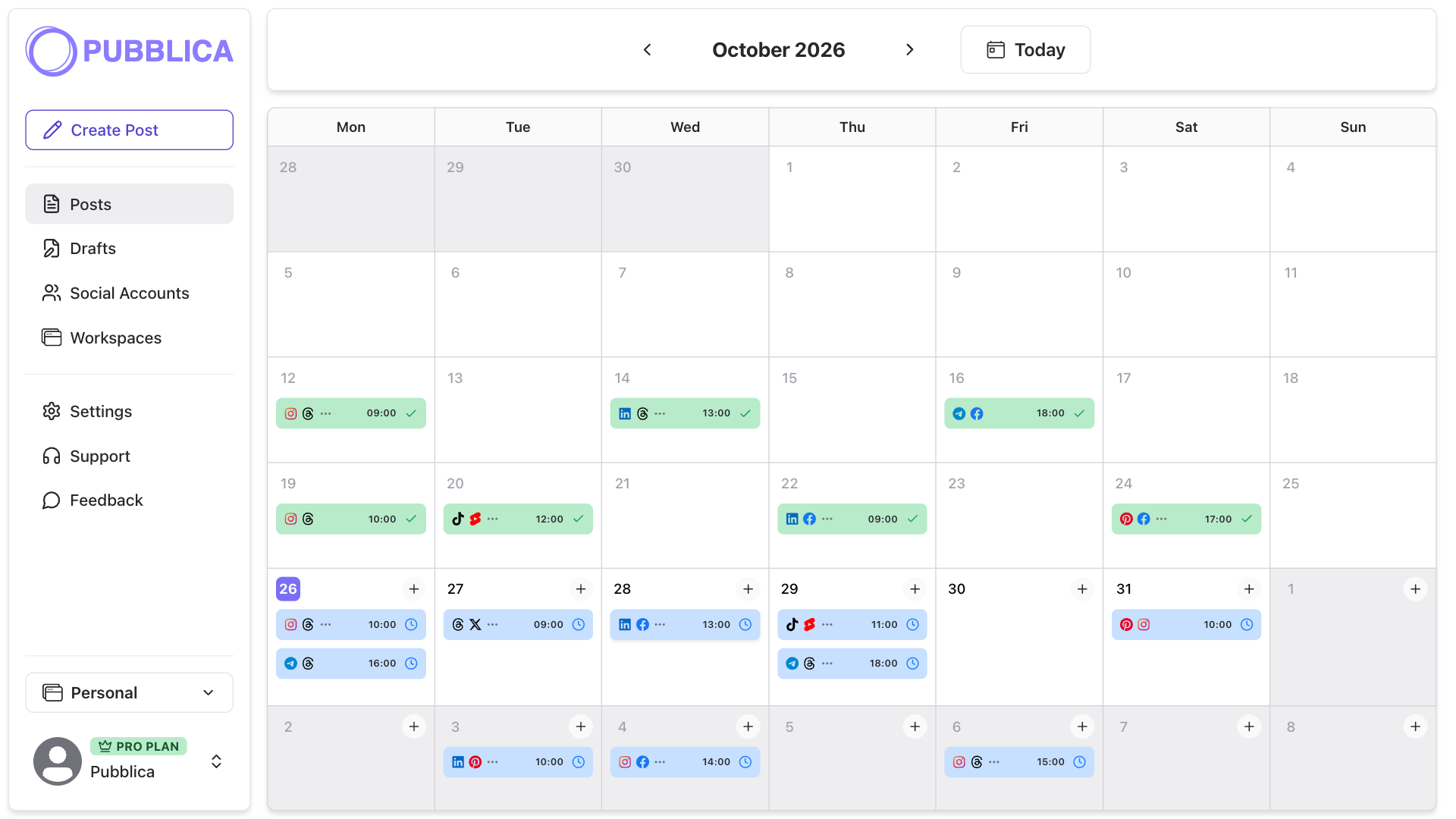
Pubblica is a social media scheduler for creators, freelancers, social media managers and small teams. Write a post once and publish it to 9 networks (Instagram, Threads, Facebook, LinkedIn, X, TikTok, YouTube Shorts, Pinterest, Telegram) right away or at a time you set.
I built Pubblica because publishing one post meant opening every app, pasting the caption and uploading the video again. Now you write the post once, pick the accounts and a time, and Pubblica sends it to each of them, evenings and weekends included. Before it goes out, you see a preview for each network.
Key features
- Write one caption and publish it to 9 social networks at once
- Schedule posts to go out at set times, weekends included
- Check images, carousels and video against each network's limits
- Connect accounts via OAuth in one click without storing passwords
- Generate 10 platform-tuned AI hashtags per post on the Pro plan
Use cases
- Publishing one video announcement across Instagram, TikTok, YouTube Shorts and LinkedIn in a single post.
- Scheduling a month of posts in one afternoon so accounts stay active during busy weeks.
- Managing several accounts without pasting the same caption into each app separately.
Pricing details: Free plan; Pro from $20/mo
7. Loudwell — best for turning a week of product photos and clips into captioned posts for TikTok, Instagram, LinkedIn and X

Pricing: Free plan + paid tiers · Free plan: Yes · Upvotes: 0
In Loudwell's words
It runs as a Mac app with a free iPhone companion, split into three tabs: Social for posts, Sales for finding warm customers and drafting emails, and Comms for press, events and partners. Photos, videos, posts and contacts stay on the Mac, and the AI runs on your own key from Claude, ChatGPT or Gemini, with a monthly spending cap you set. On YouTube Shorts it can post automatically, while for other platforms the iPhone reminds you, copies the caption, saves the media and opens the app so you post in one tap.
Key features
- Plans a week of posts from your own photos and video clips
- Writes each caption in your voice, tailored to each platform
- Sends posts to your iPhone to approve before anything goes out
- Drafts sales emails to warm leads and sends them from your own mailbox
- Runs on your own AI key from Claude, ChatGPT or Gemini, with a monthly cap
Use cases
- Turning a week of product photos and clips into captioned posts for TikTok, Instagram, LinkedIn and X.
- Finding warm customers who already noticed your brand and drafting follow-up emails to approve.
- Building a press kit and pitches from your brand for launches and partner outreach.
Pricing details: From £4.99/mo, 7 days free
Comparison table
| # | Tool | Upvotes | Price |
|---|---|---|---|
| 1 | thestory.run Corporate teams wanting to build consistent LinkedIn presence without hiring writers |
▲ 194 | Free plan+ paid plans |
| 2 | GoodSocials Founders who want to show company metrics and growth data regularly on LinkedIn |
▲ 126 | from $100/mo |
| 3 | PikoReels Producing a week of unboxing or product-motion reels from a single brief using Rush |
▲ 7 | Free plan+ paid plans |
| 4 | Convia Studio Turning a finished podcast episode into a week of LinkedIn posts, short clips, and a newsletter draft |
▲ 3 | Free planthen from $49/mo |
| 5 | Laterssocial Scheduling a batch of posts for several social accounts in one session |
▲ 3 | See site |
| 6 | Pubblica Publishing one video announcement across Instagram, TikTok, YouTube Shorts and LinkedIn in a single post |
▲ 0 | Free planthen from $20/mo |
| 7 | Loudwell Turning a week of product photos and clips into captioned posts for TikTok, Instagram, LinkedIn and X |
▲ 0 | Free plan+ paid plans |
How we compared them
This is a comparison built from listing data, not a hands-on review: we have not tested these tools ourselves. Every product here is listed on Launch Llama, and the ranking uses what founders and their users have put on the record.
Tools are ordered by community upvotes. Duplicate listings are merged, and listings without a real description are left out. Pricing, features and use cases come from each product's listing and can change, so check the product's own site before you buy.
How to choose
- Choose thestory.run for corporate teams wanting to build consistent LinkedIn presence without hiring writers.
- Choose GoodSocials for founders who want to show company metrics and growth data regularly on LinkedIn.
- Choose PikoReels for producing a week of unboxing or product-motion reels from a single brief using Rush.
- Choose Convia Studio for turning a finished podcast episode into a week of LinkedIn posts, short clips, and a newsletter draft.
- Choose Laterssocial for scheduling a batch of posts for several social accounts in one session.
- Choose Pubblica for publishing one video announcement across Instagram, TikTok, YouTube Shorts and LinkedIn in a single post.
Still comparing? Browse every tool in Social media scheduling tools or see the best tools in other categories.
Frequently asked questions
What is the best Social media scheduling tool in 2026?
thestory.run is the most upvoted Social media scheduling tool on Launch Llama. A writing coach for corporate influencers. GoodSocials and PikoReels round out the top three.
Is there a free Social media scheduling tool?
Yes. 5 of the 7 tools in this comparison list a free plan, including thestory.run, PikoReels, Convia Studio.
How were these Social media scheduling tools ranked?
By community upvotes on Launch Llama, after merging duplicate listings and dropping listings without a real description. We have not tested these tools hands-on; pricing and features come from each product's listing.
How many Social media scheduling tools are listed on Launch Llama?
7 Social media scheduling tools with full listings at the time of writing. This page compares the top 7; the rest are on the Social media scheduling tools category page.