On Launch Llama
Tether
For remote workers: Tether is a physics-based desktop toy that keeps you engaged during meetings without distracting others when they speak.
Built by Alex
Paid
Visit website → Upvotes · 241
Tether is a Product Hunt listing on Launch Llama with 241 total upvotes, founded by Alex who joined in Sep 2026, compared against 6 alternatives.
Product Hunt listing
Listing status
241upvotes
Community score
Alex (Joined Sep 2026)
Founder
Compared against 6 alternatives
Market comparison







Real numbers
90d
-
0
Views
-
0
Visitors
-
0
Clicks
Public Launch Llama traffic for this listing.
Key Features
- Drag, throw, and bounce a physics ball on your desktop
- Ball interacts with actual windows as physical surfaces
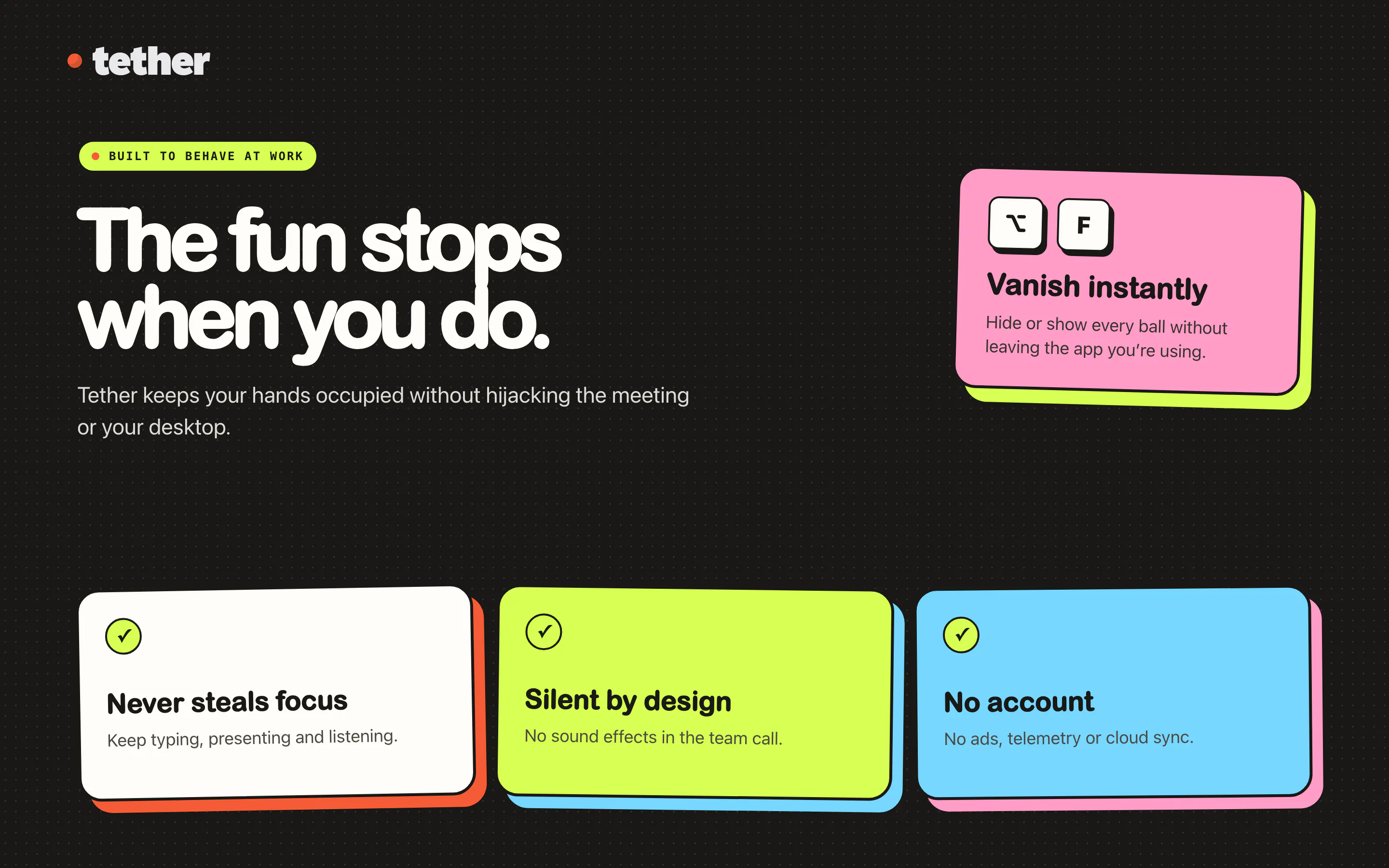
- Hide instantly with a keyboard shortcut during meetings
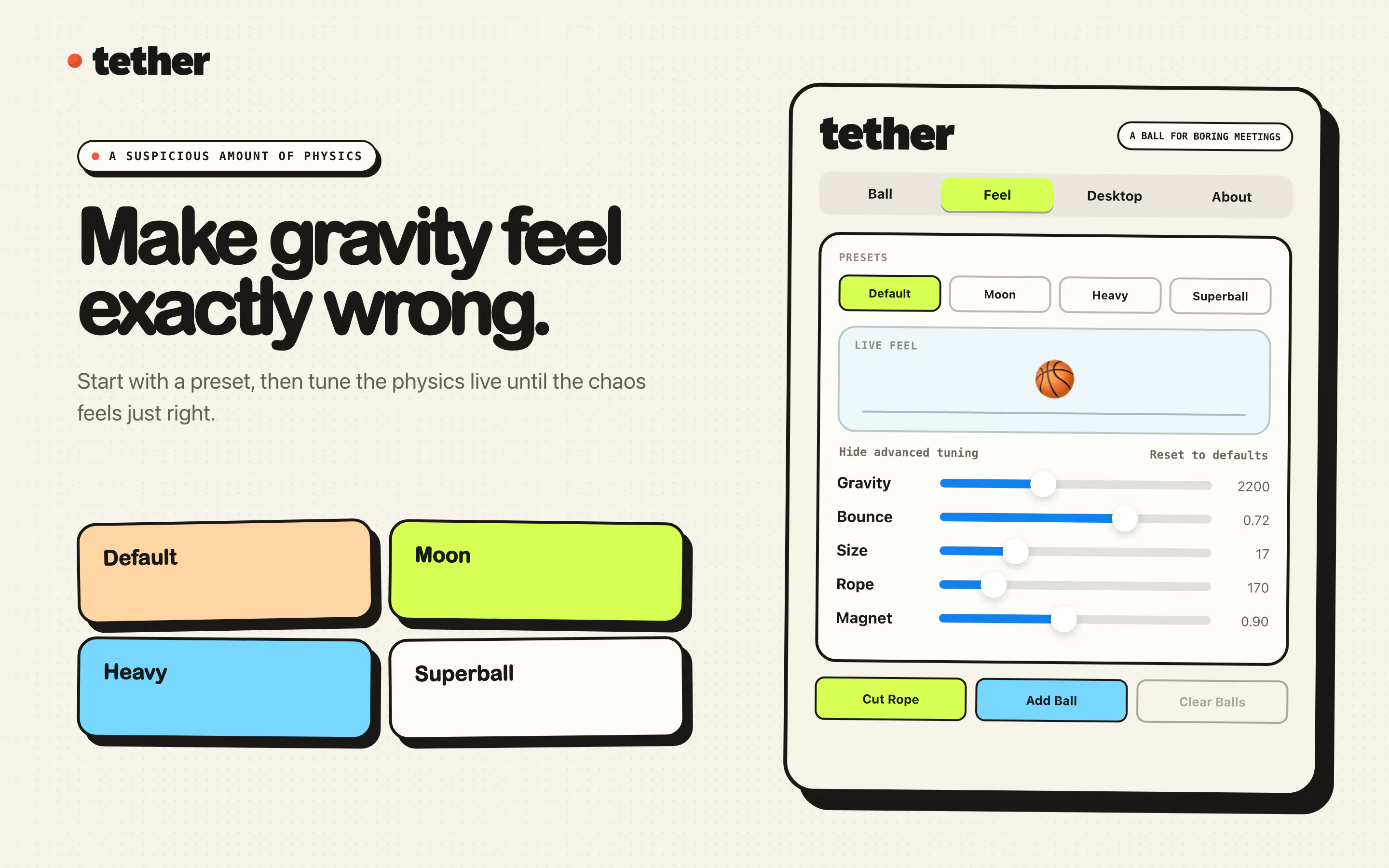
- Adjust gravity, bounce, size, and rope behavior
- Add multiple balls that collide with each other
About
A ball hangs from your Mac menu bar on an elastic tether. Drag it, fling it, slingshot it. It bounces off your actual app windows, rolls along their edges and settles into the Dock. Cut the rope and it goes loose across the desktop. Real physics, not a canned animation, so it never does the same thing twice. One key hides it the instant somebody says your name. No account, no subscription, nothing leaves your Mac.
Use Cases
- Physics-based fidget toy in menu bar for video calls—drag and fling the ball without taking up screen space
- Use the one-key hide feature to instantly conceal Tether when someone says your name in a meeting, keeping your engagement subtle and professional
- Ball interacts with app windows and dock, providing tactile feedback from real physics calculations as you work
- Cut the rope to release the ball across your desktop during solo work sessions for a more dynamic fidgeting experience when you need a mental break
- Run Tether completely offline with no account, subscription, or data leaving your Mac—install once and use indefinitely as a private desktop toy
Pricing
One-time purchase with no subscription required.
FAQ
What is Tether, actually?
A ball on an elastic rope hanging from your Mac's menu bar. Drag it, throw it, cut it loose and bounce it off your windows. That's the app.
Does it get in the way?
No. It doesn't steal focus, and clicks pass through everywhere except the ball and visible rope. Press ⌥F and it disappears instantly.
Why not just use my phone?
Your phone takes you out of the room. Tether gives your hands something to do while your ears stay in the meeting.
What data does it collect?
None. No account, telemetry or cloud. Your bounce count stays on your Mac.
Does it make any noise?
No. The ball can hit a window at unreasonable speed and your colleagues will remain blissfully unaware.
Do I have to be in a meeting?
No. Tether has no relationship with your calendar and no respect for business hours.
What happens if I cut the rope?
The ball becomes free-range and starts bouncing around your desktop. Reattach it whenever the experiment has gone far enough.
Is this productivity software?
Absolutely not. It may, however, stop you opening your phone and losing ten minutes to a man restoring a rusty toaster.
Alternatives
- FinTap
For remote workers: FinTap is a 3D multiplayer aquarium in your browser where you feed fish and relax with global players.
- QuakPit
For Mac users: Quakpit sends animated animals across your screen before meetings start so you never miss a calendar event again.
- Pokey
For remote presenters: Pokey animates your cursor into an expressive hand pointer so your audience stays engaged during Zoom and Meet calls.
- Raybeam
For macOS users: Raybeam enables flexible screen sharing of draggable regions across Zoom, Slack, Teams—ideal for multi-monitor setups.
- Clawther
For teams: Clawther gives AI agents a task board instead of chat, enabling parallel task tracking and team collaboration like human teammates.
- Glaze by Raycast
For Mac users: Glaze turns your app ideas into real dock apps via chat, so you get personal software that works offline and launches instantly.
Ask AI
ChatGPT Claude Perplexity Grok
For agents
llms.txt · llms-full.txt · ai.txt · Live fact sheet · Full catalog (.md) · Endpoint index · API spec · REST access · Agent server · Server manifest · Server discovery