
SADFinder
For macOS users: SADFinder is a keyboard-first file manager that speeds up folder navigation and file workflows with tabs and custom shortcuts, saving you time daily.
Built by Cristian Barin and SADFinder · Productivity · Paid
In category: #489 of 1396 · Productivity
SADFinder is a Community listing on Launch Llama with 29 total upvotes, founded by Cristian Barin and SADFinder who joined in Jul 2026, compared against 6 alternatives.
Community listing
Listing status
29upvotes
Community score
Cristian Barin and SADFinder (Joined Jul 2026)
Founder
Compared against 6 alternatives
Market comparison
Launched on Launch Llama Jul 27, 2026 · #76 of 128 that day
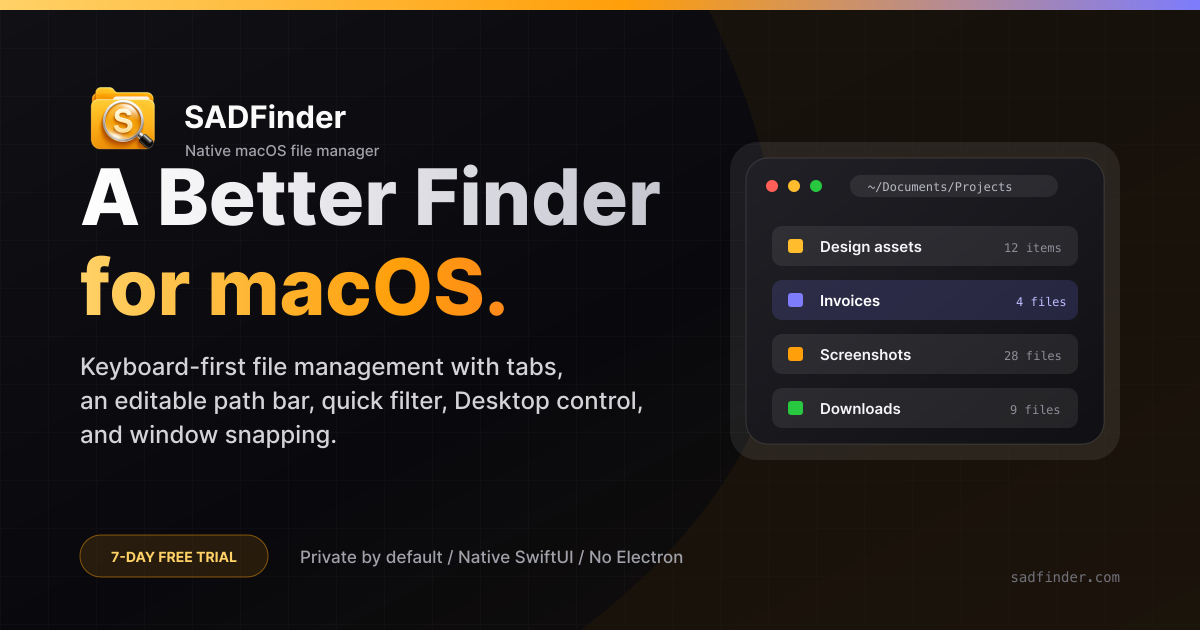
About
SADFinder is a native, keyboard-first file manager for macOS 15 and later. Navigate folders, open files, and manage everyday file workflows with tabs, customizable keyboard shortcuts, appearance controls, large-text mode, and multiple interface themes. A 7-day free trial is available without a credit card. Plans start at $5/month, $29/year, or $49 lifetime, and one license works on up to three Macs.
Follow SADFinder: X (Twitter)
Use Cases
- Moving files between folders with keyboard cut and paste (Cmd+X, then Cmd+V) across tabs or windows instead of dragging with the mouse
- Renaming, filtering, and duplicating files in a folder without leaving the keyboard, using shortcuts like Cmd+R, Cmd+Shift+F, and Cmd+D
- Handing a file from any app's Open dialog to the right app by placing a full SADFinder window beside the Dialog Picker and dragging the file onto its drop zone
Who it is for
- macOS users who prefer keyboard-driven file management over mouse-based Finder navigation
- People who frequently juggle many folders and want tabs, favorite folders, and a typeable path bar
- Users who want built-in window snapping and a more capable Finder replacement on their Mac
Pricing
Start with a free trial, no card needed. Plans are $5/month, $29/year, or $49 once, each covering up to 3 Macs.
FAQ
What is SADFinder?
SADFinder is a file manager for macOS built for people who miss Windows Explorer. It adds real tabs, an editable path bar you can type into, a quick filter, proper control over your Desktop, and Rectangle-style window snapping — all native and keyboard-first.
What do I need to run it?
macOS Sequoia or Tahoe, on Apple Silicon or Intel. It needs roughly 200 MB of disk space and runs comfortably in 2 GB of RAM. The full list is on the system requirements page.
How do I install it?
Download the .dmg from this site, drag SADFinder into your Applications folder, and launch it. On first launch macOS asks for a few permissions — allow them so window snapping and the global shortcuts work.
How is it different from Finder?
Finder hides the file path, forgets your tabs between sessions, and has no window snapping. SADFinder gives you a path bar you can click into and edit, tabs that stay where you left them, real Desktop control, and snap-to-half-or-quarter shortcuts. The migration guide maps it to the muscle memory you already have.
Is SADFinder a Finder alternative?
Yes. SADFinder is a Finder alternative for macOS that brings Windows File Explorer-style behavior to the Mac: Enter opens a folder or file, the Delete key (⌫) sends to the Trash, Alt+Up goes up a level, and Cmd+R renames in place. It is a true Mac app — small, fast and built keyboard-first — for people who miss Windows Explorer or find Finder limiting.
Is there a free trial?
Yes — 7 days, every feature, no credit card to start. We email a reminder before it ends; nothing is charged unless you continue on a paid plan.
Do I need a card to start the trial?
No. The 7-day trial starts with just your email — no card. You only enter payment details if you continue on $5/month or $29/year, or buy the $49 lifetime license.
How much does it cost after the trial?
$5 per month, $29 per year, or $49 as a one-time lifetime purchase for up to 3 Macs. Every plan includes the same app with ongoing updates and improvements. See the pricing page for details.
How many Macs can I use it on?
Up to 3 of your Macs at the same time, on a monthly subscription or lifetime license.
How do I cancel?
Cancel any time from the Billing section of your account. You keep access until the end of the period you've already paid for.
Alternatives
 HejourFor Mac users: Hejour links daily notes with todos and reminders so your thoughts persist across days without relying on cloud servers.
 Strata FilesThe file manager your Mac deserves: instant search, dual pane, disk usage map
Ask AI about SADFinder
Supporters
1 founder
1 founder supported SADFinder on Launch Llama.