CleanShot 5.0 with Studio Mode
For Mac users: CleanShot 5.0 captures screenshots and recordings with built-in annotation and Quick Access so you share polished visuals instantly.
Built by Luke Oslizlo, Paweł Magiera, and Chris Messina · Paid
CleanShot 5.0 with Studio Mode is a Product Hunt listing on Launch Llama with 278 total upvotes, founded by Luke Oslizlo, Paweł Magiera, and Chris Messina who joined in Sep 2026, compared against 6 alternatives.
Product Hunt listing
Listing status
278upvotes
Community score
Luke Oslizlo, Paweł Magiera, and Chris Messina (Joined Sep 2026)
Founder
Compared against 6 alternatives
Market comparison

About
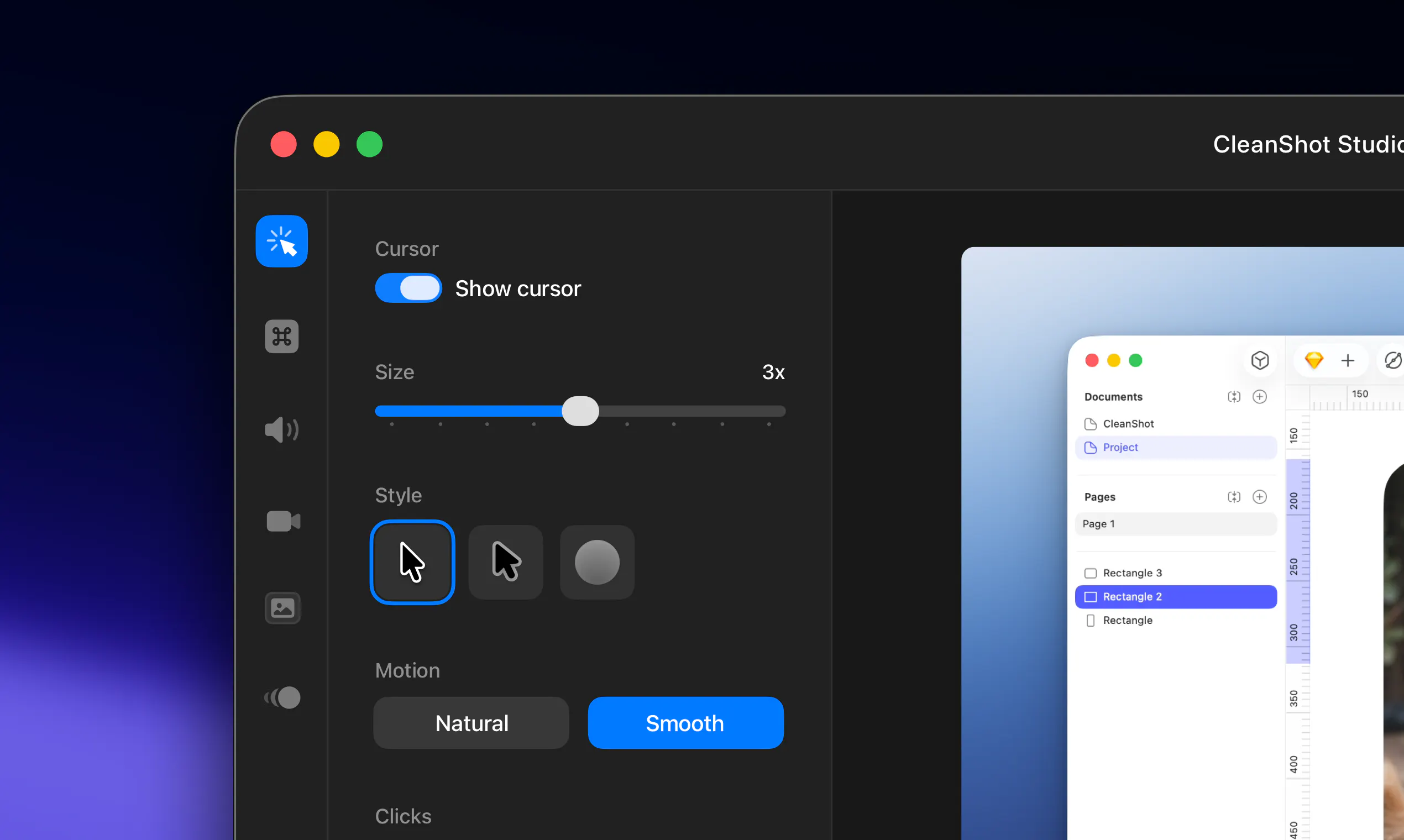
CleanShot is a screenshot and screen recording app for Mac with built-in annotation, cloud uploading, and scrolling capture capabilities. It helps remote teams and individuals share high-quality annotated screenshots and recordings for communication and collaboration.
Launch Llama's Take
Based on Launch Llama data as of
CleanShot 5.0 with Studio Mode has 278 upvotes, including the votes it received on Product Hunt. It has been listed on Launch Llama since September 2026. No Launch Llama members have upvoted it yet and it has no reviews yet.
Key Features
- Record screen with webcam bubble, keystroke display, and audio capture
- Export recordings as polished videos or quick GIFs
- Edit videos with smart zooms and trim mistakes using Studio Mode
- Capture full pages and scrollable content beyond screen boundaries
- Markup screenshots and redact sensitive information before sharing
- Share screenshots and recordings with one-click cloud upload
Use Cases
- Support teams providing annotated screenshots and recordings to help customers troubleshoot issues
- Product builders creating demos and bug reports with polished screen recordings
Pricing
CleanShot Basic costs $35 as a one-time purchase with 1 GB cloud storage. CleanShot Pro costs $10 per user per month billed annually, with unlimited cloud storage and team features.
Founder Guides
Alternatives
 TidyShotFor teams: TidyShot captures and organizes screenshots by app and date, then searches by filename or OCR text instantly across your library.
Ask AI about CleanShot 5.0 with Studio Mode