On Launch Llama

PatentFig AI
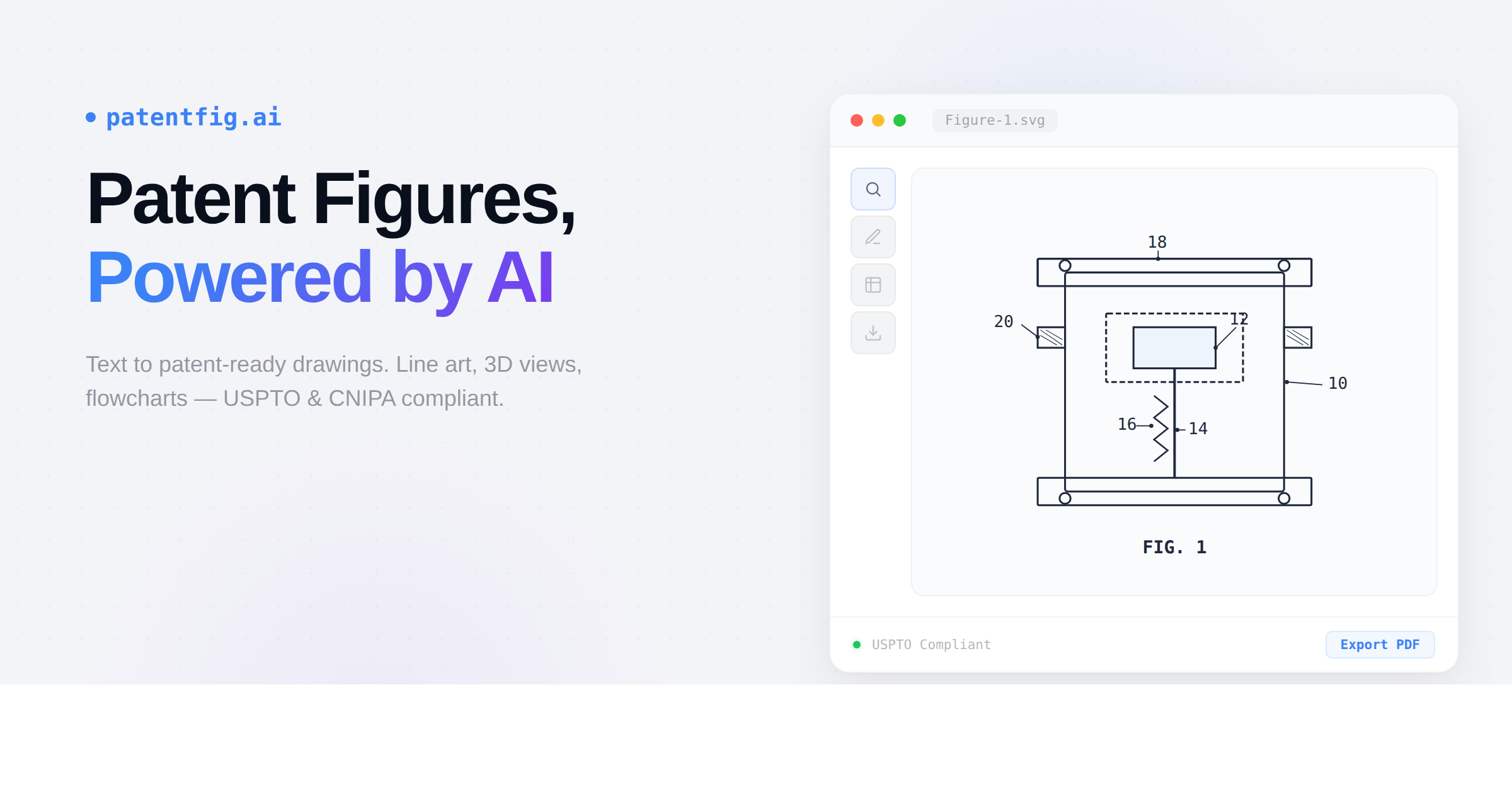
For patent attorneys: PatentFig AI generates USPTO-compliant drawings from photos and sketches so you file patents 10x faster.
Built by local ai
Artificial Intelligence Design Tools Freemium
Visit website → Upvotes · 4
In category: #2187 of 2811 · Artificial Intelligence
PatentFig AI is a Instant Launch listing on Launch Llama with 4 total upvotes across 1 founder supporter, founded by local ai who joined in Jul 2026, compared against 6 alternatives.
Instant Launch listing
Listing status
4upvotes
Community score
local ai (Joined Jul 2026)
Founder
Compared against 6 alternatives
Market comparison
Real numbers
90d
-
42
Views
-
7
Visitors
-
0
Clicks
Public Launch Llama traffic for this listing.
About
PatentFig AI is an AI-native platform that generates patent-compliant drawings from photos, sketches, or text descriptions. It supports line art, 3D renderings, and flowcharts for multiple patent offices including USPTO, EPO, CNIPA, JPO, KIPO, and PCT. Features include natural language editing, multi-view generation, version control, and project management designed for patent attorneys and inventors.
Pricing
PatentFig AI offers a free plan plus paid tiers. See the website for current pricing.
FAQ
What is patent drawing software?
Patent drawing software creates the figures filed with a patent application: black-and-white line drawings, flowcharts, and block diagrams that follow office rules such as USPTO 37 CFR 1.84. PatentFig AI generates these figures from a text description, photo, sketch, or CAD view, lets you revise them in chat, checks them against office rules, and exports filing-ready sheets.
Is there free patent drawing software?
Yes. PatentFig AI is free to start with no credit card: you get 30 credits on the day you sign up and 10 free credits every day after that (daily credits expire the same day), enough to generate figures for your own invention. General-purpose drawing tools are also free, but you format margins, line weights, and reference numerals yourself.
How much does patent drawing software cost compared with an illustrator?
Patent illustrators and drawing services typically charge about $25–$300 per figure, plus fees for revision rounds. PatentFig AI paid plans start at $50 per month for 500 credits — roughly $1 per generated figure — and include editing, compliance checks, and filing-sheet export. See the pricing page for current plans.
What types of patent figures can PatentFig AI generate?
PatentFig AI generates three categories: product structure drawings (line art and 3D renderings with multiple view angles), process/logic diagrams (method flowcharts and system block diagrams), and design patent figure sets (multi-view renderings). All outputs comply with major patent office requirements.
Which patent offices are supported?
We support multi-office patent drawing workflows for CNIPA (China), USPTO (US), EPO (Europe), JPO (Japan), KIPO (Korea), and PCT/WIPO-oriented filing preparation. Each office or filing path has different expectations around line weight, margins, numbering, and presentation that PatentFig AI helps standardize.
How does the credit system work?
Each generation consumes credits based on task complexity. Simple line art typically uses fewer credits than multi-view rendering workflows. Free accounts get 30 credits on sign-up day and 10 free credits every day after that (daily credits expire the same day), while paid plans include larger monthly credit quotas.
Can I edit the generated figures?
Yes. Describe a change in chat, such as “add a cross-section line here” or “change the perspective angle”, and PatentFig AI applies it to the figure. Reference numerals have their own editor: move them, add new ones or renumber them directly on the drawing. Every edit is saved as a new version, so you can always go back.
Can I change reference numerals after a figure is generated?
Yes. Open Edit numerals on any figure: the numerals already on the drawing become editable labels. Drag a numeral to move it, drag the tip of its leader to point at another part, press on a part and drag to add a new numeral, or change and delete numbers in the list. Duplicate numbers and crossing leaders are flagged before you save, and the result is saved as a new version. Numeral editing is included with any paid plan or credit pack.
Can PatentFig AI export drawing sheets ready for filing?
Yes. Filing sheet export lays out the whole figure set for USPTO, EPO, PCT, CNIPA, JPO or KIPO: A4 pages with that office’s margins, figure labels such as FIG. 1 or 图1, and sheet numbers, in black and white at 300 DPI as PDF or TIFF. For JPO and KIPO, which take one image per figure, it exports images instead. Each sheet is checked before export and the package includes a compliance report. Filing sheet export is included with any paid plan or credit pack.
Is my data secure?
Yes. All uploaded images and descriptions are encrypted in transit and at rest. We do not use your data to train AI models. Files can be permanently deleted from your account at any time.
Alternatives
- ManualFig
For product teams: ManualFig converts product photos into line drawings and assembly instructions so you ship manuals in hours, not weeks.
- Lafoto
For creators: Lafoto generates professional AI photos and graphics from text prompts in seconds without design skills Lafoto keeps the workflow clear so you ship outcomes with less busywork.
- MakeImg AI
For creators: MakeImg AI generates 4K images with FLUX, Nano Banana Pro, and Seedream models, supporting 50+ languages and commercial use instantly.
- Cadence IP
For IP attorneys: Cadence IP centralizes patent, trademark, and design matters with configurable workflows so your firm standardizes processes without losing expertise.
- RoboNeo AI Image Generator
For designers: RoboNeo transforms text and photos into professional visuals, stickers, and product shots so you create faster without hiring.
- ai flowchart
For product and ops teams: AI Flowchart converts plain text or sketches into editable diagrams, exportable as PNG, SVG, or PDF.
Supporters
1 founder1 founder contributed 4 upvotes to PatentFig AI on Launch Llama.
Ask AI
ChatGPT Claude Perplexity Grok
For agents
llms.txt · llms-full.txt · ai.txt · Live fact sheet · Full catalog (.md) · Endpoint index · API spec · REST access · Agent server · Server manifest · Server discovery