On Launch Llama

LockIn MCP
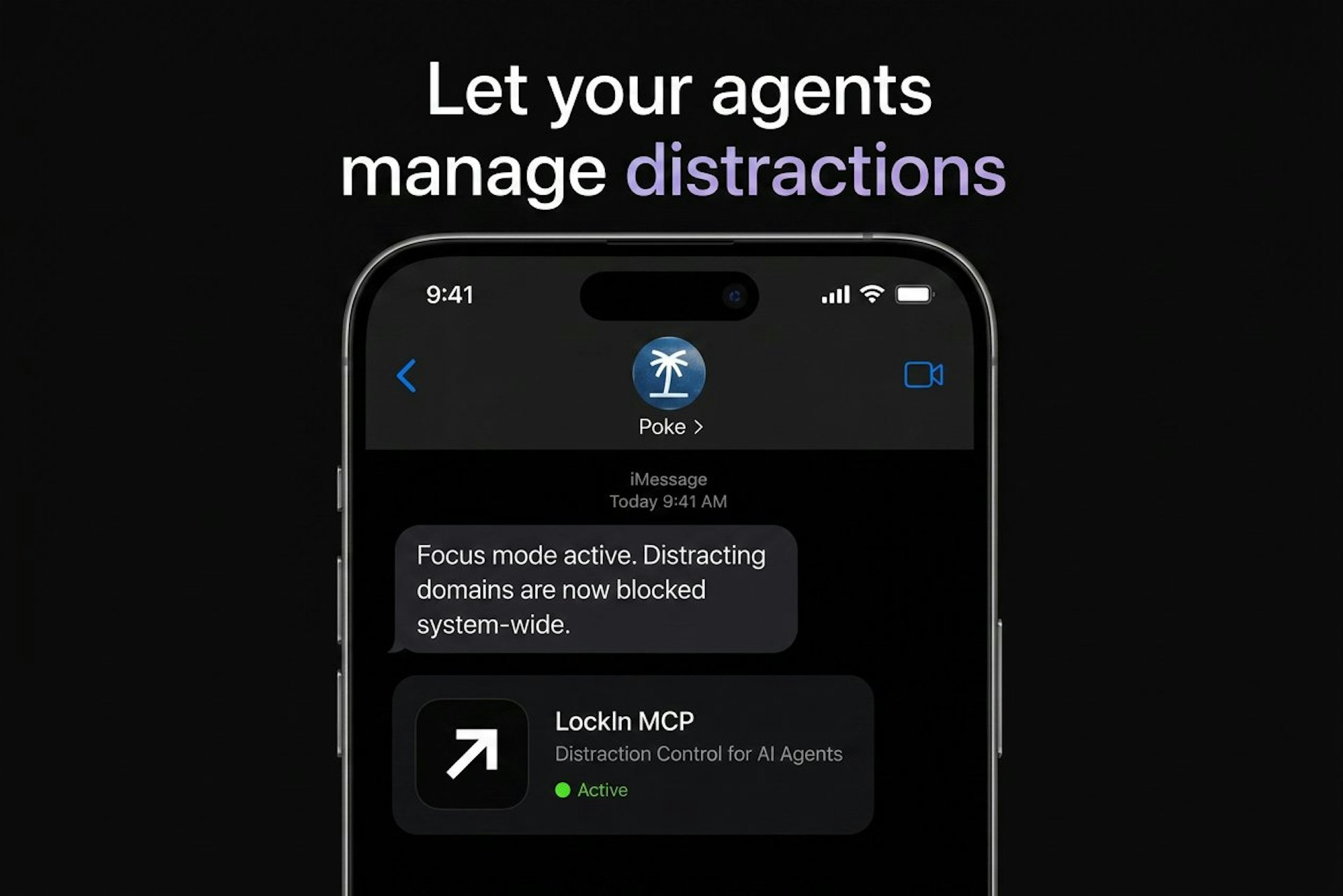
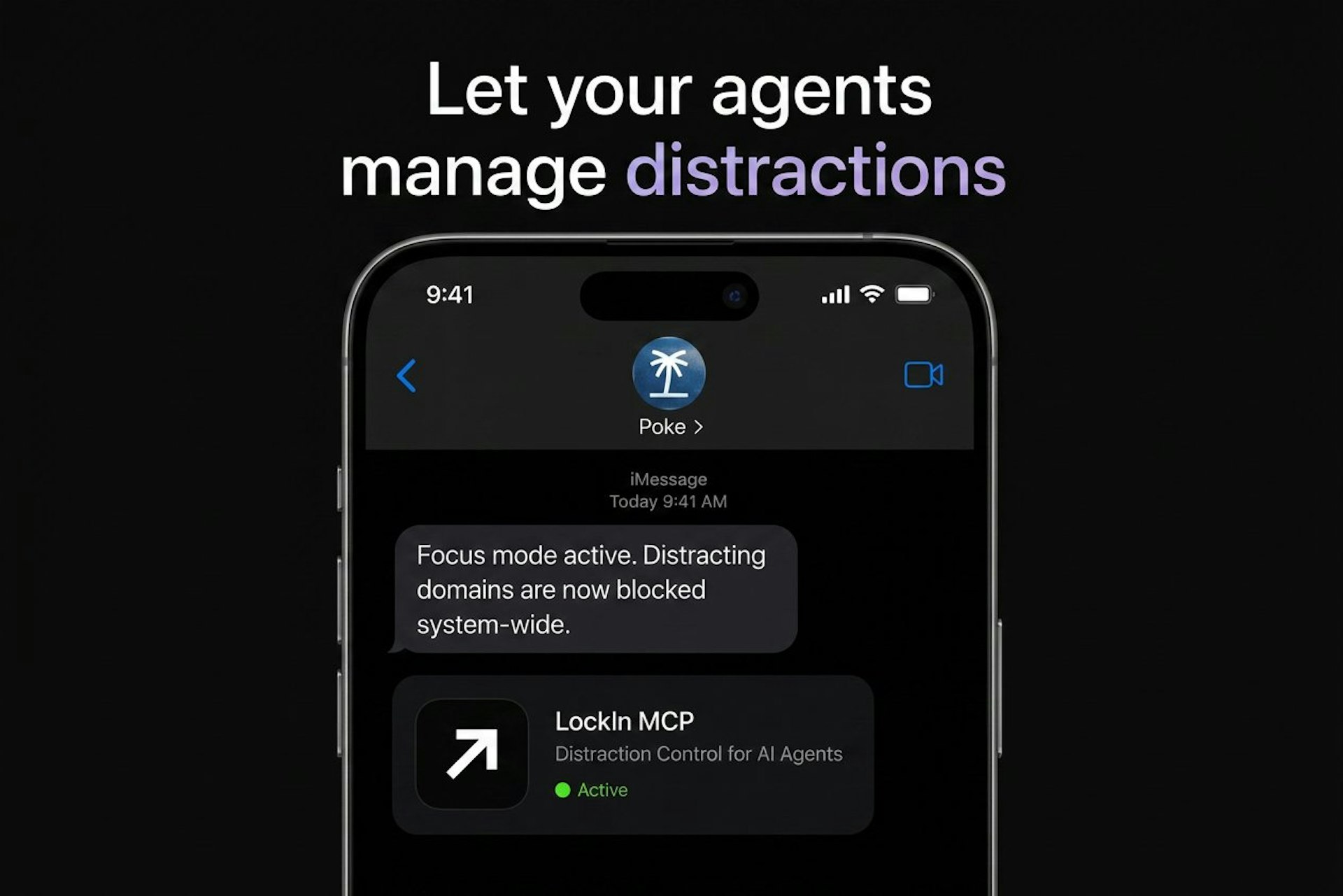
For knowledge workers: LockIn MCP blocks system-level distractions and connects to Claude or ChatGPT so you stay focused with AI accountability.
Built by Mil Hoornaert and Kiog Aser
Artificial Intelligence Productivity Developer Tools Freemium
Visit website → Upvotes · 2
In category: #2667 of 2808 · Artificial Intelligence
LockIn MCP is a Instant Launch listing on Launch Llama with 2 total upvotes across 1 founder supporter, founded by Mil Hoornaert and Kiog Aser who joined in Jul 2026, compared against 6 alternatives.
Instant Launch listing
Listing status
2upvotes
Community score
Mil Hoornaert and Kiog Aser (Joined Jul 2026)
Founder
Compared against 6 alternatives
Market comparison
Real numbers
90d
-
43
Views
-
15
Visitors
-
0
Clicks
Public Launch Llama traffic for this listing.
Key Features
- Delivers system-level distraction blocking
- Delivers unbypassable blocking by default
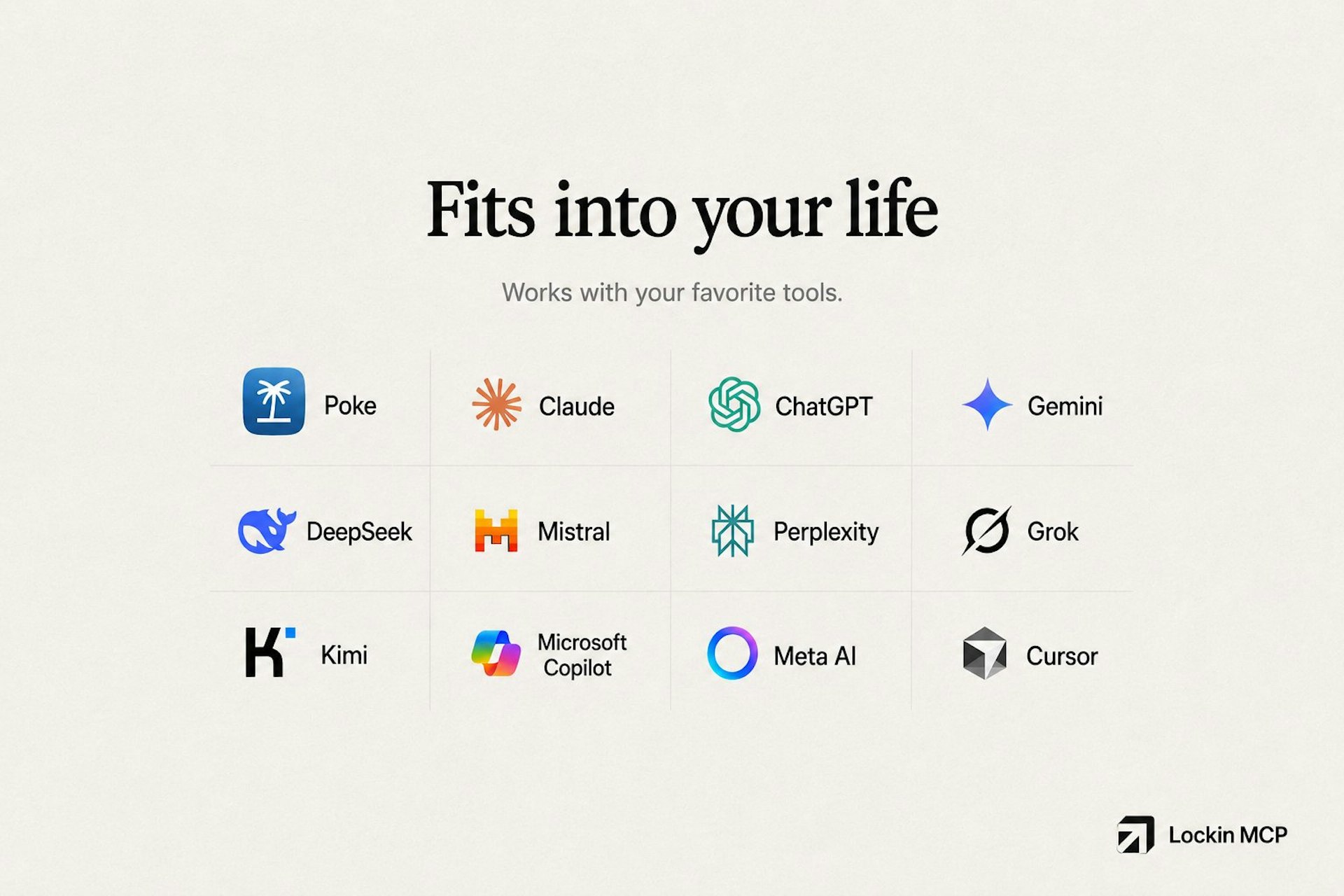
- Connects with all your favourite AI agents
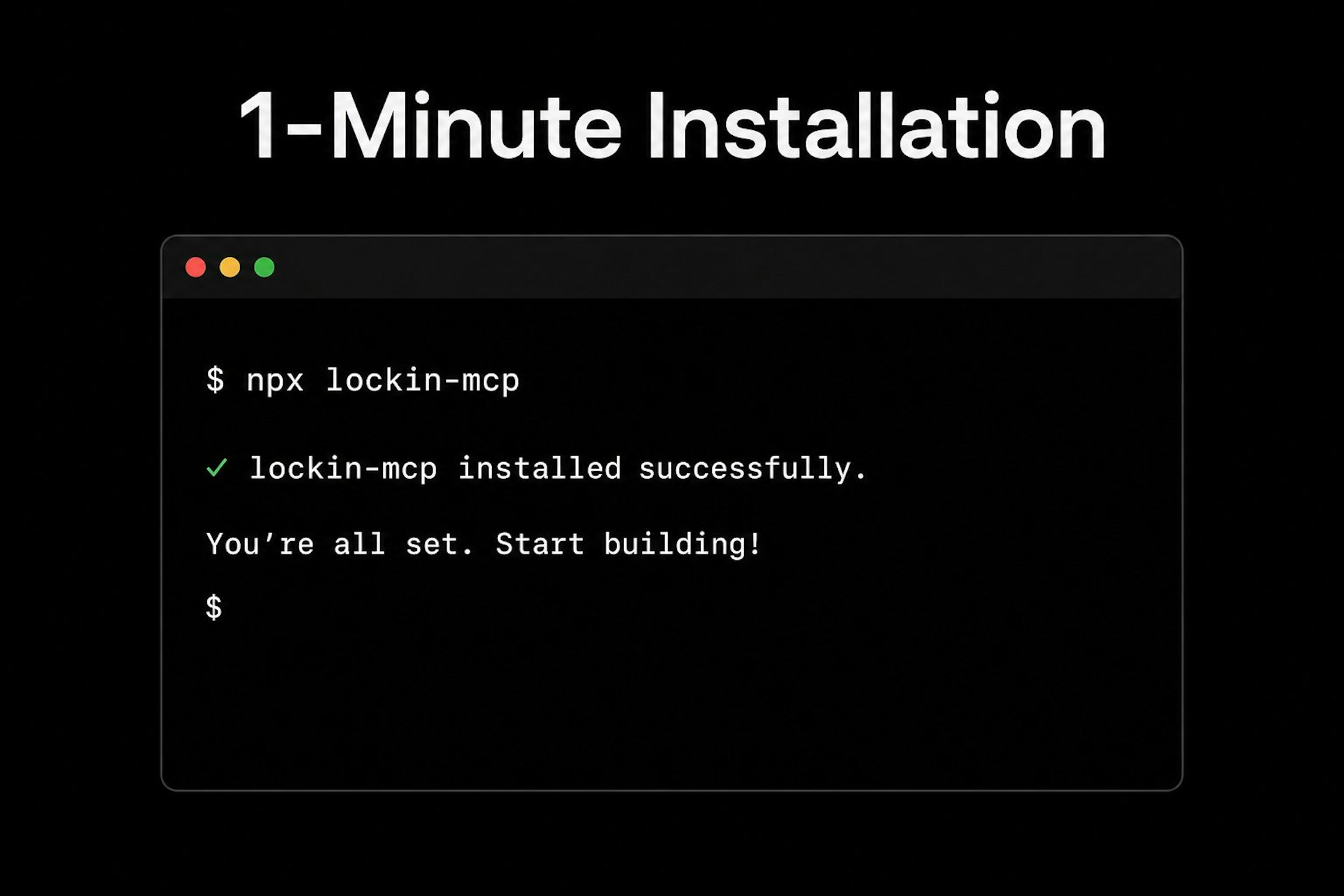
- Delivers simple one-minute setup
About
LockIn is a system-level distraction blocker that integrates with AI tools like Claude, ChatGPT, Perplexity, and Gemini to help you stay focused. It blocks distractions at the system level through hosts file editing and includes a Chrome extension that intelligently filters content based on your current task. Connect it to your preferred AI assistant to get accountability and dynamic focus management.
Who it is for
LockIn MCP is designed for a range of users, including:
- busy founders and teams looking to increase productivity
- students who need to lock in for their exams
- ai enthusiasts getting distracted while vibe coding
Use Cases
- Eliminate distractions with task-aware blocking
- Let AI control distraction blocking so you don't bypass it
- Easily map out your day by letting agents create a task list
- Learn about your focus habits inside our dashboard
- Stay on track with an AI productivity coach reminding you to stay focused
Pricing
Pricing details for LockIn MCP are available on their official website. Many tools in the productivity category offer free tiers or trials, so it's worth checking if LockIn MCP has one that fits your needs.
Verdict
In the competitive productivity space, LockIn MCP stands out as a solid option. It's gaining traction among founders who value simplicity and results. LockIn is a system-level distraction blocker that integrates with AI tools like Claude, ChatGPT, Perplexity, and Gemini to help you stay focused. If ai-powered distraction blocker for focus and productivity is a priority for your team, it's worth giving LockIn MCP a closer look.
FAQ
What is LockIn MCP?
AI-powered distraction blocker for focus and productivity
Who is LockIn MCP for?
LockIn MCP is designed for a range of users, including: • busy founders and teams looking to increase productivity • students who need to lock in for their exams • ai enthusiasts getting distracted while vibe coding
What problem does LockIn MCP solve?
LockIn MCP is built around this outcome: For knowledge workers: LockIn MCP blocks system-level distractions and connects to Claude or ChatGPT so you stay focused with AI accountability. Use the site demo or docs to confirm it matches the bottleneck you are trying to remove.
What are the main features of LockIn MCP?
LockIn MCP includes: • System-level distraction blocking • Unbypassable blocking by default. • Connects with all your favourite AI agents • Core functionality built around productivity • Simple one-minute setup • Works for solo founders and small teams alike
Is LockIn MCP free to start?
Pricing details for LockIn MCP are available on their official website. Many tools in the productivity category offer free tiers or trials, so it's worth checking if LockIn MCP has one that fits your needs. Most freemium tools let you validate the workflow before upgrading — check what the free tier unlocks for your use case.
How much does LockIn MCP cost?
Visit the LockIn MCP website for the latest pricing details. You can discover and review LockIn MCP for free on Launch Llama.
How does LockIn MCP use AI?
LockIn MCP uses AI as part of its workflow. Before relying on it for customer-facing or confidential work, confirm what data is sent to models, whether outputs are editable, and how you can review results.
Is LockIn MCP worth trying?
It promises: For knowledge workers: LockIn MCP blocks system-level distractions and connects to Claude or ChatGPT so you stay focused with AI accountability. A concrete use case founders care about: Eliminate distractions with task-aware blocking. Worth trying if that problem is painful for you this week; skip it if you only need a one-off workaround you already have.
How do I try LockIn MCP?
Open the official LockIn MCP website from this page, run the smallest real task you care about (not a toy demo), and decide in one session whether it removes friction. Check pricing and data/privacy terms before you put production work into it.
What category does LockIn MCP belong to?
LockIn MCP is listed under Productivity, Artificial Intelligence, Developer Tools on Launch Llama.
Alternatives
- Notion MCP
For AI users: Notion MCP connects ChatGPT, Claude, and Cursor to your workspace for real-time read/write access and context-aware automation.
- TabAI
For knowledge workers: TabAI auto-captures tasks from tabs and tools, organizes them with AI, and blocks distractions to keep you focused.
- Pushary
For AI developers: Pushary approves agent requests from your phone so Claude, Cursor, and Gemini CLI keep running without manual terminal intervention.
- Akiflow
For busy professionals: Akiflow unifies tasks and calendars from Claude, ChatGPT, or Cursor so you reclaim hours through time blocking.
- DeepLock
For smartphone users: DeepLock automatically blocks distracting apps like Instagram and YouTube when your limit is reached, enforcing hard boundaries without reminders or willpower.
- Intentionist
For Mac users: Intentionist blocks distractions and runs timers so you protect focused work sessions and actually complete your next steps.
Supporters
1 founder1 founder contributed 2 upvotes to LockIn MCP on Launch Llama.
Reviews
5.0 · Based on 1 review
LockIn MCP Breakdown has great potential! A few improvements could make it even better. I'd love to share my feedback and suggestions. WhatsApp: https://wa.me/447307349530 Telegram: t.me/rforrank
Ask AI
ChatGPT Claude Perplexity Grok
For agents
llms.txt · llms-full.txt · ai.txt · Live fact sheet · Full catalog (.md) · Endpoint index · API spec · REST access · Agent server · Server manifest · Server discovery