Free Color Tool
For designers: Free Color Tool extracts colors, generates palettes, and checks accessibility so you build cohesive designs fast.
Built by ethen james · Productivity · Developer Tools · Design Tools · Free
In category: #677 of 1396 · Productivity
Free Color Tool is a Community listing on Launch Llama with 14 total upvotes, founded by ethen james who joined in Jul 2026, compared against 6 alternatives.
Community listing
Listing status
14upvotes
Community score
ethen james (Joined Jul 2026)
Founder
Compared against 6 alternatives
Market comparison
Launched on Launch Llama Jul 27, 2026 · #92 of 128 that day
About
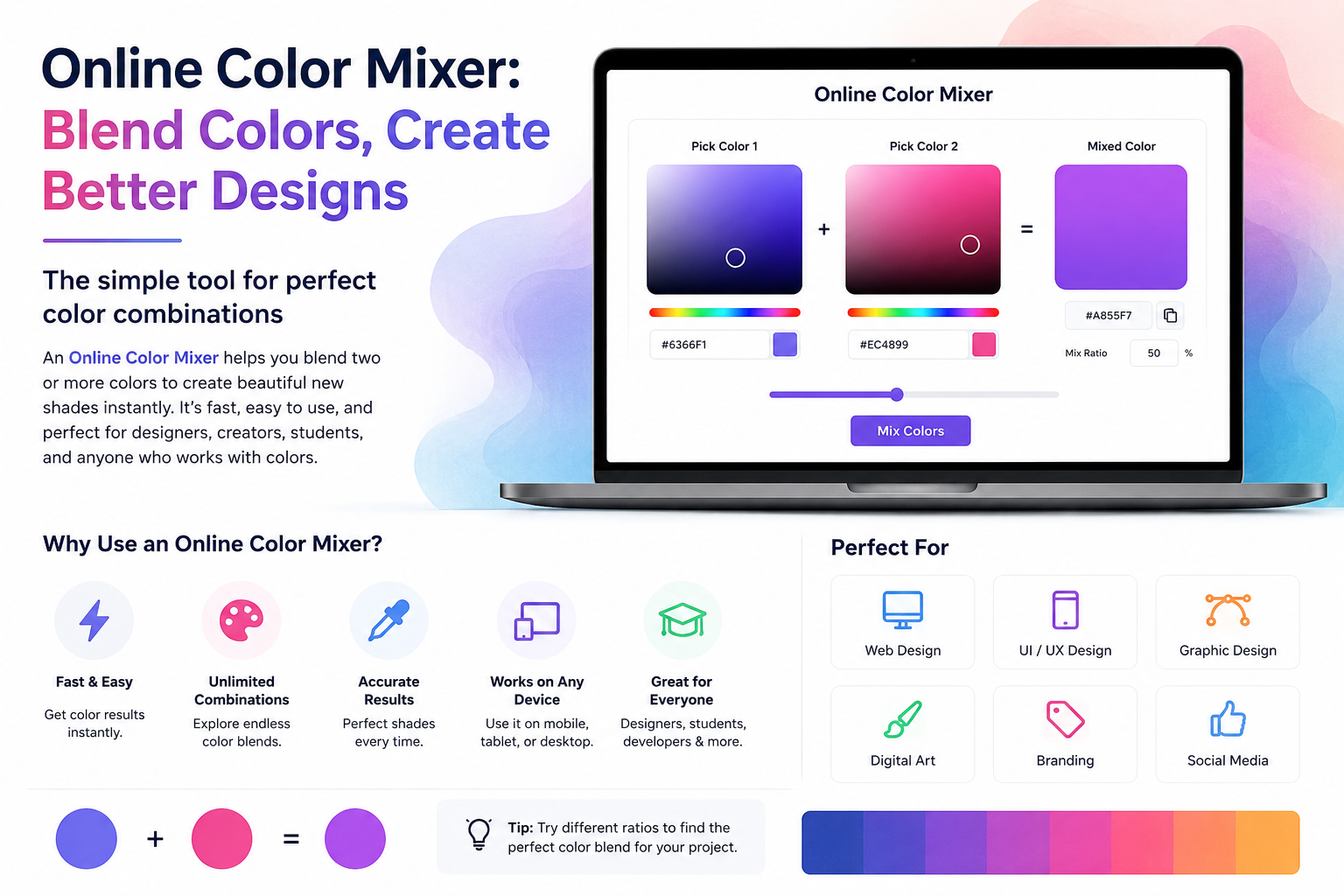
Free Color Tool is a free browser-based toolkit for designers, developers, and startup teams. It includes an online color picker, image color picker, SVG recolor tool, color mixer, palette generator, Tailwind color generator, CSS gradient generator, and WCAG contrast checker. Users can extract HEX codes from images, recolor SVG icons, mix colors online, create UI palettes, and check accessibility without login or download.
Use Cases
- Pull a usable color palette from a photo, screenshot, logo, or illustration for a design project
- Recolor an SVG icon, logo, or illustration to match a new brand or theme without editing source code
- Generate a CSS linear, radial, or conic gradient and copy the code into a website or interface
Who it is for
- Designers building brand identities, interfaces, illustrations, or presentations who need cohesive color systems.
- Web developers who need HEX, RGB, HSL, CSS, or Tailwind color output for production projects.
Pricing
Free Color Tool is free to use. See the website for details.
FAQ
What are color tools used for?
Color tools help with everyday tasks such as creating palettes, picking colors, mixing shades, extracting colors from images, detecting real-world colors, recoloring SVGs, generating gradients, and preparing colors for web projects.
What is color theory?
Color theory explains relationships between colors and how those relationships can influence contrast, harmony, hierarchy, mood, and visual communication.
Can I create a color palette from one color?
Yes. A single base color can be expanded into related shades, harmonies, supporting colors, and variations for different design purposes.
Can I pick colors from an image?
Yes. You can upload an image and sample colors directly from it. This is useful for photographs, screenshots, logos, illustrations, and visual inspiration.
Can I detect colors from real objects?
Yes. The Color Detector can use camera input to sample colors from physical objects and environments.
Can I recolor an SVG without editing its code?
Yes. You can use the SVG Recolor Tool to change colors visually instead of manually searching through the SVG source.
Can I create gradients for CSS?
Yes. The CSS Gradient Generator lets you create different gradient types, adjust colors and stops, and generate CSS for web projects.
Are these color tools free?
Yes. The core tools are available online for free, so you can experiment with colors and complete common color tasks without paid design software.
Alternatives
 ToolsKit.ccFree online tools for developers and everyday file tasks, including JSON formatting, Base64 encoding, PDF merging and splitting, and SEO utilities.
Ask AI about Free Color Tool
Supporters
13 founders
13 founders supported Free Color Tool on Launch Llama.


