On Launch Llama

ForthWrite
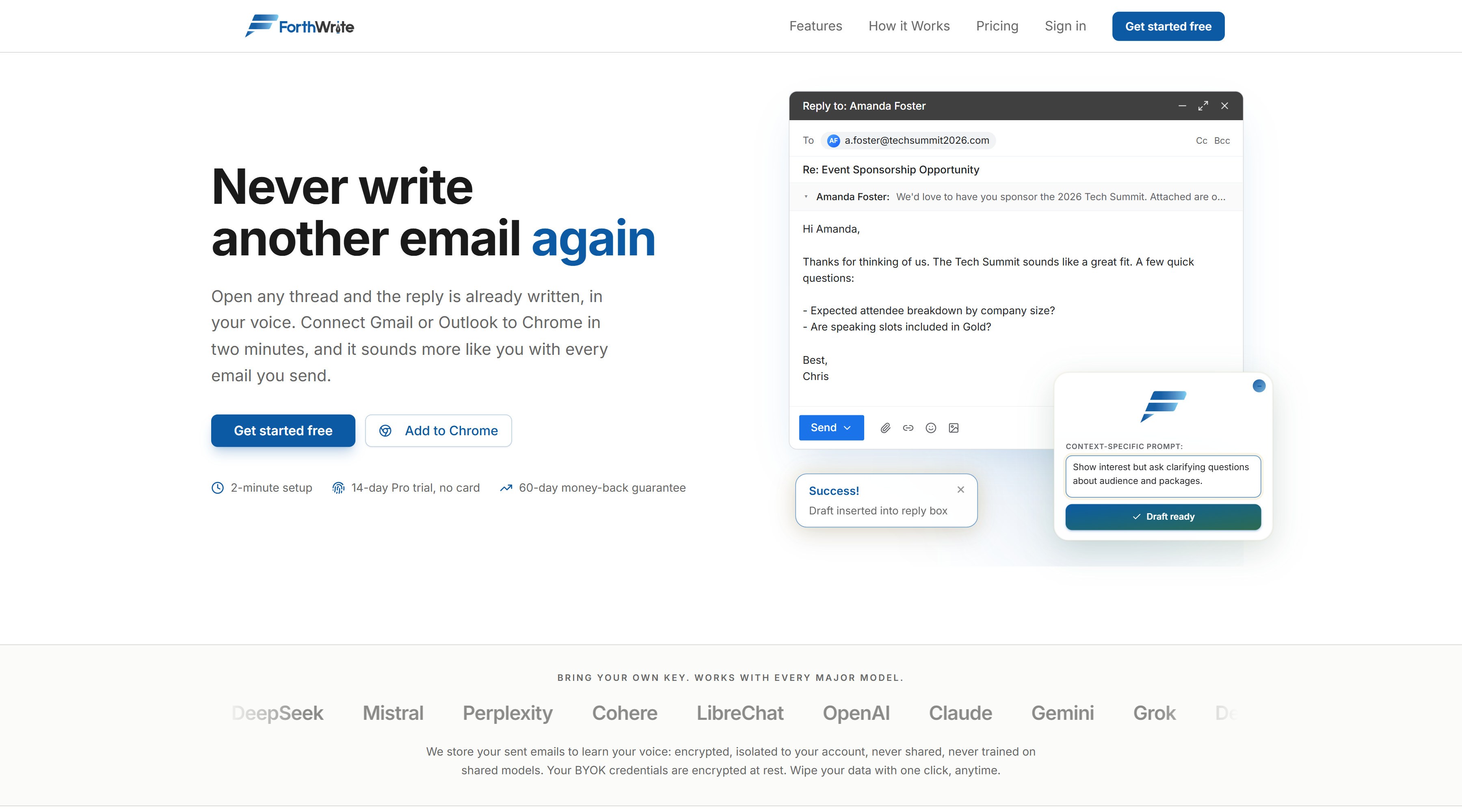
For busy professionals: ForthWrite drafts email replies in your voice so you spend less time writing and more time on what matters.
Built by Mussad Shahid
Artificial Intelligence Productivity Freemium
Visit website → Upvotes · 6
In category: #2106 of 2811 · Artificial Intelligence
ForthWrite is a Instant Launch listing on Launch Llama with 6 total upvotes across 3 founder supporters, founded by Mussad Shahid who joined in Jul 2026, compared against 6 alternatives.
Instant Launch listing
Listing status
6upvotes
Community score
Mussad Shahid (Joined Jul 2026)
Founder
Compared against 6 alternatives
Market comparison
Real numbers
90d
-
59
Views
-
8
Visitors
-
0
Clicks
Public Launch Llama traffic for this listing.
About
ForthWrite is an AI email assistant that generates draft replies matching your unique writing style across Gmail and Outlook. It learns from your sent emails to improve accuracy over time, supports multiple AI models (OpenAI, Claude, Gemini, etc.), and includes features like auto-drafting, performance analytics, and voice matching. Your data stays private and encrypted in your account.
Pricing
ForthWrite offers a free plan plus paid tiers. See the website for current pricing.
FAQ
Do I need my own API key?
No. Every paid plan includes "AI Included" by default. We handle all the AI infrastructure and you just write emails. The free tier also gives you 10 AI-powered drafts per week with no setup, no API key, and no credit card. The optional "BYOK" (Bring Your Own Key) toggle is a ~17% discount for users who already have their own OpenAI, Anthropic, Google, or xAI key and prefer to pay that provider directly.
I'm not technical. Should I worry about API keys?
No, and you shouldn't have to. Pick AI Included (the default) and ignore the BYOK toggle entirely. Your subscription covers the AI cost, you'll never see a separate API bill, and every feature works identically. BYOK exists purely as a cost-saver for users who already have an API key from another project. It's a discount, not a better plan.
What's the difference between AI Included and BYOK?
Feature-for-feature, the two variants are identical. With AI Included, ForthWrite pays the upstream AI provider on your behalf and you pay one flat subscription. With BYOK (Bring Your Own Key), you connect your own API key, pay the AI provider directly for what you use, and earn a ~17% discount on your ForthWrite subscription. AI Included is the right pick for most people; BYOK only saves money if you're comfortable managing an API key and a separate provider bill.
What happens when I start a free trial?
All paid plans start with a 14-day free trial. No charge until the trial ends. After that, your features are available immediately and we'll prorate the difference if you switch plans.
What is the "Sound like you" guarantee?
If your drafts don't sound like you within 60 days, we'll schedule a 30-minute call to tune your voice profile together. If it's still not clicking after that, we'll refund everything. No questions, no forms.
Can I cancel anytime?
Yes. Cancel anytime through your billing portal. You'll keep full access until the end of your billing period, and you can always downgrade to the free plan instead of leaving entirely.
What's included in the free plan?
The free plan gives you 10 AI-generated drafts per week with voice matching already included, with no API key or credit card required. Upgrade to Pro when you want unlimited drafts, auto-draft, Prompt Lab, and intent-aware coaching.
How do you estimate time and money saved?
The calculator on this page multiplies your hourly rate by the hours you spend drafting email each day, your workdays per month, and a savings rate (default 50%, because ForthWrite speeds drafting rather than clearing your whole inbox). That gives an estimated monthly dollar value you can compare to Pro ($29/mo) or Teams (from $79/seat/mo). After you start drafting, your dashboard tracks a usage-based time-saved estimate you can take to whoever expenses the subscription.
Will Pro sound like me, or generic?
Pro uses a voice profile automatically built from your real sent emails, so drafts pick up your tone, sentence length, greetings, and sign-offs. You can also set a custom persona prompt for specific scenarios.
How does Pro learn my voice over time?
Every email you send through ForthWrite is added to your personal library. When Pro writes a new draft, it pulls in the most relevant past replies you've sent and uses them as live examples, so drafts get smarter and more "you" over time. (The technical name is RAG, or retrieval-augmented generation, if you want to nerd out.)
Alternatives
- Agentys
For busy professionals: Agentys learns your writing voice from Gmail or Outlook and drafts email replies automatically so you spend less time on inbox management.
- Quartz
For busy professionals: Quartz prioritizes your Gmail by importance and drafts replies in your voice, with all AI processing running locally on your Mac for privacy.
- RewriteMate AI Keyboard
For writers: RewriteMate rewrites and refines text in real-time across any app so you ship polished emails, captions, and essays without switching windows.
- Foresty
For professionals: Foresty generates complete email drafts in Gmail and Outlook so you write 10x faster and communicate more effectively.
- Revo AI Email Assistant
For busy professionals: Revo AI connects your meetings, Slack, and CRM to write accurate email replies and handle next-step tasks.
- Slashy Assistant
For busy professionals: Slashy drafts emails in your voice and triages your inbox so you reclaim hours every week for real work.
Supporters
3 founders3 founders contributed 6 upvotes to ForthWrite on Launch Llama.


Ask AI
ChatGPT Claude Perplexity Grok
For agents
llms.txt · llms-full.txt · ai.txt · Live fact sheet · Full catalog (.md) · Endpoint index · API spec · REST access · Agent server · Server manifest · Server discovery