On Launch Llama
Buffer API
For content teams: Buffer API publishes across 11 social platforms via one endpoint so you automate posting and integrate with AI tools without platform switching.
Built by Andrew Yates
Artificial Intelligence API Social Media Freemium
Visit website → Upvotes · 217
In category: #945 of 2811 · Artificial Intelligence
Buffer API is a Product Hunt listing on Launch Llama with 217 total upvotes, founded by Andrew Yates who joined in Jun 2026, compared against 6 alternatives.
Product Hunt listing
Listing status
217upvotes
Community score
Andrew Yates (Joined Jun 2026)
Founder
Compared against 6 alternatives
Market comparison




Real numbers
90d
-
0
Views
-
0
Visitors
-
0
Clicks
Public Launch Llama traffic for this listing.
Key Features
- Schedule and publish posts across multiple social platforms
- Create and manage content ideas in a centralized library
- Connect to AI assistants and automation tools via GraphQL API
- Retrieve analytics and performance data for scheduled content
- Access native connections for Claude, Cursor, and other AI platforms
About
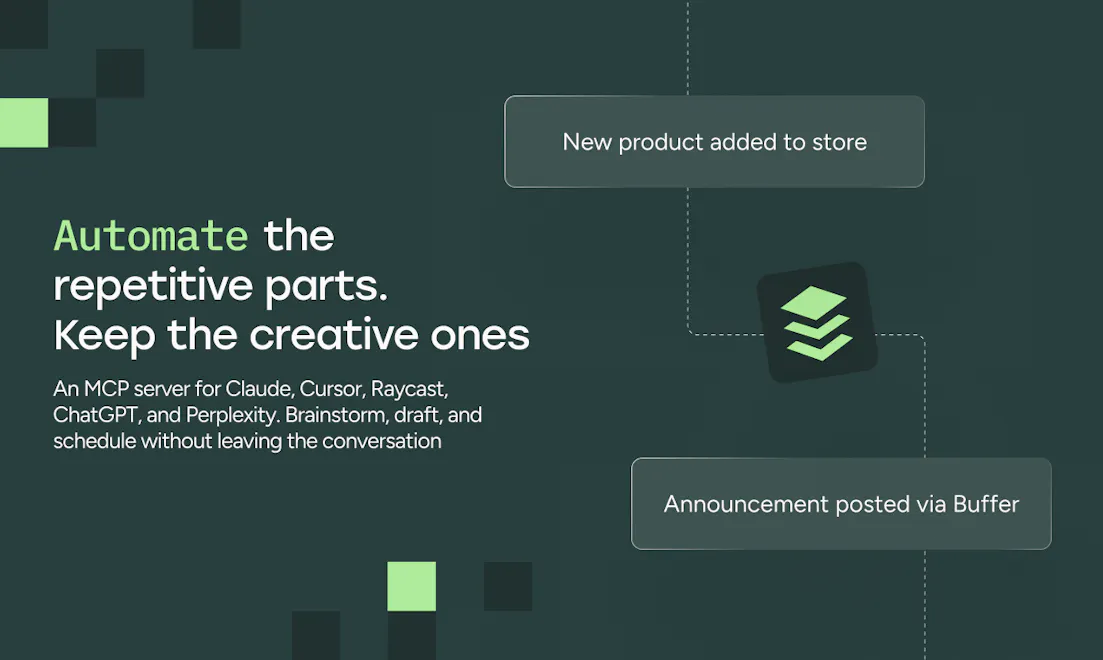
Buffer's API lets you publish and manage content across 11 social platforms through a single endpoint. Connect it to AI assistants, no-code automation tools, or build full custom integrations. Ships with an MCP server, pre-built automation templates, a CLI, and an interactive API explorer. Available on every Buffer plan, including Free.
Use Cases
- Developers building custom social media integrations on top of Buffer
- Marketing teams automating content creation from CMS or internal tools
- Creators scheduling content through AI assistants without manual entry
- Organizations syncing channel data into internal reporting systems
Pricing
API access is available on all current Buffer plans, including Free, with different rate limits depending on plan tier.
FAQ
What is the Buffer API?
The Buffer API is a GraphQL interface that lets you connect your own tools and workflows to your Buffer account. It's designed so you can automate common tasks and build custom integrations on top of Buffer's publishing and planning features.
What can I do with it?
With the current Buffer API, you can perform actions against your own Buffer account and organization. Today, this includes: Creating, fetching, and deleting posts in your queues. Creating ideas in your Ideas library. Retrieving your accounts, organization, and connected channels. In practice, this means you can, for example: Auto-create posts from your CMS or internal tools. Pull scheduled content into your own dashboards. Sync channel and organization details into internal reporting systems.
How do I get started?
To get started you'll need a Buffer account and an API key. Once you're logged in: Go to API in your Buffer account settings . Create a personal API key (recommended for individual use) or an App Client Make your first API request Our developer portal includes example queries to help you fetch your account, organization, channels, and posts.
Is it available on my plan?
Access to the API is available on all current Buffer plans, including Free, with different limits depending on your plan. Each plan includes a specific number of API keys and app clients, plus rate limits over 15‑minute, daily, and 30‑day windows. You can see your plan and upgrade options any time in your billing settings .
How many API keys can I create?
The number of API keys you can create depends on your Buffer plan. Free: 1 API key and 1 app client. Essentials: 3 API keys and 3 app clients. Team: 5 API keys and 5 app clients. You can manage and rotate keys from your API settings in Buffer.
What are the rate limits?
Rate limits are applied per client and vary by plan. For each API key, the current limits are: 15‑minute limit: 100 requests on all plans. 24‑hour limit: 100 (Free), 250 (Essentials), 500 (Team) requests. 30‑day limit: 3,000 (Free), 7,500 (Essentials), 15,000 (Team) requests. If you exceed a limit, the API will return an error and you'll need to wait until usage falls back under the allowed window.
Can partners get higher limits?
Yes. If you are building a partner integration or expect higher usage, you can reach out to the Buffer team to request increased limits. Please reach out to developersupport@buffer.com to discuss options.
Is support available?
Yes, support is available for developers using the API. You can: Use the guides and reference on the Buffer developer portal . Interact with our chat support on both our developer portal and from within Buffer's interface. Contact developer support via developersupport@buffer.com .
What's coming next?
We're continuing to expand what you can do with the Buffer API, including plans to add support for analytics and community features for personal use cases. This will make it easier to bring more of your Buffer insights and engagement workflows into your own tools.
Can I use Buffer with my team?
To create an API key or App Client and to view your API limits, you'll need to be an organization owner in your Buffer account. These will only be visible to you and not your teammates. We will be looking to extend permissions for this in the future.
Founder Guides
Alternatives
- APIDot
For developers: APIDot unifies image, video, music, and chat AI models under one API key, reducing vendor fragmentation and costs while supporting async tasks and webhooks.
- Slack
For teams: Slack's MCP Client connects 20+ apps in one chat so you sign docs, update tickets, and share results without leaving Slack.
- SocialClaw
For AI teams: SocialClaw connects social accounts and schedules posts from AI agents so you publish content at scale without manual workflows.
- Cue
For creators: Cue schedules posts across 8 platforms, auto-times by engagement, and tailors content per audience from one dashboard.
- Groniz
For social media managers: Groniz posts and schedules to 32+ networks via AI agents so you automate content distribution across platforms.
- HTMLShare
For product teams: HTMLShare publishes AI prototypes and HTML files as instant shareable links so you gather feedback without deployment.
Ask AI
ChatGPT Claude Perplexity Grok
For agents
llms.txt · llms-full.txt · ai.txt · Live fact sheet · Full catalog (.md) · Endpoint index · API spec · REST access · Agent server · Server manifest · Server discovery