
VidLoader
For content archivists: VidLoader downloads videos and audio from any website to MP4 or MP3 so you keep reference material offline.
Built by Olugbenga Akinade · Productivity · Developer Tools · Freemium
In category: #330 of 1396 · Productivity
VidLoader is a Community listing on Launch Llama with 36 total upvotes, founded by Olugbenga Akinade who joined in Jul 2026, compared against 6 alternatives.
Community listing
Listing status
36upvotes
Community score
Olugbenga Akinade (Joined Jul 2026)
Founder
Compared against 6 alternatives
Market comparison
Launched on Launch Llama Jul 27, 2026 · #49 of 128 that day
About
VidLoader is a cross-platform tool that lets you save video and audio content from any website, including popular platforms like YouTube and TikTok, directly to your Mac, Windows, or Linux computer. It features auto-monitoring for channels and playlists, and includes a browser extension for convenient downloading from any webpage.
Use Cases
- Archiving reference videos and audio from YouTube, TikTok, and other sites so they stay playable offline if the originals are removed
- Automatically downloading new uploads from playlists, channels, users, or hashtags on a schedule you set
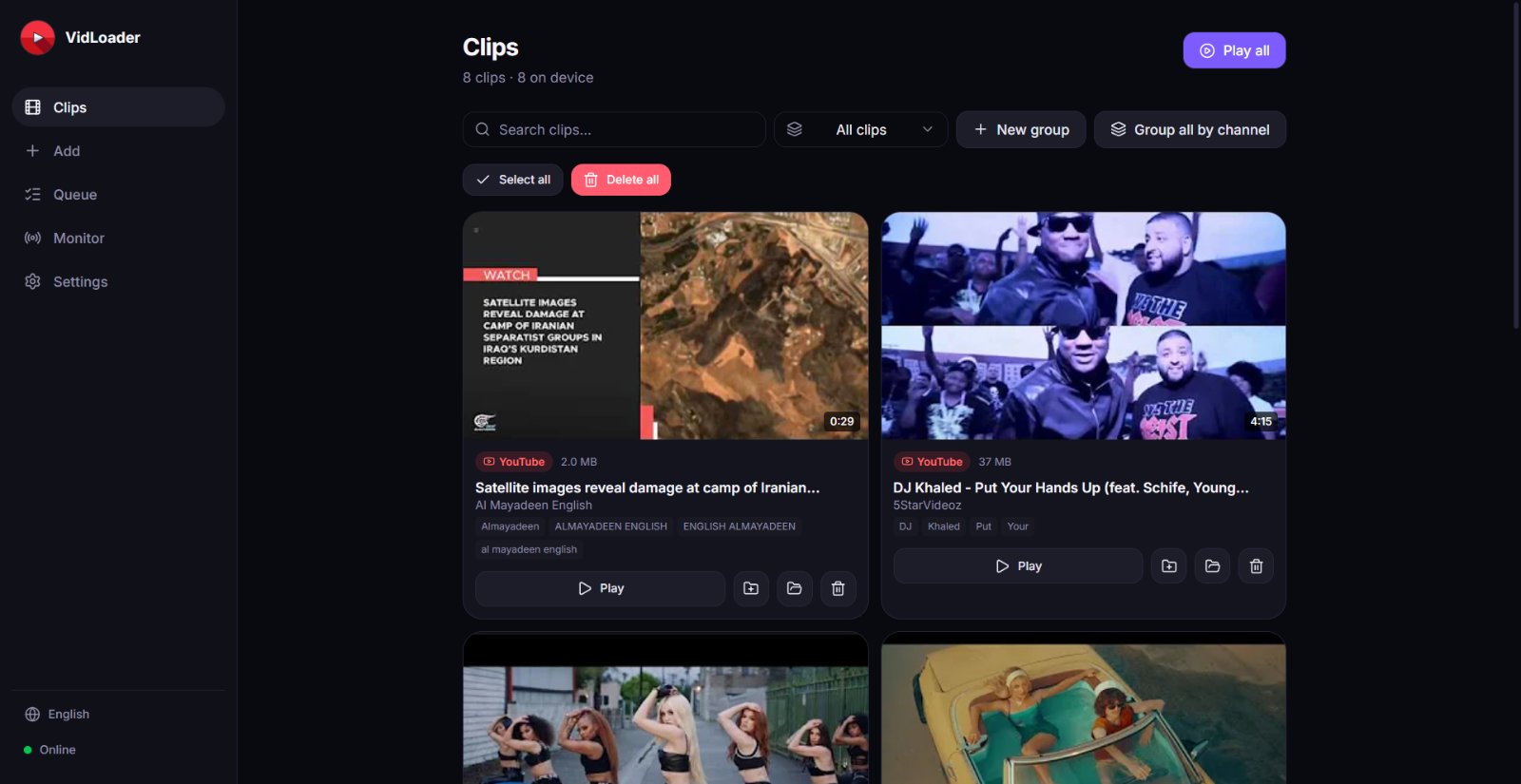
- Streaming a private local clip library to phones, tablets, or smart TVs on your Wi-Fi without leaving the files on a server
Who it is for
- Content archivists keeping offline copies of reference material
- Creators who monitor and archive reference channels for their work
- Editors and media enthusiasts who want a private, searchable local video and audio library
Pricing
VidLoader offers a Plus tier with a 3-day free trial of all Plus features; monitoring channels, playlists, and streaming to other devices are Plus features.
FAQ
Which platforms does VidLoader run on?
VidLoader is a native desktop app for Windows, macOS, and Linux. There's also a companion browser extension for Chrome, Edge, Firefox, and Safari so you can download straight from any video page.
Is it really free?
Yes. Downloading videos and audio, your private library and the browser extension are all free with no account required. The free plan includes 10 downloads a day; VidLoader Plus makes downloads unlimited. The optional VidLoader Plus subscription ($5.99/month or $57.99/year) adds automatic monitoring of channels, playlists, users, and hashtags. It also unlocks the AI toolkit: AI Transcriber, AI Summarizer, auto-generated blog posts & cover images, and AI auto-search with timestamps.
How does the browser extension work?
Install the extension, open any website or video page (YouTube, TikTok, and more), and click the VidLoader icon. It hands the link (and your session cookies for private or age-gated videos) to the desktop app, which downloads it locally. You can also send a whole channel straight to auto-monitoring.
How does auto-monitoring work?
Add a link to a playlist, channel, user, or hashtag in the Monitor tab and set an interval (from every 5 minutes up to every 24 hours). VidLoader quietly checks for new uploads and downloads them automatically. Monitoring is part of VidLoader Plus.
Where are my files stored?
Everything stays on your own machine. VidLoader saves the raw MP4 and MP3 files to your Downloads folder (or any folder you choose), ready to use in your editing software or media player. Nothing is uploaded to a cloud.
What happens if I cancel VidLoader Plus?
Your library is yours forever — every file you downloaded stays on your drive. If you cancel, automatic monitoring simply pauses, and you can keep downloading manually for free as always.
How many videos can I download for free?
The free plan includes 10 downloads a day, in video (MP4) or audio (MP3) at up to 1080p, with no account needed and free lifetime updates. VidLoader Plus removes the daily cap (unlimited downloads) and adds UHD quality, automatic monitoring, live-stream recording and the AI toolkit.
Is VidLoader safe to use?
Yes. VidLoader is a native desktop app installed from vidloader.com; every download runs on your own computer and files are saved to a folder you choose. Nothing is uploaded to a cloud, there are no ads or bundled software, and no account is required. Your browser session is only used, through the official extension, for videos your own account can already see.
Can VidLoader download a whole playlist or channel?
Yes. Paste a playlist, channel or profile link and VidLoader queues every public video in it — you can pause and resume the batch, and the clips are grouped into a collection in your library. With VidLoader Plus you can also monitor the same link so new uploads are downloaded automatically.
Can I download videos in 4K or 8K?
The free plan downloads up to 1080p. VidLoader Plus unlocks UHD downloads — 2K, 4K and 8K whenever the site provides them — and merges the best video and audio streams into a single MP4. You can set the quality per download or once as your default, and Plus smart presets save per-site defaults.
Alternatives
 TransClipperFor content creators: TransClipper transcribes and clips videos with AI so you extract insights and repurpose viral content in minutes.
Ask AI about VidLoader
Supporters
1 founder
1 founder supported VidLoader on Launch Llama.