On Launch Llama

ShareOtter - Turn files into shareable interactive pages
For teams sharing files: ShareOtter converts PDFs and documents into interactive shareable pages with access controls so stakeholders view content instantly without downloads.
Built by Mohit Gangrade
Productivity SaaS Design Tools Freemium
Visit website → Upvotes · 2
In category: #1529 of 1761 · ProductivityTrending this week: #583 of 1761 · Productivity
ShareOtter is a Instant Launch listing on Launch Llama with 2 total upvotes across 2 founder supporters, founded by Mohit Gangrade who joined in Jun 2026, compared against 6 alternatives.
Instant Launch listing
Listing status
2upvotes
Community score
Mohit Gangrade (Joined Jun 2026)
Founder
Compared against 6 alternatives
Market comparison
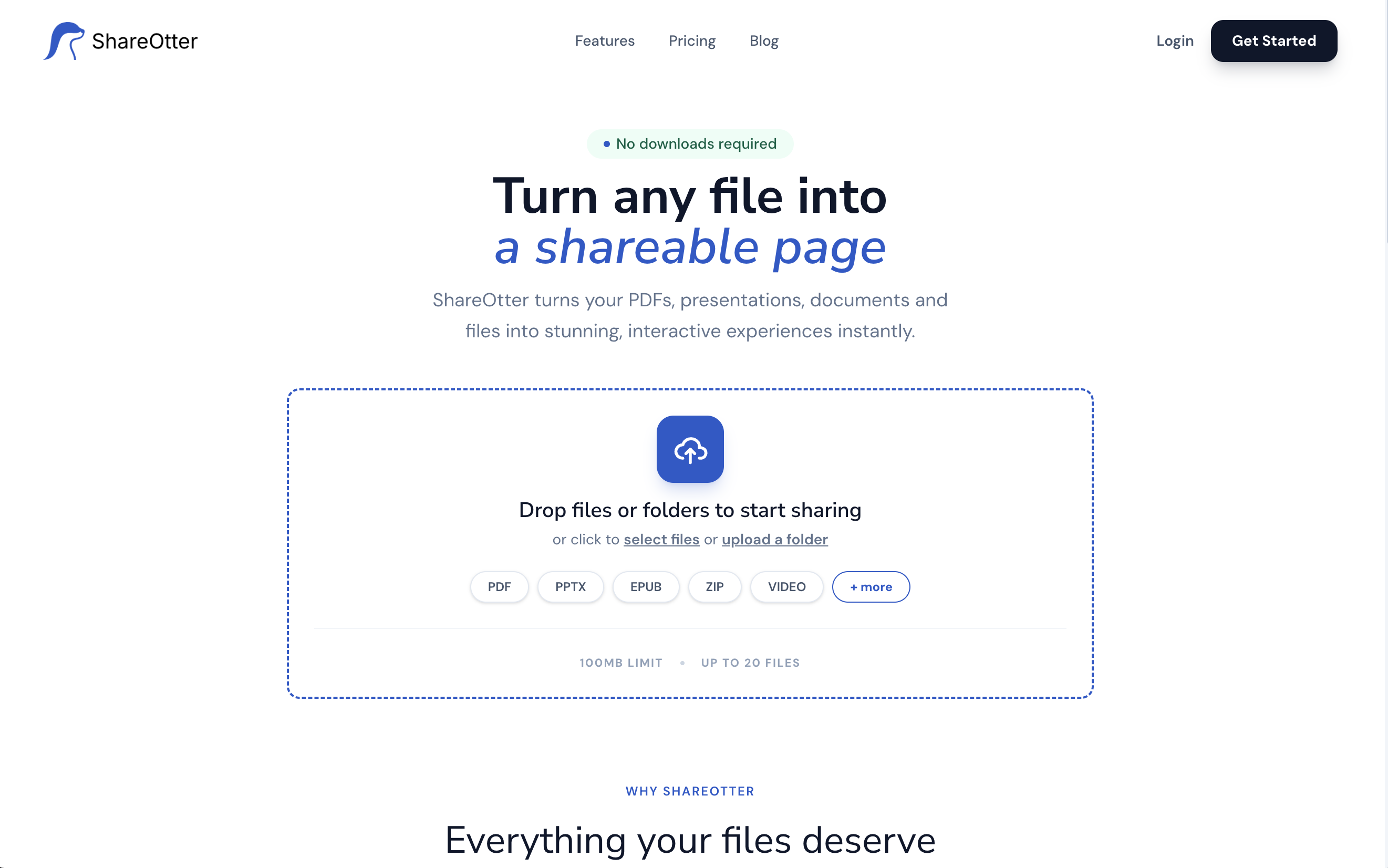
About
ShareOtter converts PDFs, presentations, documents, and various file types into stunning interactive viewing experiences that can be shared instantly via a clean link. Features include flexible access controls (public, password-protected, email-gated), team workspaces for organizing and collaborating, and native file rendering directly in the browser with no downloads required.
Ask AI
ChatGPT Claude Perplexity Grok
For agents
llms.txt · llms-full.txt · ai.txt · Live fact sheet · Full catalog (.md) · Endpoint index · API spec · REST access · Agent server · Server manifest · Server discovery
Pricing
ShareOtter offers a free plan plus paid tiers. See the website for current pricing.
FAQ
What is ShareOtter?
ShareOtter converts PDFs, presentations, documents, and various file types into stunning interactive viewing experiences that can be shared instantly via a clean link. Features include flexible access controls (public, password-protected, email-gated), team workspaces for organizing and collaborating, and native file rendering directly in the browser with no downloads required.
How much does ShareOtter cost?
ShareOtter offers a free plan plus paid tiers. See the website for current pricing. You can discover and review ShareOtter for free on Launch Llama.
What category does ShareOtter belong to?
ShareOtter is listed under Productivity, Design Tools, SaaS on Launch Llama.
How do I get started with ShareOtter?
Click the "Visit Website" button on this page to go directly to ShareOtter. You can also upvote and leave a review to help other founders discover it.
Supporters
2 founders2 founders contributed 2 upvotes to ShareOtter on Launch Llama.

Reviews
1 comment
Hey, love seeing this here! 👋 What inspired you to build this? Would love to hear the story behind it.
Alternatives
- EveryPDFTool
For professionals: EveryPDFTool converts, compresses, and edits PDFs instantly so you process documents without leaving your browser.
- PDF & Image Tools
For professionals: PDF & Image Tools compresses and converts files in your browser instantly so you skip uploads and keep data private.
- Sharingu - Multiplayer Vibecoding
For development teams: Sharingu lets you comment on live products to build, test, and deploy changes as pull requests with real device verification.
- PaperTrack
For teams: PaperTrack tracks page-level document analytics and prevents unauthorized sharing with NDA gates so you control who sees what and when.
- ToolPDFs
For professionals: ToolPDFs converts, merges, and edits 57 PDF tools locally in your browser, so your files never leave your machine.
- LoadOut
For remote teams: LoadOut organizes project links and tasks in Chrome's new tab so you stay focused without accounts LoadOut keeps the workflow clear so you ship outcomes with less busywork.