On Launch Llama

LoupeKit
For designers: LoupeKit inspects tech stacks, extracts design tokens, and audits AI content across 100+ tools so you ship faster.
Built by Ján Turský
Developer Tools Design Tools Freemium
Visit website → Upvotes · 6
In category: #1034 of 1370 · Developer Tools
LoupeKit is a Community listing on Launch Llama with 6 total upvotes across 2 founder supporters, founded by Ján Turský who joined in Aug 2026, compared against 6 alternatives.
Community listing
Listing status
6upvotes
Community score
Ján Turský (Joined Aug 2026)
Founder
Compared against 6 alternatives
Market comparison
Real numbers
90d
-
289
Views
-
17
Visitors
-
0
Clicks
Public Launch Llama traffic for this listing.
About
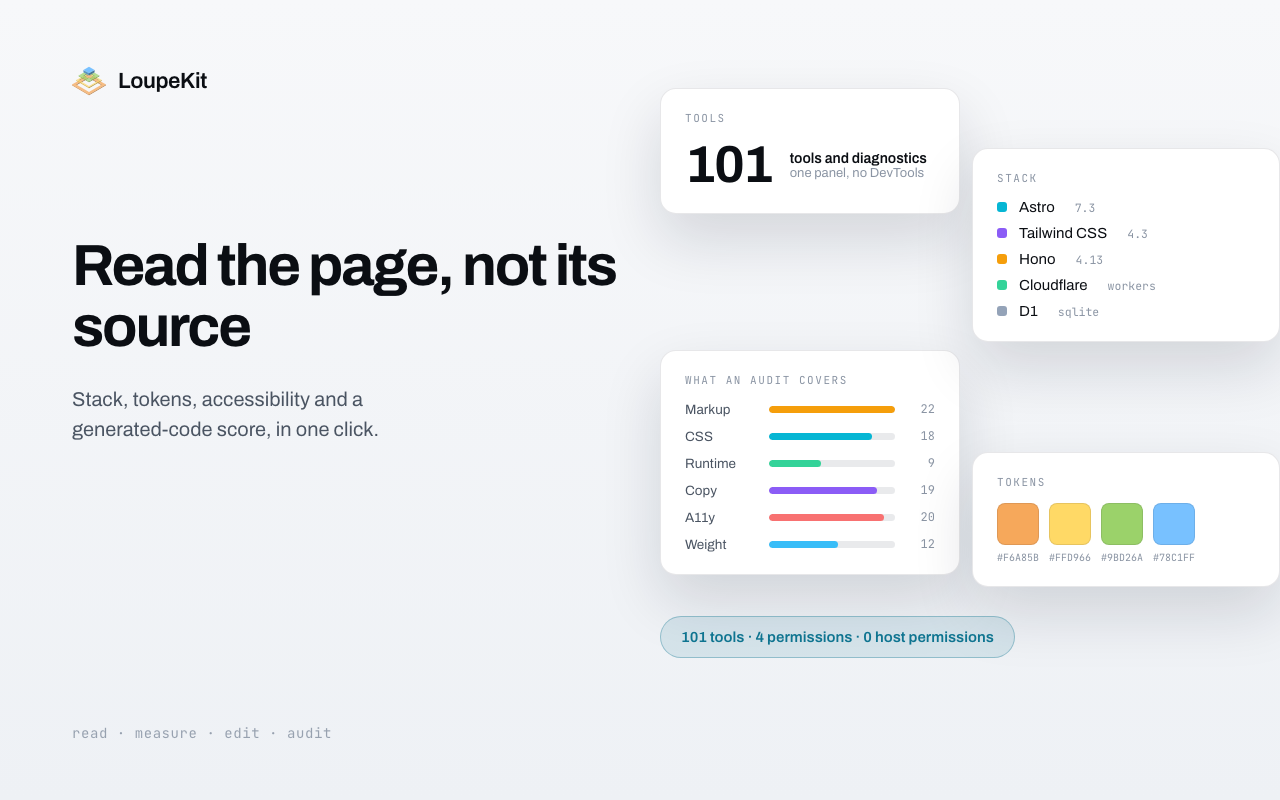
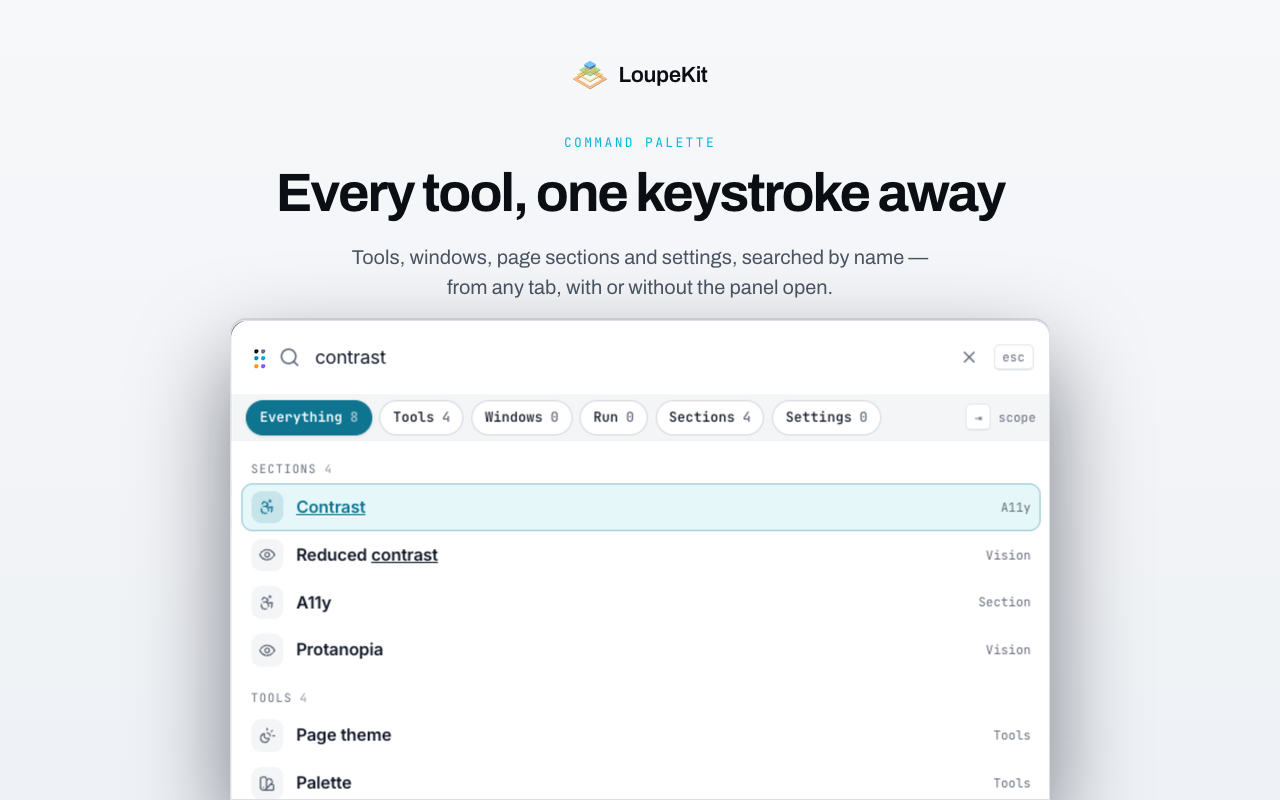
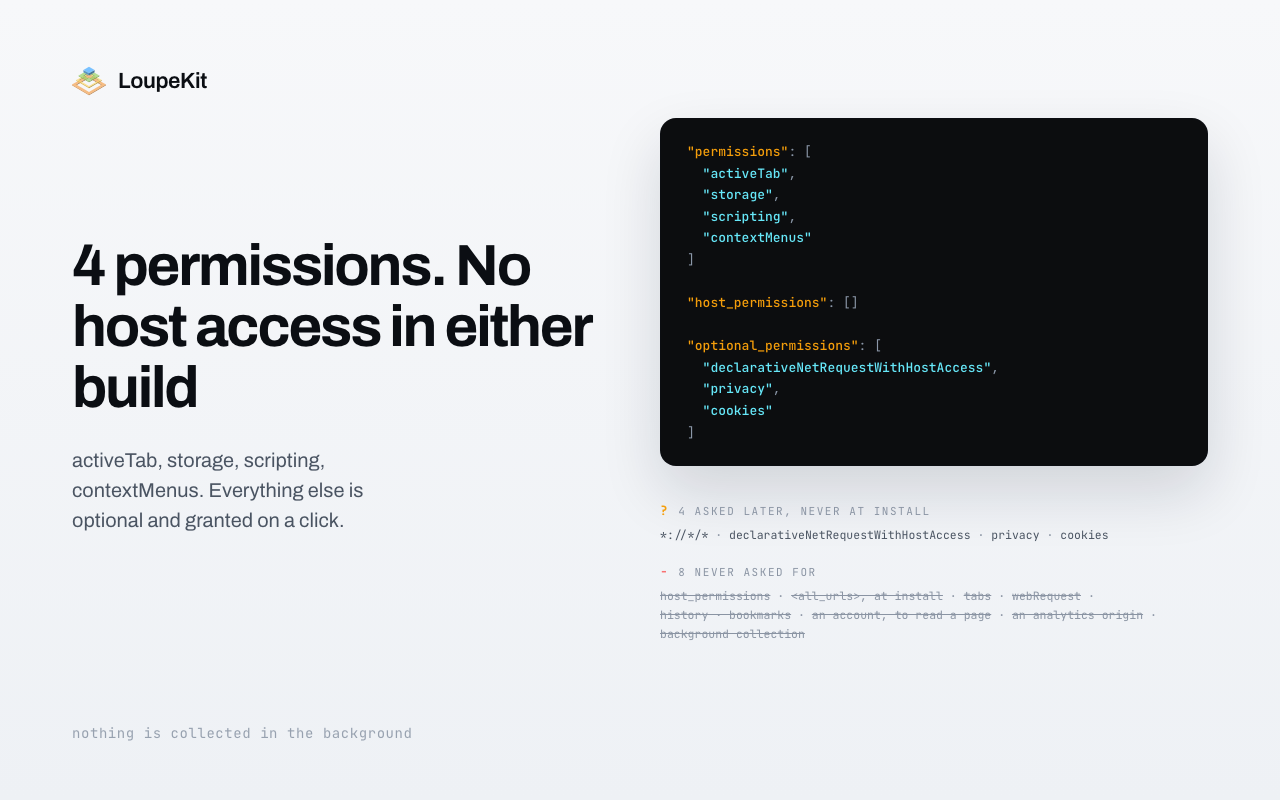
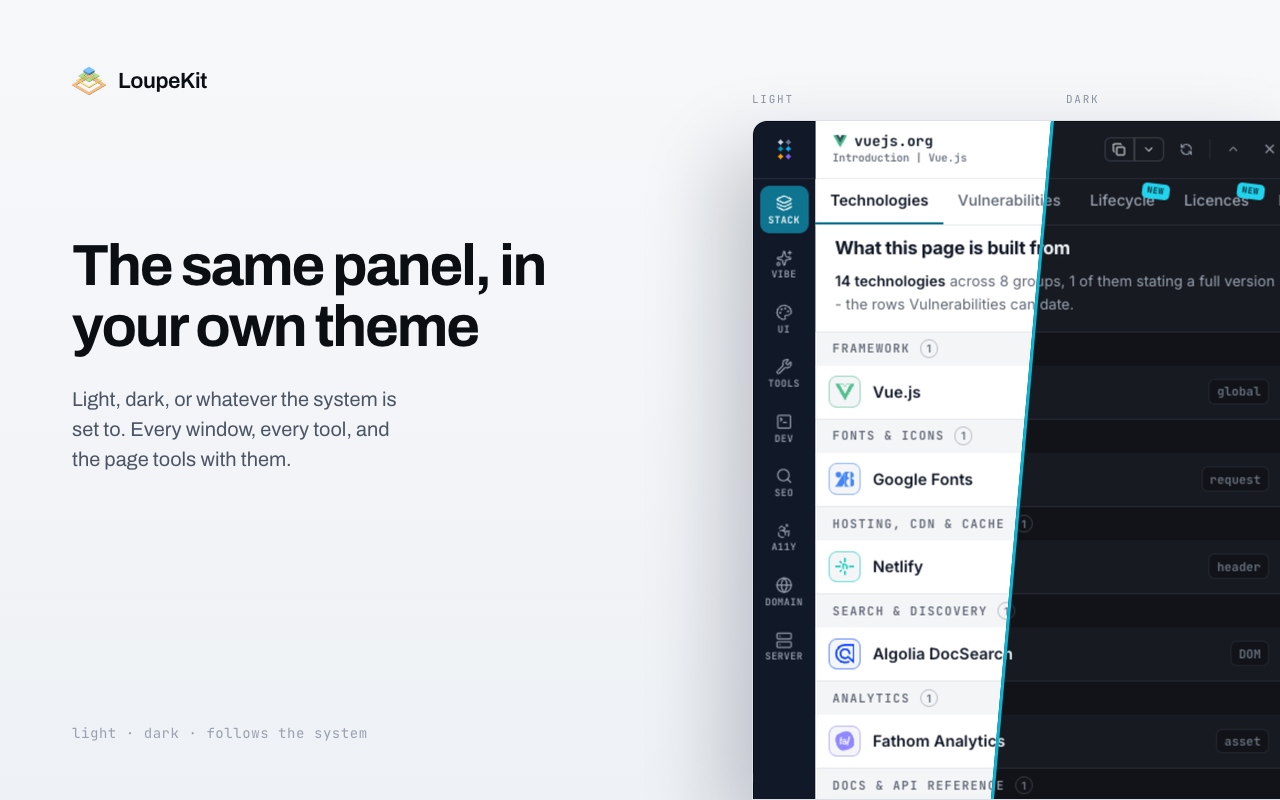
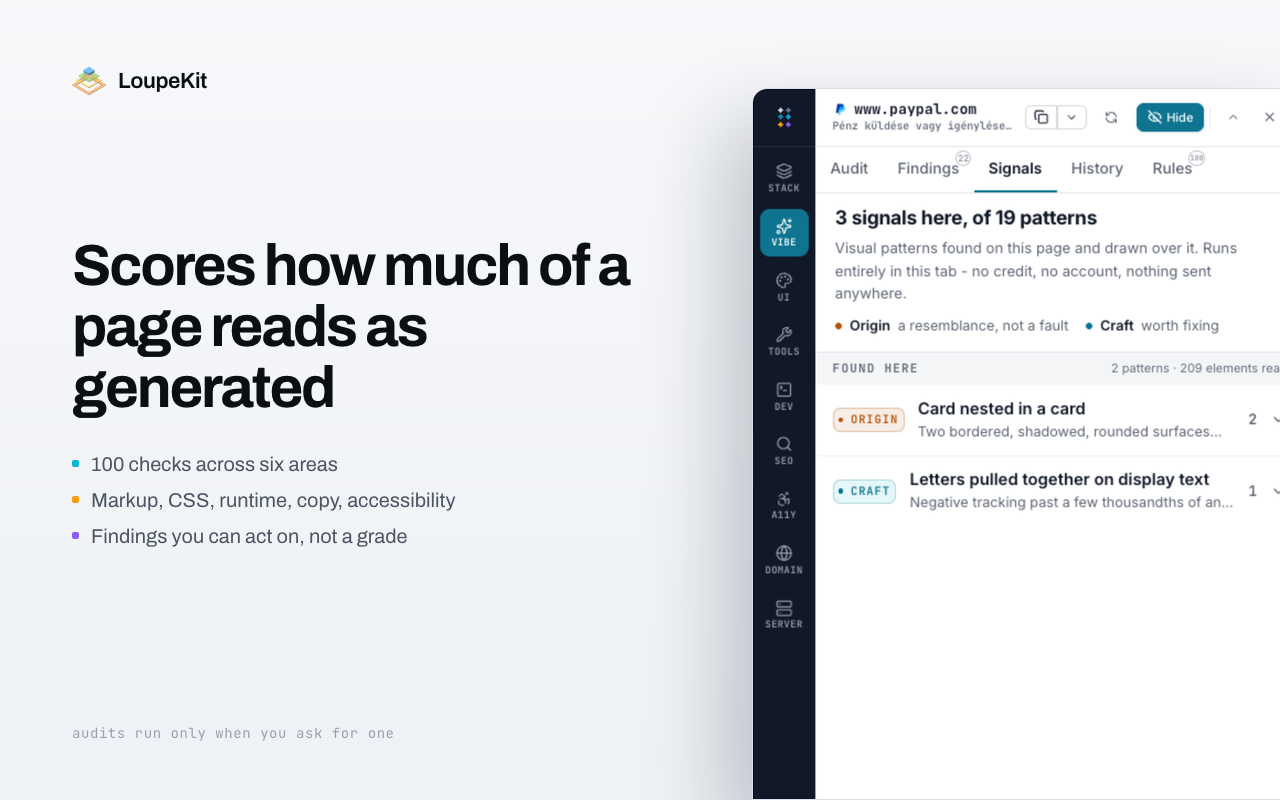
LoupeKit is a browser extension that floats over any webpage to identify the tech stack, extract design tokens, measure box models, and score AI-generated content. It includes 100+ tools and diagnostics across 9 surfaces like Stack, Audit, UI, and SEO, with no host permissions required and three free audits included.
Pricing
LoupeKit offers a free plan plus paid tiers. See the website for current pricing.
FAQ
How is the Vibe Score calculated?
100 heuristics across six weighted categories - markup, CSS, runtime, copy, accessibility and page weight. Each awards partial credit against a budget and quotes the value it measured, so a score of 62 comes with the sentence that produced it. The scoring runs on the server, not in the extension, so it cannot be read off or edited from the page it is judging.
Does a low score mean the site is bad?
No. It means the markup carries the fingerprints of a generator: repeated utility strings, inline SVG flooding, unstyled component defaults, buzzword headings. Plenty of good sites are generated and plenty of hand-written ones are a mess. The report is a starting point for a refactor, not a verdict on the work.
I already have DevTools. What does this do that it does not?
DevTools answers one element and one question at a time. This reads the whole page at once and hands back a ranked list - every element that overflows the viewport, every stacking context, every image shipped at twice the size it renders, a heatmap of which rule actually won. It also answers questions DevTools never asks: what the page was built with and how each detection was made, what its design tokens are, and how much of the markup reads as generated. It floats over the page rather than docking beside it, so what you are inspecting keeps the width it had.
I already use four free extensions for this.
So did we. One hundred and one tools and diagnostics across ten surfaces in one panel is one install, one shortcut and one place to look - and, more to the point, one permission list. Four extensions that each read every site you visit are a wider surface than one that reads the tab you are looking at when you click it. Compare the manifests rather than the feature tables; that is where the difference is.
Is the free tier usable, or is it a demo?
Free is for looking, and looking is most of it: the inspector, the extractors, the stack detection with the evidence for each match, the SEO and accessibility readers, and the tools and diagnostics that answer from the document already in front of you. Pro is for taking something away - a generated theme or token file, a client-ready report, a WCAG conformance statement, the third-party register - and for the readings that cost a request, the audit past the free three among them. Every locked feature is marked where it sits, with a sentence saying what it does once unlocked, so you meet the line while reading rather than at the checkout.
Is Lifetime really a single payment?
One payment, no renewal, and it carries exactly what the monthly plan carries. That is a constraint in the code rather than a promise in the copy: both plans are held to one shared feature list, so neither can quietly grow a perk the other lacks. The prices on this site are the prices Stripe charges; if you ever find the two disagreeing, the checkout page is the one that is right and the other is a bug we want reported.
Do you offer refunds?
14 days from the payment. Email and ask - there is no form to fill in and no retention flow to sit through. Fourteen rather than thirty because it is the withdrawal period EU consumer law already gives you for digital content bought online, so the promise and the obligation are one thing instead of two. Payment runs through Stripe and we never see a card number.
Will it keep getting new tools?
That is what the changelog is for. The release list on this site and the What’s new screen in the panel render the same array, so the rate is visible rather than promised. Adding a tool to the panel is a row in a table by design, which is why the count keeps moving.
What happens if you stop working on it?
Most of it does not depend on us. Everything that reads the page in front of you runs in the browser and calls nothing - the inspector, the extractors, the stack detection, the SEO and accessibility readers, and every tool and diagnostic that works on the open document. What would stop is the handful of readings that leave this machine: the audit, the Server tab’s probes, field data from the Chrome UX Report, the advisories against a detected version, the sitemap crawl, and anything published at a link. The panel would keep working; it would answer fewer questions.
Can I use it on client work?
Yes, personal and commercial both. The client report is built for exactly that - a branded export of a finding at a link that stops working on a date you choose, instead of a screenshot in an email.
Alternatives
- OneToolkit
For developers: OneToolkit provides 121+ free online tools for PDF, image, and data tasks so you skip paid software and work faster in your browser.
- Huddlekit
For design and dev teams: Huddlekit pins comments on live pages, inspects CSS, and compares breakpoints side-by-side to speed up feedback cycles.
- BriefKit
For SaaS founders: BriefKit generates complete AI-ready specs with database schema, security policies, and screen briefs for Lovable and Cursor.
- RMBG PRO
Discover the complete creative toolkit: AI, image editing, PDF tools, text utilities and cloud collections.
- EntiScan
A free Chrome extension for technical SEO, structured data, entities and semantic consistency. Review page evidence in your browser.
- VantageKit
For founders: VantageKit secures deal room sharing with investor tracking, AI document queries, and engagement digests to improve pitch materials.
Supporters
2 founders2 founders contributed 6 upvotes to LoupeKit on Launch Llama.

Ask AI
ChatGPT Claude Perplexity Grok
For agents
llms.txt · llms-full.txt · ai.txt · Live fact sheet · Full catalog (.md) · Endpoint index · API spec · REST access · Agent server · Server manifest · Server discovery