On Launch Llama

BreakTimer.com
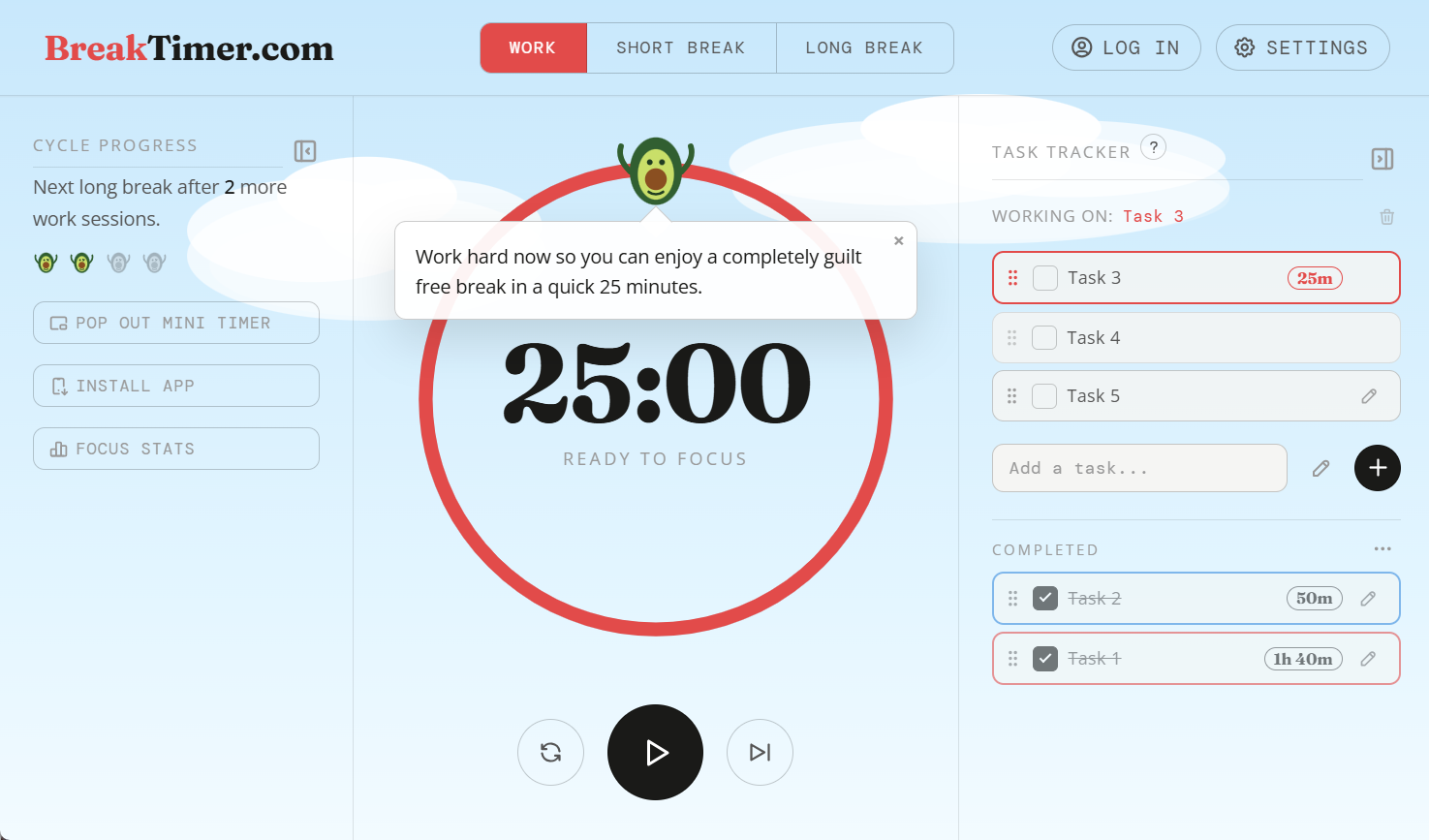
For knowledge workers: BreakTimer combines customizable Pomodoro timers with task tracking and flowtime mode so you stay focused without burnout.
Built by Tim Ng
Productivity SaaS Education Freemium
Visit website → Upvotes · 2
In category: #1706 of 1867 · Productivity
BreakTimer.com is a Instant Launch listing on Launch Llama with 2 total upvotes across 1 founder supporter, founded by Tim Ng who joined in Jul 2026, compared against 6 alternatives.
Instant Launch listing
Listing status
2upvotes
Community score
Tim Ng (Joined Jul 2026)
Founder
Compared against 6 alternatives
Market comparison

Real numbers
90d
-
57
Views
-
16
Visitors
-
0
Clicks
Public Launch Llama traffic for this listing.
About
This isn’t just a Pomodoro timer—it’s a fully customizable focus toolkit. Choose between classic intervals or natural flowtime mode to work at your own pace. Track your tasks, customize your workspace with unique characters and backgrounds, and stay motivated with gentle, encouraging micro-prompts that keep you moving forward without the burnout.
Pricing
BreakTimer.com offers a free plan plus paid tiers. See the website for current pricing.
FAQ
What is the Pomodoro Technique?
The Pomodoro Technique is a time management method that breaks work into focused intervals (typically 25 minutes) separated by short breaks (5 minutes). After a set number of work sessions, a longer break (15-30 minutes) is taken. This cycle helps maintain concentration and reduce mental fatigue.
Is BreakTimer.com free to use?
Yes. BreakTimer.com is completely free with no sign-up, no account, and no ads. All features including task tracking, ambient sounds, push notifications, and the installable PWA are available at no cost.
Can I use BreakTimer.com offline?
Yes. BreakTimer.com can be installed as a Progressive Web App (PWA) on your phone or desktop and works fully offline after the first visit. Your settings and tasks are saved locally in your browser.
Will the alarm fire when the browser tab is not active?
Yes, when you install BreakTimer.com as a PWA and enable push notifications, alarms are delivered via a Service Worker and fire even when the tab is not active or the phone screen is off.
Can I customize the work and break durations?
Yes. Open Settings (the gear icon) to adjust work session length, short break length, long break length, and the number of short breaks before a long break. Durations can be set from 1 to 999 minutes.
Alternatives
- Pausely
For remote developers: Pausely combines Pomodoro timers with guided active breaks so you stay focused and fight sedentary work habits.
- Cozy Pom
For overwhelmed professionals: Cozy Pom creates calm focus sessions so you make meaningful progress without burnout or pressure.
- FocusOS
For professionals: FocusOS blocks distractions and tracks time locally on Mac so you stay focused and understand where your hours actually go.
- Flowton: the "time particle"
For students and professionals: Flowton tracks productive vs. unproductive time so you see where hours go and optimize your daily focus.
- Flows- Planner & Notes
For productivity-focused users: Flows combines daily planning, Pomodoro timers, and note-taking to build consistent habits and track progress.
- Bekadoo
For focused workers: Bekadoo combines Pomodoro timing with immersive white noise so you enter deep focus for study, coding, and mindful work.
Supporters
1 founder1 founder contributed 2 upvotes to BreakTimer.com on Launch Llama.
Ask AI
ChatGPT Claude Perplexity Grok
For agents
llms.txt · llms-full.txt · ai.txt · Live fact sheet · Full catalog (.md) · Endpoint index · API spec · REST access · Agent server · Server manifest · Server discovery