On Launch Llama

Arcrawls
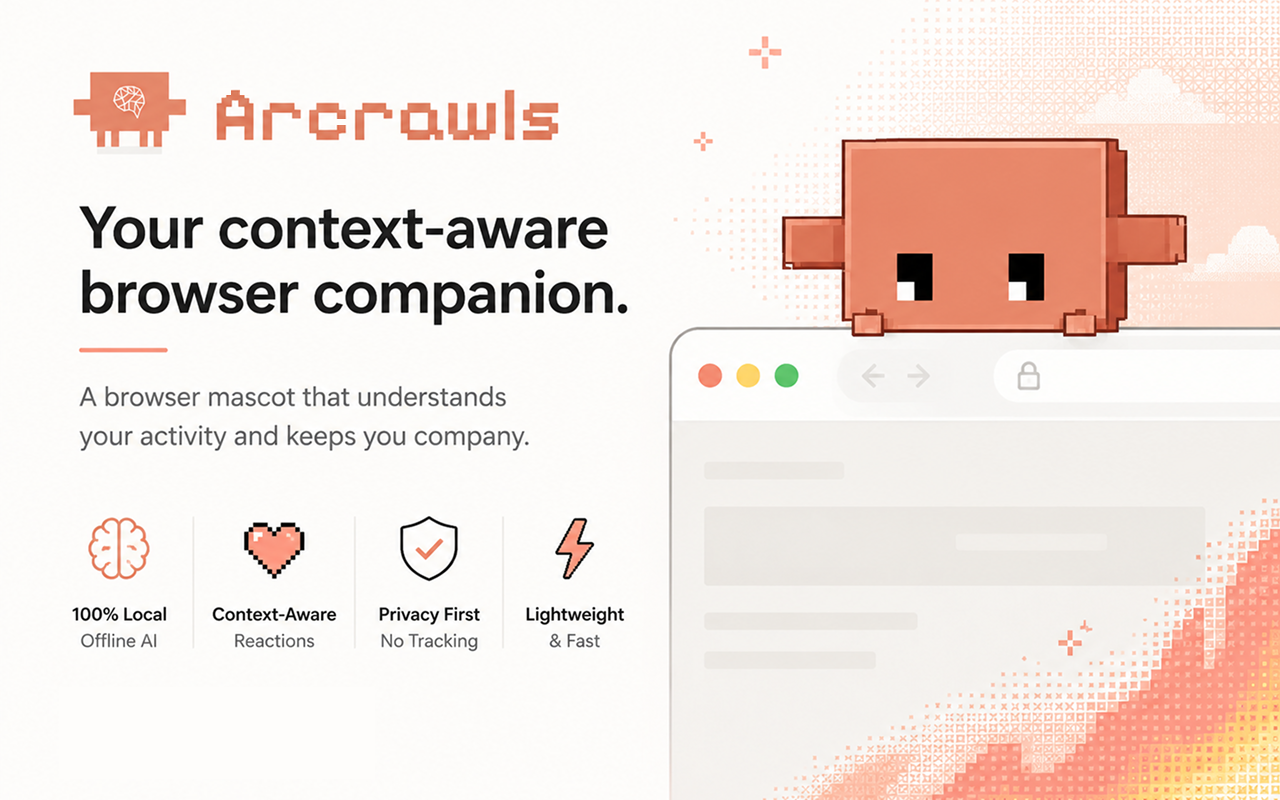
For developers: Arcrawls is a browser pet that understands your browsing context through local AI so you get dynamic reactions without any cloud data collection.
Built by Fujidevv and Joshua Sarmiento
Visit website → Upvotes · 8
In category: #2026 of 2811 · Artificial Intelligence
Arcrawls is a Instant Launch listing on Launch Llama with 8 total upvotes across 5 founder supporters, founded by Fujidevv and Joshua Sarmiento who joined in Jul 2026, compared against 6 alternatives.
Instant Launch listing
Listing status
8upvotes
Community score
Fujidevv and Joshua Sarmiento (Joined Jul 2026)
Founder
Compared against 6 alternatives
Market comparison
Real numbers
90d
-
78
Views
-
9
Visitors
-
0
Clicks
Public Launch Llama traffic for this listing.
Key Features
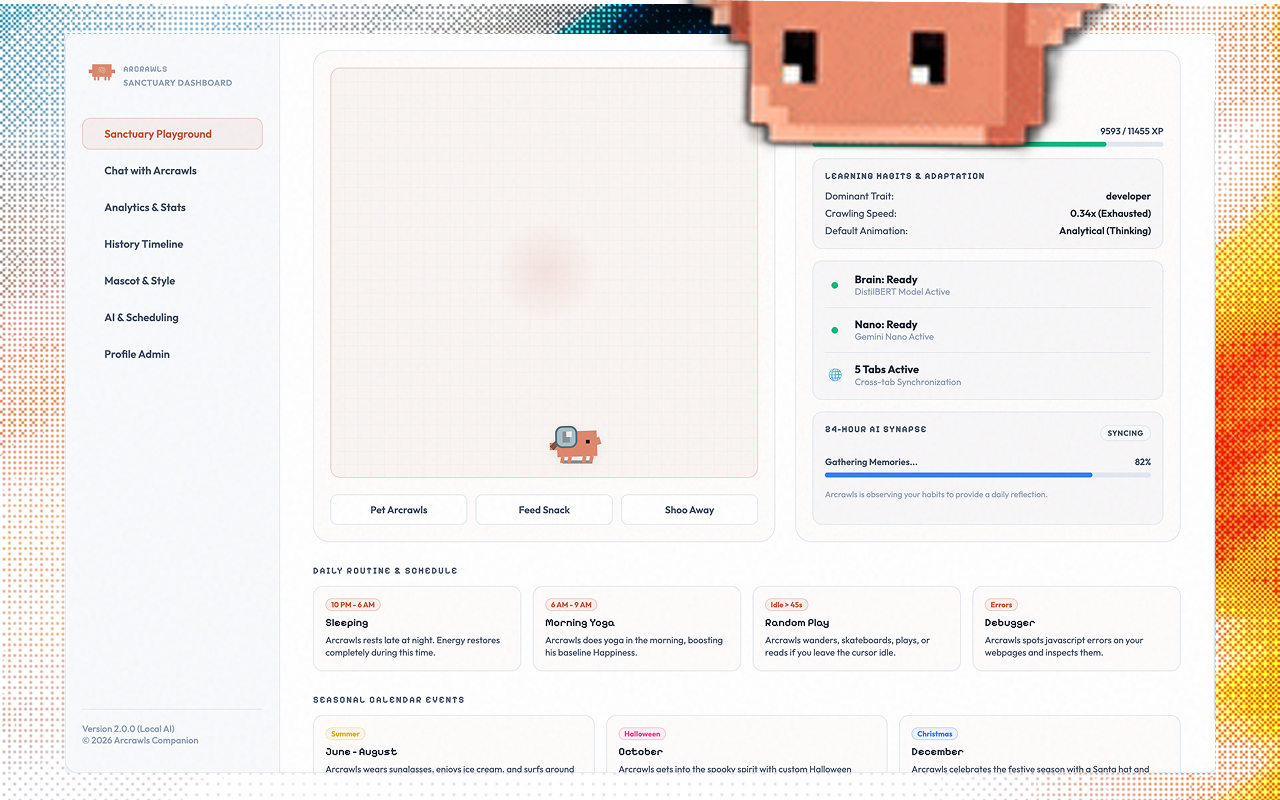
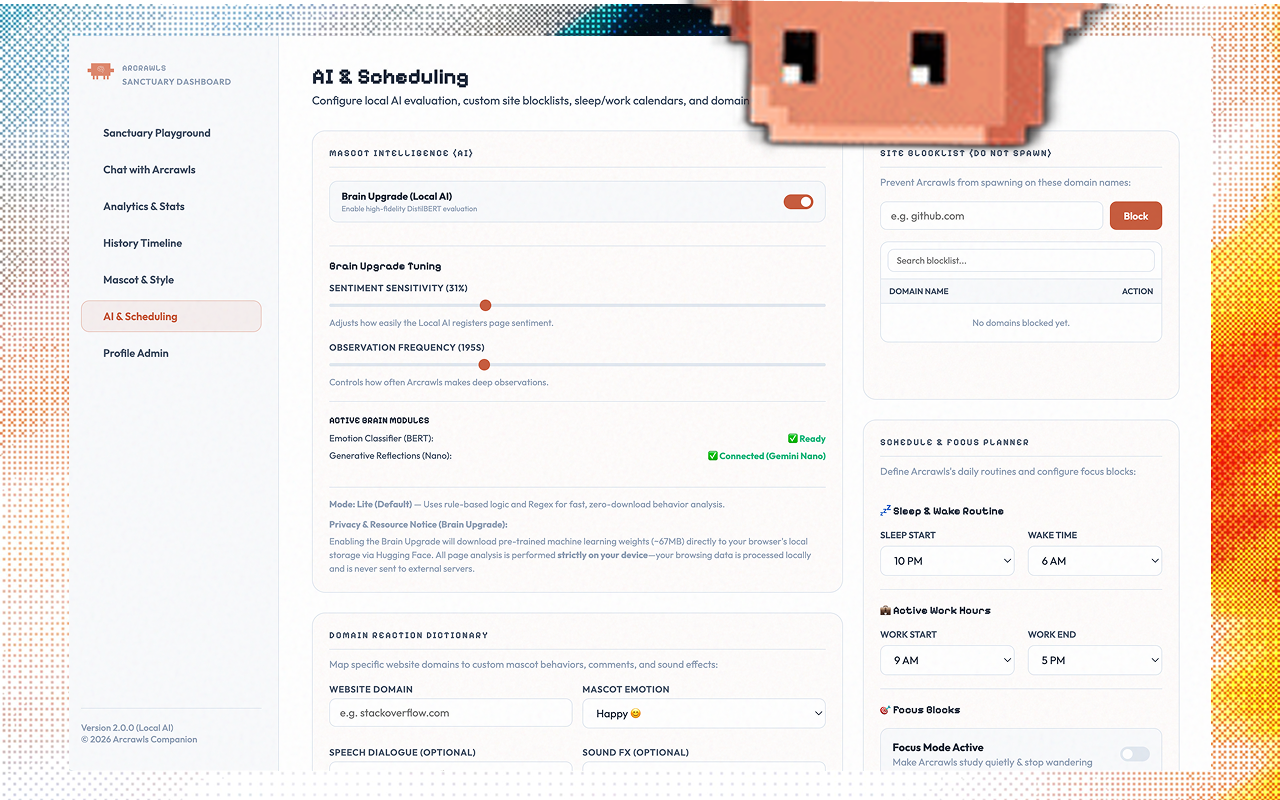
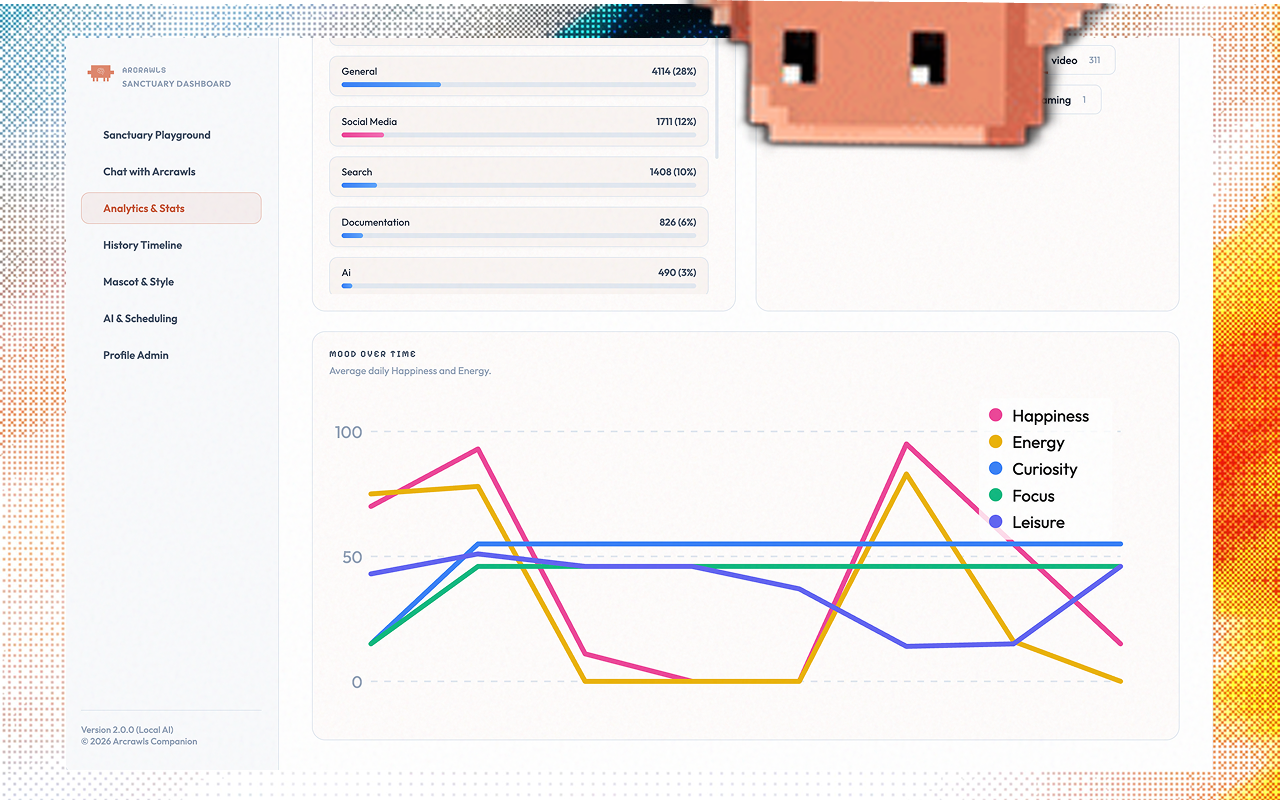
- Local AI sentiment analysis understands page content and browsing context in real-time
- 140+ animations and spring physics create dynamic visual reactions
- 100% local processing with no cloud data collection or transmission
- Lightweight install footprint at approximately 10 MB
- Error handling and page monitoring as you browse
- Open source codebase available for community contributions
About
Arcrawls is a browser companion that crawls your viewport and understands your browsing context through local AI sentiment analysis. It reacts dynamically to page content, handles errors, and keeps you company with 140+ animations and spring physics. Built with 100% local processing (~10 MB install) and no cloud data collection.
Who it is for
- Developer debugging locally-hosted applications with real-time feedback
- Privacy-conscious users avoiding cloud data collection during browsing
- Open source contributors testing projects in development environments
- QA engineers monitoring web application behavior and error states
- Users with limited internet connectivity needing responsive AI assistance
Use Cases
- Install Arcrawls and let it monitor your debugging sessions—watch it react to error pages and help you stay engaged during long troubleshooting workflows
- Use Arcrawls's sentiment analysis to get real-time feedback on how your web app's UI reads to users as you test different page designs and content
- Deploy Arcrawls in your team's development environment to boost morale during repetitive testing tasks with its 140+ animations as a low-distraction companion
- Analyze Arcrawls's local AI reactions to identify pages with confusing or frustrating layouts that might need UX improvements based on detected sentiment
- Integrate Arcrawls into your QA workflow to catch error states and edge cases—the pet's reactions highlight problem pages without slowing down your browser
Pricing
Yes. Arcrawls is 100% free and open-source. There are no subscriptions, no premium-locked features, and no third-party cloud API keys required for core use.
FAQ
How is Arcrawls different from Shimeji?
Classic Shimeji-style pets focus on walking sprites and character packs. Arcrawls adds context-aware reactions, spring physics, 140+ animations, XP/gamification, Focus/Ghost modes, and optional on-device AI (ONNX DistilBERT + Gemini Nano when available) with zero cloud browsing data.
How do I feed or pet him?
Double-click Arcrawls to feed him (restores Energy and grants XP). Left-click opens chat and grants Happiness/XP (petting). You can also drag interactive toys from the popup.
Will Arcrawls drain my laptop battery or slow down my browser?
No for typical use. When you switch tabs, the physics loop on hidden tabs is frozen (near 0% background CPU). Arcrawls uses hardware-accelerated CSS animations rather than heavy 3D engines.
Can I use Arcrawls on an older laptop?
Yes. Enable Performance Mode in the Options Dashboard to cap physics at 30 FPS and disable intensive shaders. You can also keep Brain Upgrade off and use ultra-light Lite Mode.
I have 20 tabs open. Does that mean 20 AI models are running?
No. Local AI runs in a single centralized offscreen worker. Only the active visible tab sends context requests to that brain.
Alternatives
- ArcStax
For developers: ArcStax discovers and builds AI tool stacks with step-by-step instructions, letting you fork, customize, and swap tools by fit score.
- MemoryPet 2.0
For developers: MemoryPet 2.0 adds animated pets to your Chrome toolbar that react to CPU and memory usage so you monitor system health at a glance.
- Arcjet
Secure the AI agents you're building at runtime
- Arc
Your mobile AI assistant on any screen
- TrendingDevTools
For developers: TrendingDevTools curates 71+ dev tools and AI software across frameworks and databases so you discover the best solutions for your tech stack.
- SinCrit
For developers and startups: SinCrit builds responsive Flutter apps visually with drag-and-drop, auto-generates Dart code, and integrates Supabase backends automatically.
Supporters
5 founders5 founders contributed 8 upvotes to Arcrawls on Launch Llama.


Ask AI
ChatGPT Claude Perplexity Grok
For agents
llms.txt · llms-full.txt · ai.txt · Live fact sheet · Full catalog (.md) · Endpoint index · API spec · REST access · Agent server · Server manifest · Server discovery