alodata
For travelers: alodata delivers prepaid eSIM plans across 190+ countries so you stay connected abroad without roaming fees.
Built by Richard muller · Paid
alodata is a Community listing on Launch Llama with 24 total upvotes, founded by Richard muller who joined in Jul 2026, compared against 6 alternatives.
Community listing
Listing status
24upvotes
Community score
Richard muller (Joined Jul 2026)
Founder
Compared against 6 alternatives
Market comparison
Launched on Launch Llama Jul 27, 2026 · #81 of 128 that day
About
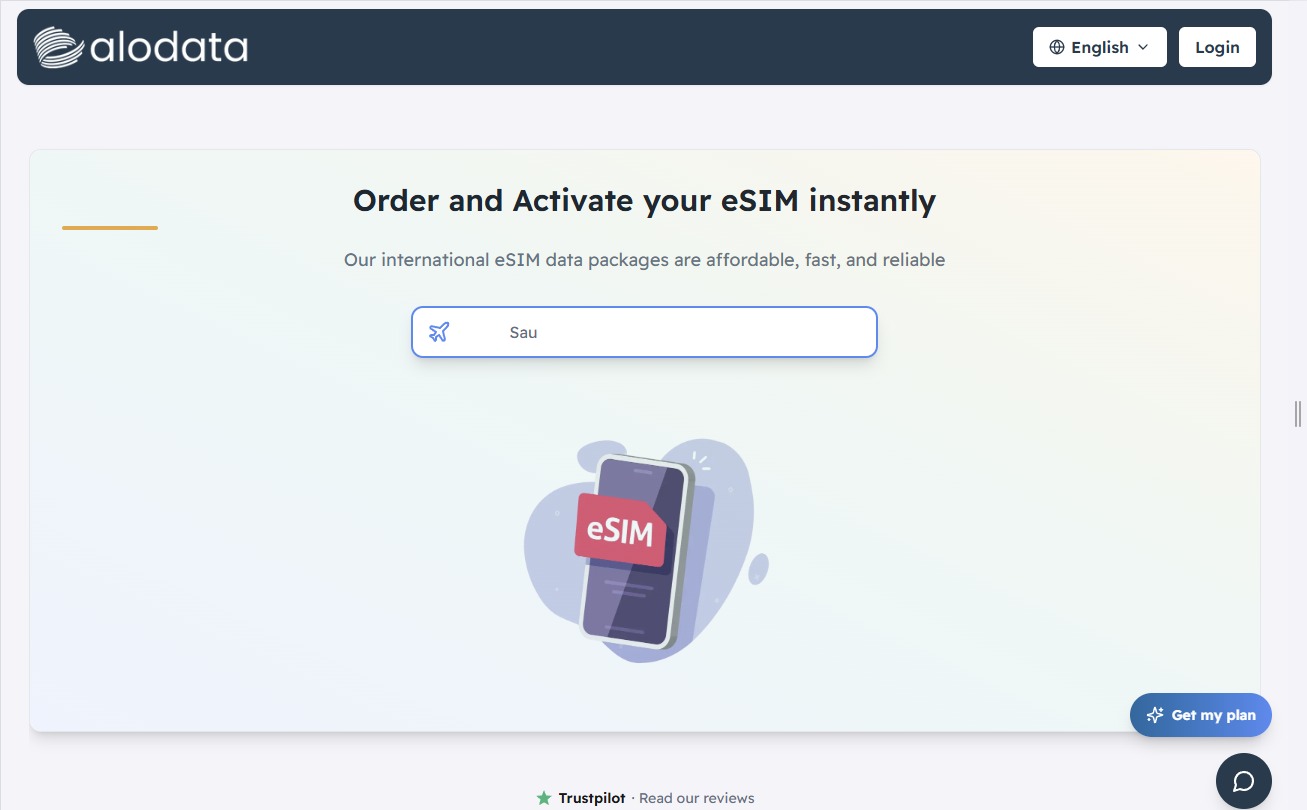
Travel confidently and stay connected from the moment you arrive with an alodata international eSIM. Designed for travelers, digital nomads, business professionals, and anyone who needs reliable mobile data abroad, alodata provides prepaid eSIM plans for more than 190 countries worldwide.
Forget searching for a local SIM card after landing or worrying about unexpected international roaming charges. With alodata, the entire process is completed online. Simply select the country or regional plan that matches your destination, choose the data bundle that suits your needs, and complete your purchase. Your eSIM QR code is delivered by email, allowing you to install the plan on a compatible device in just a few simple steps. No physical SIM card or additional mobile application is required.
You can install your alodata eSIM before your trip and activate it when you reach your destination. Once connected, you can use mobile data for navigation, ride-hailing services, hotel and flight bookings, messaging, social media, email, and other essential travel activities. Your existing physical SIM can remain inside your phone, making it easier to keep your regular number available while using the eSIM for affordable travel data.
alodata offers a variety of flexible prepaid bundles for individual countries, regions, and global travel. This gives you the freedom to select a plan based on your destination, trip length, and expected data usage. Regional plans are especially convenient for multi-country journeys because one eSIM can provide coverage across several supported destinations without requiring a new SIM in every country.
Depending on the selected destination and package, the eSIM connects through established local mobile networks to deliver high-speed data. Standard plans are offered without speed throttling, while your alodata account allows you to monitor your remaining data in real time and stay informed throughout your trip.
Whether you are navigating a new city, attending an international business meeting, sharing moments with family, or working remotely from another country, alodata gives you a convenient way to stay online. Choose your destination, purchase your preferred data bundle, scan the QR code, and enjoy simple global connectivity without the inconvenience of traditional travel SIM cards.
Use Cases
- Staying connected with mobile data while traveling abroad without paying roaming fees
- Activating a prepaid eSIM for a trip by scanning the QR code delivered to your email within minutes of payment
- Buying a regional or global data bundle to cover multiple countries on one trip
Who it is for
- International travelers who want mobile data abroad without roaming charges
- Frequent travelers planning trips across Europe, Asia, the Americas, or globally
- Travelers wanting a privacy-conscious eSIM purchase with Stripe-processed payments and no stored card details
Pricing
Prepaid eSIM data bundles, priced per plan with 20% off listed regular prices. Examples shown include Turkey 1 GB for 7 days at €2.86, Turkey 10 GB for 30 days at €9.86, and Turkey 20 GB for 30 days at €15.64.
FAQ
What is an eSIM?
An eSIM is a digital SIM built into your phone — no plastic card to insert. You buy a plan online, scan a QR code, and connect to a local network at your destination, all while keeping your usual SIM in place. See how eSIMs work for the full rundown.
Will my phone work with an eSIM?
Most phones released since 2018 support eSIM (iPhone XS and newer, recent Pixel and Samsung Galaxy models) as long as they're network-unlocked. To check yours, dial *#06# and look for an EID number, or see our device compatibility guide.
How do I install and set up my eSIM?
After you order, we email you a QR code — scan it under Settings → Add eSIM while on Wi-Fi, then turn on Data Roaming for the eSIM once you arrive. Our step-by-step setup guide walks through iPhone and Android.
Do I need to remove my physical SIM card?
No. Your eSIM works alongside your normal SIM, so keep your regular SIM in the phone to receive your usual calls and texts. Just set the eSIM as your mobile data line while you travel.
Will I keep my own number and still get my normal calls and texts?
Yes. The eSIM is data-only and doesn't change your number — your regular SIM keeps handling calls and texts as usual, and you just switch mobile data to the eSIM. See our guide on using two SIMs at once.
When should I install and activate my eSIM — before or after I arrive?
Install it as soon as you receive it, on Wi‑Fi. Installing does not start your plan: the validity period begins the first time the eSIM uses data at your destination with Data Roaming switched on. Keep the eSIM’s Data Roaming off until you land, then switch it on. On iPhone, also turn off Wi‑Fi Assist (Settings → Mobile Service) before installing, so a weak Wi‑Fi signal does not start your plan early.
Will my plan renew automatically? Can I be charged again?
No. Every plan is a one-time purchase — a set amount of data, or an unlimited plan with a full-speed allowance — and never renews on its own, so you will never be charged unexpectedly. When your data or validity runs out, you simply buy a new plan or add a top-up if your eSIM supports it.
Can I install one eSIM on several devices?
No. Each eSIM can be installed on only one device, and most can be installed only once. If you switch phones, you will usually need a new eSIM.
Can I use my eSIM as a hotspot to share data?
Yes. You can share your eSIM's data with other devices using your phone's Personal Hotspot (iPhone: Settings → Personal Hotspot; Android: Settings → Network & Internet → Hotspot & tethering) — handy for a laptop or a travel companion's phone. One limit: plans are for personal use on a phone or tablet — dedicated MiFi routers aren't supported, and on unlimited plans heavy tethering falls under fair use.
How do I check how much data I have left?
The most reliable way is your phone's built-in data counter (Settings → Mobile/Cellular Data) — reset the statistics when your plan starts so the figure stays accurate. You can also check the order link we email you.
Alternatives
 NeusuliStay connected effortlessly with the best eSIM in Spain by Neusuli. Enjoy fast, reliable, and affordable prepaid travel data plans with instant digital delivery and no roaming fees. Buy yours today!
 Worldwide country map For travelers and researchers: Interactive country map lets you explore geography, borders, and regional data across all 195 nations.
 LiveTourAudioFor tour guides: LiveTourAudio streams live audio via QR code to 200 guests without apps or hardware so groups stay connected on busy streets.
Ask AI about alodata
Supporters
1 founder
1 founder supported alodata on Launch Llama.