Updated 2026-11-02 · 9 of 9 Writing assistants on Launch Llama compared
Quick answer: The best Writing assistants in 2026, by Launch Llama community upvotes, are Clico, thestory.run, Tidy. If you want to start free, thestory.run has a free plan. We compared 9 of the 9 Writing assistants listed on Launch Llama on pricing, features and use cases.
Our picks at a glance
- Best overall: Clico — the most upvoted Writing assistant on Launch Llama
- Best free option: thestory.run — free plan + paid tiers
- Most features listed: Tidy — 4+ features on its listing
The 9 best Writing assistants in 2026
1. Clico — best for content creators producing images and videos for projects
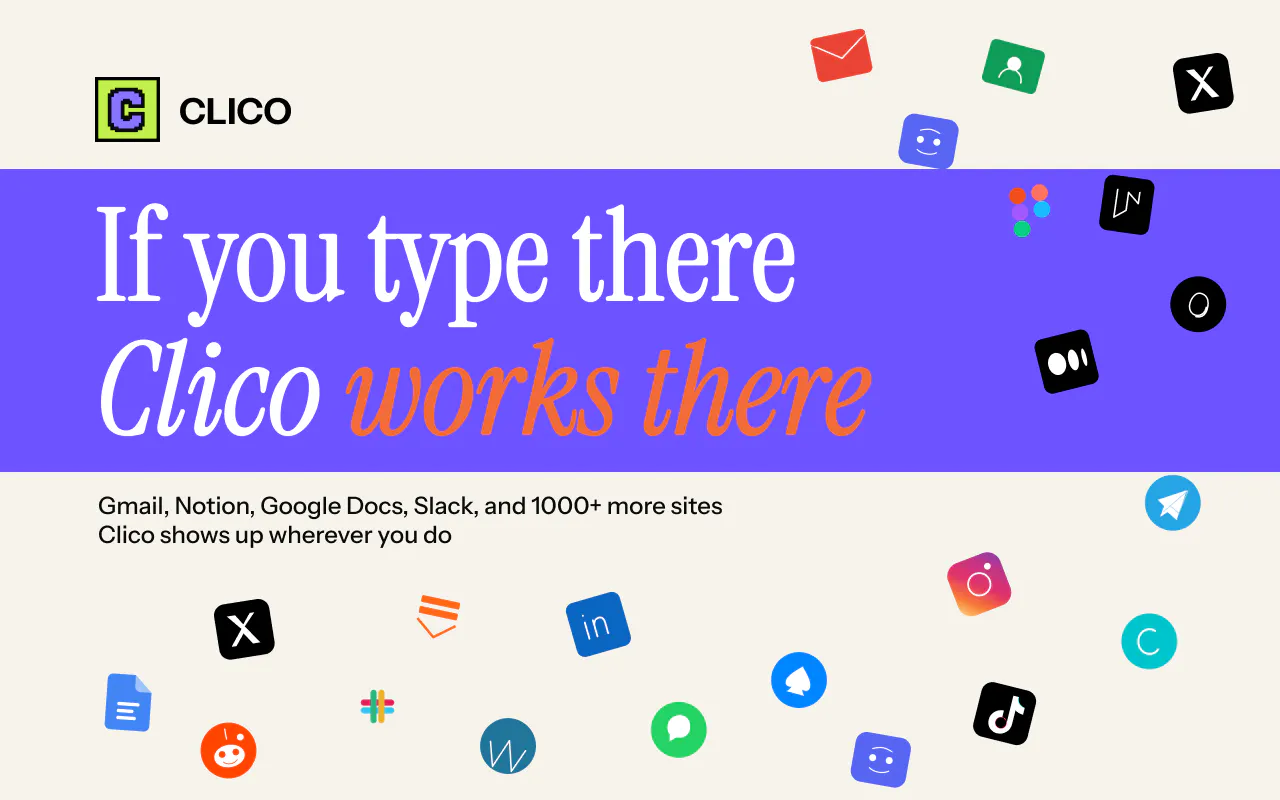
Pricing: Free plan; paid from $19.90/month · Free plan: Yes · Upvotes: 411
In Clico's words
Clico is a powerful Browser extension designed to be your ultimate writing and productivity partner. Unlike traditional AI tools that require you to copy and paste text back and forth, Clico lives directly inside your browser. It reads and understands the context of the webpage you are currently viewing, allowing it to perform tasks with an unmatched level of relevance and intelligence.
Key features
- Generate images from text descriptions or reference photos
- Create videos by animating still images or describing scenes
- Build websites and browser games by describing ideas
- Chat with multiple AI models in one workspace
- Access research and writing tools alongside creative tools
Use cases
- Content creators producing images and videos for projects
- Designers building websites and interactive browser games
- Researchers analyzing PDFs and documents with AI assistance
Pricing details: Free plan includes 200 monthly credits. Pro costs $19.90/month with 2,000 credits. Max costs $49.90/month with 5,000 credits.
2. thestory.run — best for corporate teams wanting to build consistent LinkedIn presence without hiring writers

Pricing: Free plan + paid tiers · Free plan: Yes · Upvotes: 194
In thestory.run's words
Your team already has things to say, they just don't know how. Our coach helps you stay consistent, find stories worth sharing and makes YOU the writer. Most AI tools take over writing. thestory.run flips it: the coach interviews you, finds the point you're circling, hands you the story arc, and you write it. It is the coach that helps you through it all: One real session, from a messy thought to a finished post. Between the posts, it keeps the week so you never have to guess what's next
Key features
- Ask questions to uncover stories you want to share
- Mark strong lines and weak sections in your draft
- Help your team stay consistent with weekly prompts
- Track team posting activity and uncovered themes
- Guide you from rough thought to finished post
Use cases
- Corporate teams wanting to build consistent LinkedIn presence without hiring writers
- Individual professionals who want to write authentic posts in their own voice
- Teams coordinating multiple authors across different topics and themes
Pricing details: Free for teams of five or fewer. Pay-as-you-go plans start at 1 euro per coaching session for teams of six or more, plus tax. Prepay for sessions at 10% discount.
3. Tidy — best for professionals who want to quickly fix grammar in emails and messages

Pricing: Free · Free plan: Yes · Upvotes: 122
In Tidy's words
Fix spelling and grammar anywhere on your Mac. Select text, press the shortcut, and the corrected version replaces it where it sits. A second shortcut strips the AI slop out of anything that reads like a machine wrote it. @Mentions, dates and times are untouched. It runs on the model built into macOS. Nothing you select is uploaded. Needs macOS 26 with Apple Intelligence.
Key features
- Fix spelling and grammar in any Mac application
- Remove verbose language and corporate jargon from text
- Process text on-device without uploading to servers
- Preserve mentions, dates and times while editing
Use cases
- Professionals who want to quickly fix grammar in emails and messages
- Writers who need to remove corporate jargon and AI-generated language
4. Lattice — best for academic researchers who need to smooth clunky sentences while keeping citations and arguments intact

Pricing: Free · Free plan: Yes · Upvotes: 88
In Lattice's words
Lattice is a free online tool that rewrites stiff, formulaic or AI-sounding text so it reads like a person wrote it. It passes text through multiple languages and back to replace robotic phrasing while keeping meaning, names, and numbers intact.
Key features
- Replace stock phrases with natural, conversational language.
- Preserve names, numbers, technical terms and core meaning unchanged.
- Create varied sentence length and flow that sounds naturally written.
- Pass text through multiple languages to freshen phrasing.
Use cases
- Academic researchers who need to smooth clunky sentences while keeping citations and arguments intact.
- Professionals writing emails who want to avoid sounding stiff or AI-generated.
Pricing details: Free to use. Sign in with Google and receive a set of free rewrites daily, each up to 1,000 characters.
5. Ruubu — best for tailoring one resume to a specific job posting before applying, using a pasted job link or ad text
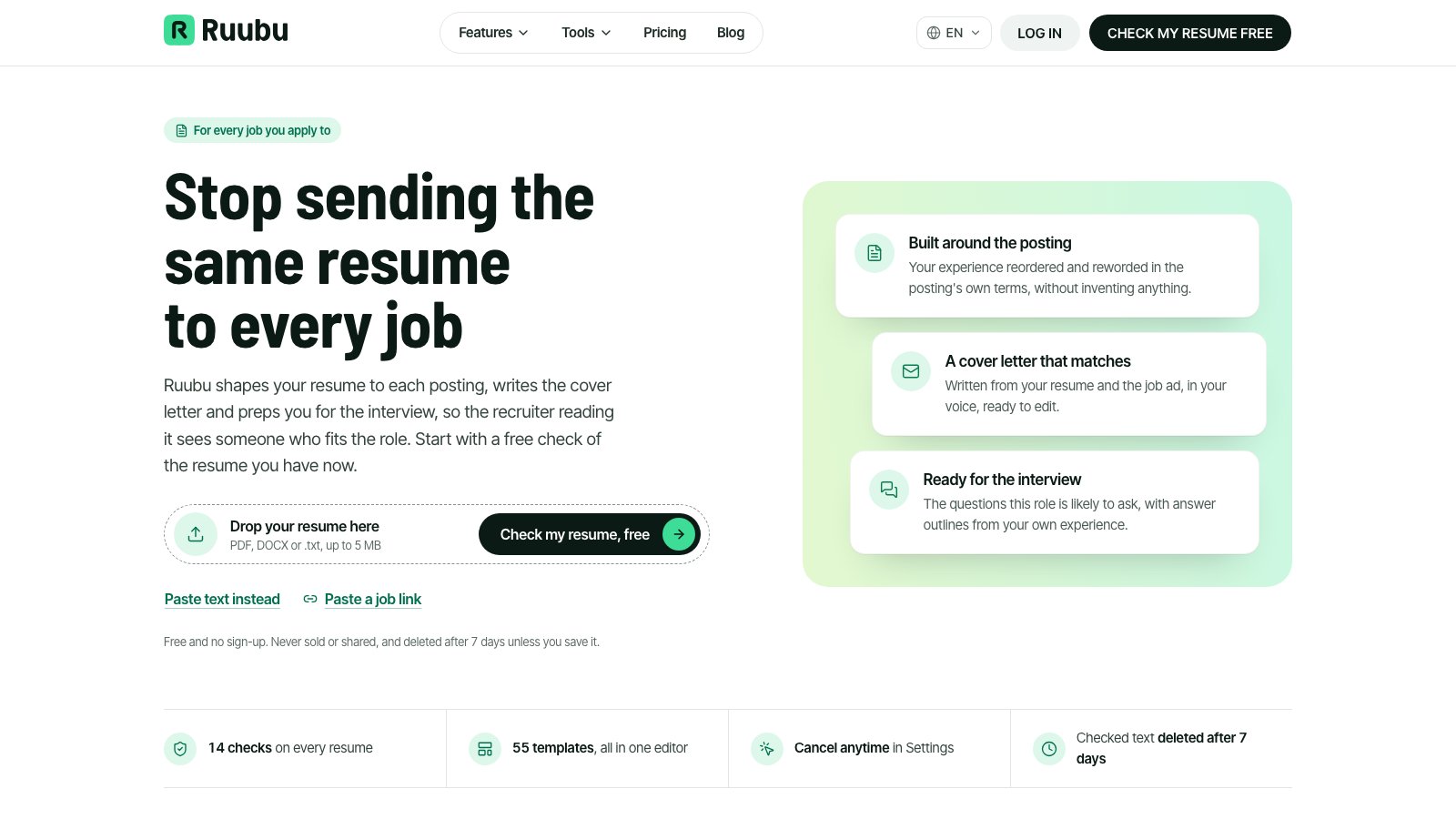
Pricing: Free · Free plan: Yes · Upvotes: 8
In Ruubu's words
You paste a job link or the text of the ad, and the tool reads the role's must-haves and keywords, then shows which requirements your resume already covers and where it falls short. A free resume check runs 14 tests that recruiters and applicant tracking software both screen for, with a fix for each failing point. Templates are built to be parsed cleanly, and a Chrome extension can bring the same tailoring to the job posting you are reading.
Key features
- Runs a free resume check with 14 tests that recruiters and ATS software screen for
- Reshapes your experience and wording to each job posting without inventing facts
- Writes a cover letter from your resume and the job ad, in your voice
- Generates likely interview questions with STAR answer outlines from your bullets
- Finds jobs from LinkedIn, Indeed, Glassdoor and other boards that fit your resume
Use cases
- Tailoring one resume to a specific job posting before applying, using a pasted job link or ad text.
- Preparing for an interview by reviewing likely questions with answer outlines drawn from your own experience.
- Running a free check on an existing resume to find missing keywords and weak bullets before sending it out.
Pricing details: The resume check is free and needs no sign-up.
6. Second Read — best for tightening a draft of technical documentation, such as a webhook explainer, before publishing
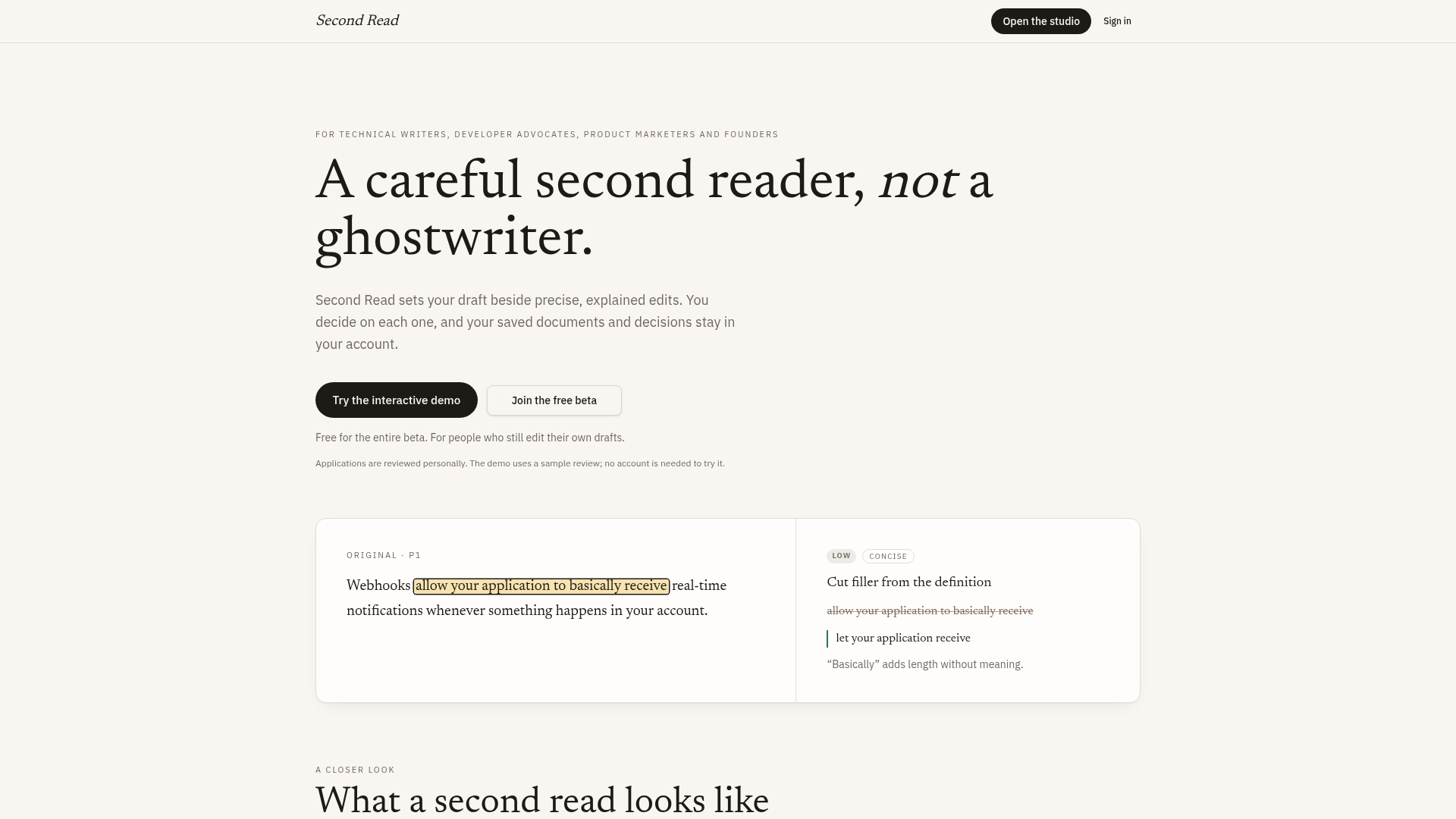
Pricing: See website · Upvotes: 7
In Second Read's words
Your draft is set beside suggested edits, and each one quotes the exact passage it concerns and gives a rationale and priority. Unsupported claims are flagged rather than strengthened, and a question can appear beside a passage when clarifying your point should come before rewording it. Optional preference learning proposes rules from your choices, but they only take effect after you approve them, and your drafts, decisions and versions stay together in your account. An interactive demo with a sample review is available without signing in.
Key features
- Pins each proposed edit to an exact passage and explains why it matters.
- Flags unsupported claims for verification instead of strengthening them.
- Asks in-text reader questions when a passage needs clarification.
- Lets you accept, reject or edit directly; you decide what changes.
- Saves drafts, decisions and versions so you can revisit your work.
Use cases
- Tightening a draft of technical documentation, such as a webhook explainer, before publishing.
- Reviewing a product marketing or founder draft and approving or rejecting each suggested edit.
- Asking a clarifying question beside a passage to sharpen the point before changing any wording.
Pricing details: The page describes a free beta, with access by application and invitation.
7. AI Text Cleaner — best for cleaning ChatGPT or Claude output of zero-width spaces and NBSPs before pasting it into Word, Google Docs, or a CMS
Pricing: See website · Upvotes: 5 · Rating: 4/5 from 1 review
In AI Text Cleaner's words
You paste text into the input box, and the tool flags invisible code points such as U+200B so you can review them before anything changes. A detection report breaks down zero-width characters, NBSPs, bidi marks, control characters, and soft hyphens by count. Optional toggles normalize quotes, dashes, ellipses, and trailing whitespace, while the wording itself stays untouched.
Use cases
- Cleaning ChatGPT or Claude output of zero-width spaces and NBSPs before pasting it into Word, Google Docs, or a CMS.
- Reviewing highlighted invisible characters in copied AI text and removing only the ones you approve.
- Fixing search-and-replace failures and odd line spacing caused by hidden Unicode characters in copied content.
Pricing details: No paid plans or prices are listed.
8. OpsPack — best for sending a proposal and kickoff emails to start a new client project cleanly
Pricing: From $17 · Free plan: No · Upvotes: 2
In OpsPack's words
Each of the five packs is a self-contained set of files for one task, such as proposals with discovery questions and kickoff emails, or triage and tradeoff options for scope change requests. The copywriter pack includes 42 prompts where you fill in bracketed fields, paste a voice card, and get a usable draft. Packs are one-time purchases with no subscription, and the ZIP is emailed after Stripe payment.
Key features
- Provide proposal templates, discovery questions, and kickoff emails for new client projects
- Track job applications and follow outreach with a weekly cadence
- Triage scope changes and draft client emails with tradeoff options
- Generate drafts from briefs using 42 fill-in-the-bracket copywriter prompts
- Send polite-but-firm chase sequences for overdue invoices
Use cases
- Sending a proposal and kickoff emails to start a new client project cleanly.
- Replying to a client's out-of-scope request with a change order and tradeoff options.
- Chasing an overdue invoice with a sequence of polite-but-firm follow-up messages.
Pricing details: From $17
9. Rankenza — best for turning one target keyword into a researched, human-checked blog article to review before publishing

Pricing: Free plan; paid from $1.78 · Free plan: Yes · Upvotes: 0
In Rankenza's words
Each order runs the same five steps: a scan of what already ranks, an outline, a draft, internal links from your sitemap, and a publish check. The draft is written in original words rather than copied, and a human editor reviews facts, readability and structure before delivery. You can preview an instant outline for free and review every article before it goes live.
Key features
- Researches the top 10 Google results for your keyword, filtered by search intent
- Builds an outline and draft from that research, written in original words
- Has a human editor check facts, readability and structure before delivery
- Adds internal links from your sitemap and keyword placement in title and headings
- Offers 10 free SEO tools, such as a Metadata Generator and Broken Link Checker, that run in your bro
Use cases
- Turning one target keyword into a researched, human-checked blog article to review before publishing.
- Checking what already ranks for a keyword before writing a post that fills the gaps in those results.
Pricing details: First article free, no card needed. Single article $3.60 pay as you go, or a bulk pack of 50 credits for $89 ($1.78 per article). No subscription.
Comparison table
| # | Tool | Rating | Upvotes | Price |
|---|---|---|---|---|
| 1 | Clico Content creators producing images and videos for projects |
No reviews yet | ▲ 411 | Free planthen from $19.90/mo |
| 2 | thestory.run Corporate teams wanting to build consistent LinkedIn presence without hiring writers |
No reviews yet | ▲ 194 | Free plan+ paid plans |
| 3 | Tidy Professionals who want to quickly fix grammar in emails and messages |
No reviews yet | ▲ 122 | Free plan |
| 4 | Lattice Academic researchers who need to smooth clunky sentences while keeping citations and arguments intact |
No reviews yet | ▲ 88 | Free plan |
| 5 | Ruubu Tailoring one resume to a specific job posting before applying, using a pasted job link or ad text |
No reviews yet | ▲ 8 | Free plan |
| 6 | Second Read Tightening a draft of technical documentation, such as a webhook explainer, before publishing |
No reviews yet | ▲ 7 | See site |
| 7 | AI Text Cleaner Cleaning ChatGPT or Claude output of zero-width spaces and NBSPs before pasting it into Word, Google Docs, or a CMS |
Rated 4 out of 5 from 1 review4(1) | ▲ 5 | See site |
| 8 | OpsPack Sending a proposal and kickoff emails to start a new client project cleanly |
No reviews yet | ▲ 2 | from $17 |
| 9 | Rankenza Turning one target keyword into a researched, human-checked blog article to review before publishing |
No reviews yet | ▲ 0 | Free planthen from $1.78 |
How we compared them
This is a comparison built from listing data, not a hands-on review: we have not tested these tools ourselves. Every product here is listed on Launch Llama, and the ranking uses what founders and their users have put on the record.
Tools are ordered by community upvotes. Duplicate listings are merged, and listings without a real description are left out. Pricing, features and use cases come from each product's listing and can change, so check the product's own site before you buy.
How to choose
- Choose Clico for content creators producing images and videos for projects.
- Choose thestory.run for corporate teams wanting to build consistent LinkedIn presence without hiring writers.
- Choose Tidy for professionals who want to quickly fix grammar in emails and messages.
- Choose Lattice for academic researchers who need to smooth clunky sentences while keeping citations and arguments intact.
- Choose Ruubu for tailoring one resume to a specific job posting before applying, using a pasted job link or ad text.
- Choose Second Read for tightening a draft of technical documentation, such as a webhook explainer, before publishing.
Still comparing? Browse every tool in Writing assistants or see the best tools in other categories.
Frequently asked questions
What is the best Writing assistant in 2026?
Clico is the most upvoted Writing assistant on Launch Llama. For writers: Clico integrates AI writing assistance directly into your browser so you compose better emails, messages, and content without copying text around. thestory.run and Tidy round out the top three.
Is there a free Writing assistant?
Yes. 6 of the 9 tools in this comparison list a free plan, including Clico, thestory.run, Tidy.
How were these Writing assistants ranked?
By community upvotes on Launch Llama, after merging duplicate listings and dropping listings without a real description. We have not tested these tools hands-on; pricing and features come from each product's listing.
How many Writing assistants are listed on Launch Llama?
9 Writing assistants with full listings at the time of writing. This page compares the top 9; the rest are on the Writing assistants category page.