
Best AI Prototyping Tools in 2026: A Founder's Guide
Published November 16, 2026
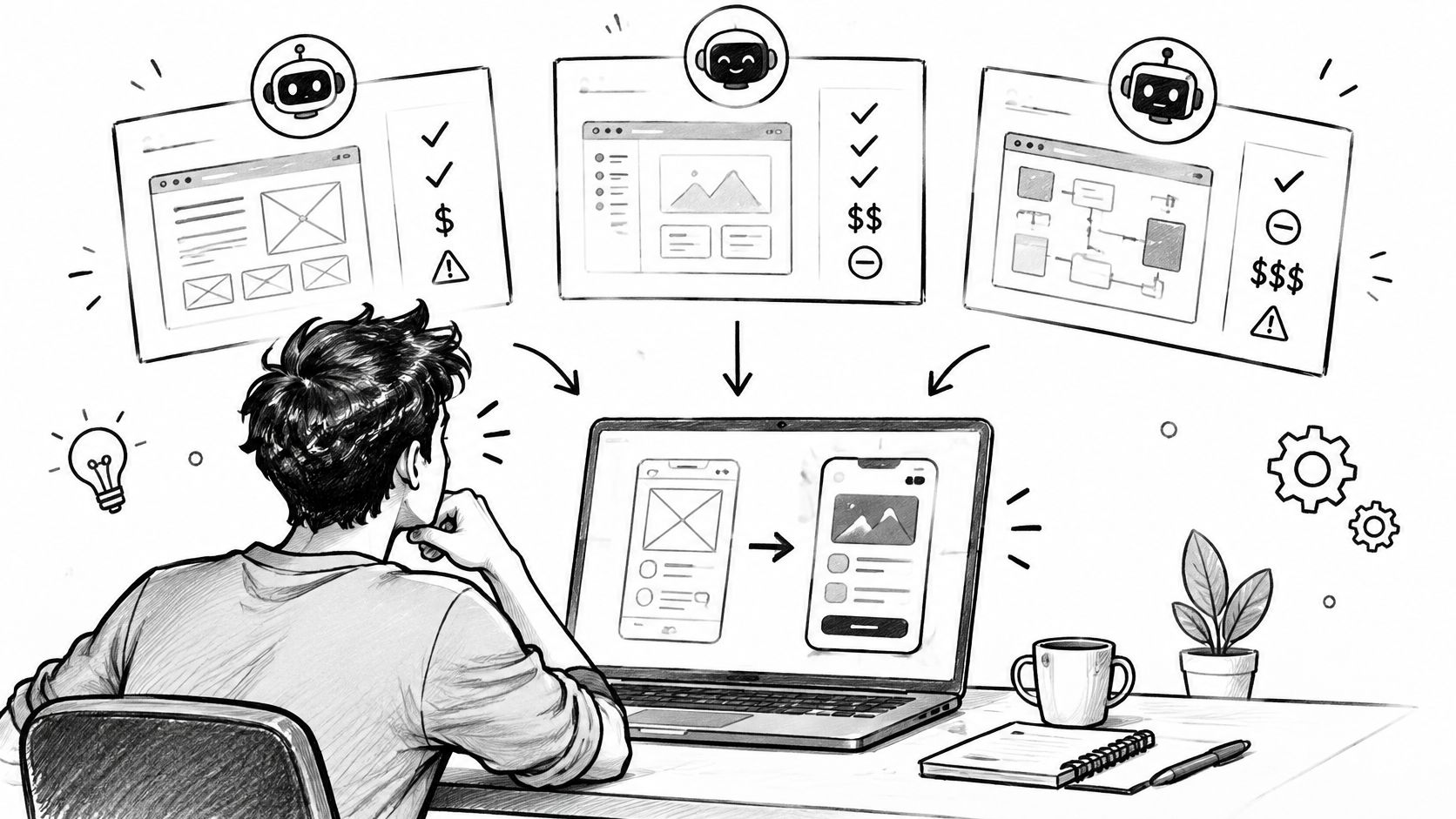
The expensive mistake in AI prototyping isn't choosing a weak model. It's choosing a tool that builds the wrong kind of prototype. Developer adoption already shows how normal AI-assisted building has become: according to Silicon UK's coverage of Stack Overflow's Developer Survey, 51% of UK developers used AI tools somewhere in their development process in 2024, up from 37% in 2023.
For founders choosing tools today, generation isn't necessarily the bottleneck. You can burn weeks refining a clickable mock-up when you need working database logic, or spend credits debugging authentication when a landing page would answer your business question.
The best AI prototyping tools fit the uncertainty you're trying to remove. Design exploration tools help you test layouts and journeys. No-code app builders help you test behaviour without setting up a development environment. Code-first prototyping tools give technical founders something they can inspect, extend and potentially maintain.
Choose the smallest technical commitment that lets a user give you meaningful feedback.
The tools below span those workflows, including website-specific options for testing demand before building an app. Each has a useful role, but none removes the need to define the problem, check the output or control spending. Credit allowances and product access change, so compare the workflow you'll use rather than choosing from a polished first-generation screenshot.
Table of Contents
- 1. Figr
- 2. Figma Make
- 3. Lovable
- 4. Bolt
- 5. v0
- 6. Replit Agent
- 7. Uizard
- 8. Google Stitch
- 9. Framer
- 10. Relume
- 11. Claude Design
- Best AI Prototyping Tools at a Glance
- Ship the Smallest Thing That Proves the Idea
1. Figr
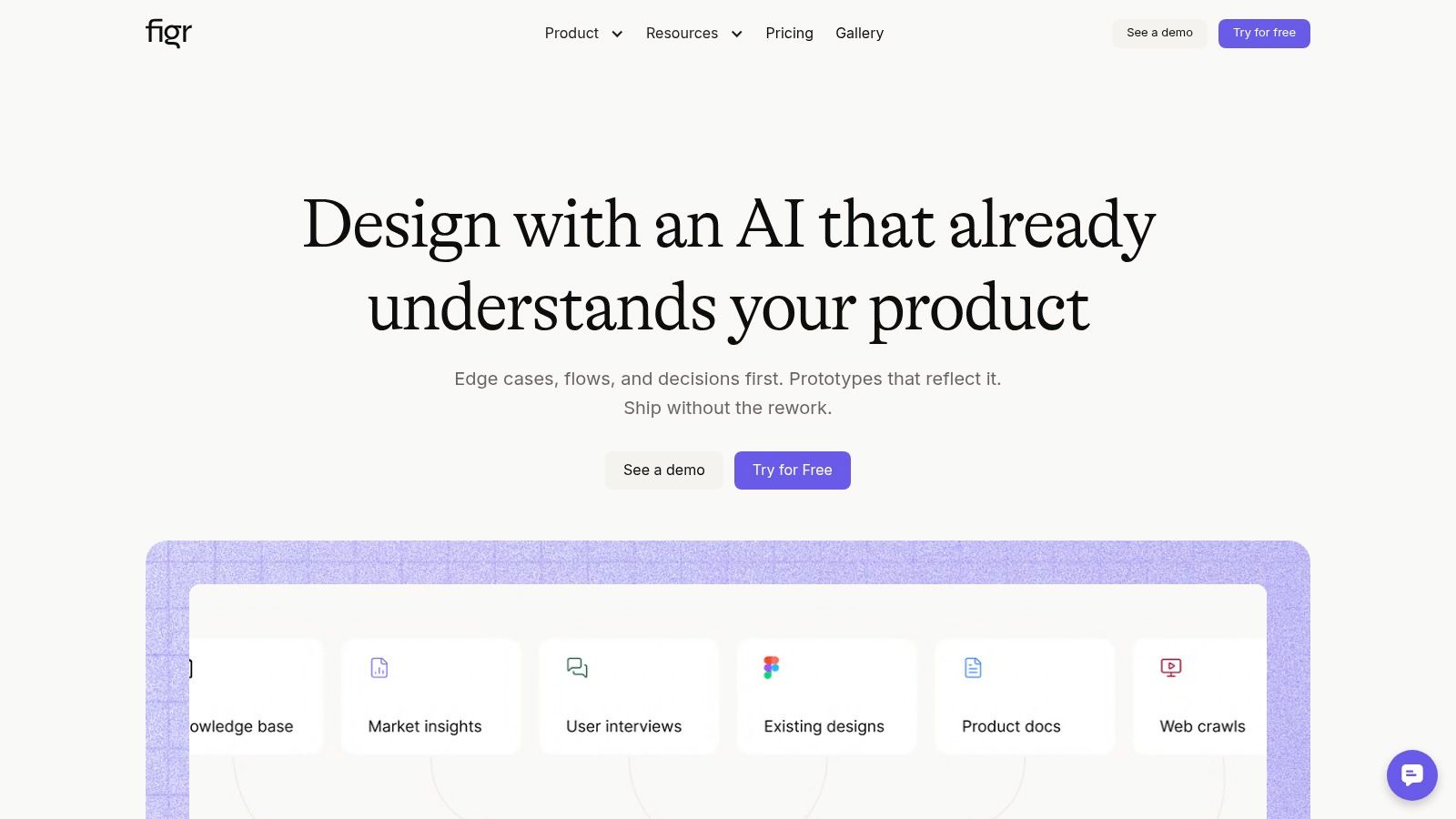
Workflow stage: Design exploration grounded in an existing product.
Figr is particularly relevant when you're improving software that already exists. Its High fidelity prototype workflow uses product context to generate designs that resemble your application rather than an unrelated template.
That distinction matters for SaaS founders. A convincing settings screen still creates rework if it ignores your navigation, component library or permission model.
Where the product context helps
Figr can capture a live application through Chrome, import Figma design systems and tokens, and retain decisions across sessions. It also supports PRDs, user flows, edge cases, UX reviews and test cases, so you can work through behaviour before polishing screens.
- Explore realistic variations: Compare alternative onboarding or upgrade journeys without abandoning your existing visual language.
- Prepare a clearer handoff: Generate supporting flows and QA cases alongside the interface, rather than leaving developers to infer missing states.
- Check consistency: Use design-system tokens and accessibility checks to identify problems before exporting work to Figma.
Analytics connections can also help teams investigate funnel drop-offs and develop changes around an actual product problem. Treat suggested changes as hypotheses, not proof that a redesign will improve conversion.
The limitation: Context is only useful when it's accurate. An outdated component library or incomplete capture can produce a polished interpretation of the wrong requirements.
I'd shortlist Figr for teams extending an established product, especially where complex flows and handoff quality matter. It's less compelling if your immediate question is whether anyone wants the product, and it isn't a substitute for implementing and testing the underlying application.
2. Figma Make
Workflow stage: Collaborative design exploration.
Already working in Figma? Figma Make is a natural shortlist candidate because your team can explore interactive behaviour without moving the design conversation into an unfamiliar environment.
It can generate prototypes from prompts, existing designs or code context, then support refinement through prompts and canvas editing. That combination suits teams who want an initial version quickly but still need direct control over layout and presentation.
Best when the design conversation comes first
Say you're testing a revised onboarding journey. Start with your existing components, describe the branching behaviour and ask for a prototype that exposes the transitions reviewers need to assess.
Keep the review focused on comprehension, navigation and interaction, not whether the generated result looks finished. A polished prototype can still hide confusing labels or an unnecessary step.
The limitation: AI features consume credits, and allowances depend on the plan. Broad regeneration requests can spend your allocation without resolving the actual design question.
Figma Make also works best when someone understands Figma well enough to correct the output. Choose it for collaborative product exploration, not because you expect a generated walkthrough to become a production-ready application automatically.
3. Lovable
Workflow stage: No-code app building for functional validation.
Lovable suits the founder who needs something people can use, not just screens they can click through. It generates web interfaces and functionality from natural-language instructions, with conversational revisions and visual editing in the same workflow.
The practical advantage is avoiding local setup while you establish whether a product interaction makes sense. You can move from a written concept to a shareable application, then refine it around user feedback.
- Good starting brief: Describe the user, their main task, the information they enter and the result they should receive.
- Useful first build: Limit scope to the core journey, such as submitting a request and reviewing its status.
- Better revision habit: Change a specific behaviour, then retest it before adding another feature.
Hosting and collaboration reduce the number of separate services you need to organise during exploration. Paid-plan features can matter once you need custom domains or more structured collaboration.
The limitation: Usage is credit-based, and a working preview doesn't establish that the generated code is safe or maintainable. Authentication, access rules and database behaviour deserve technical review.
I'd choose Lovable for a non-technical founder testing an application concept, provided there's a clear boundary between a customer demo and a production service.
4. Bolt
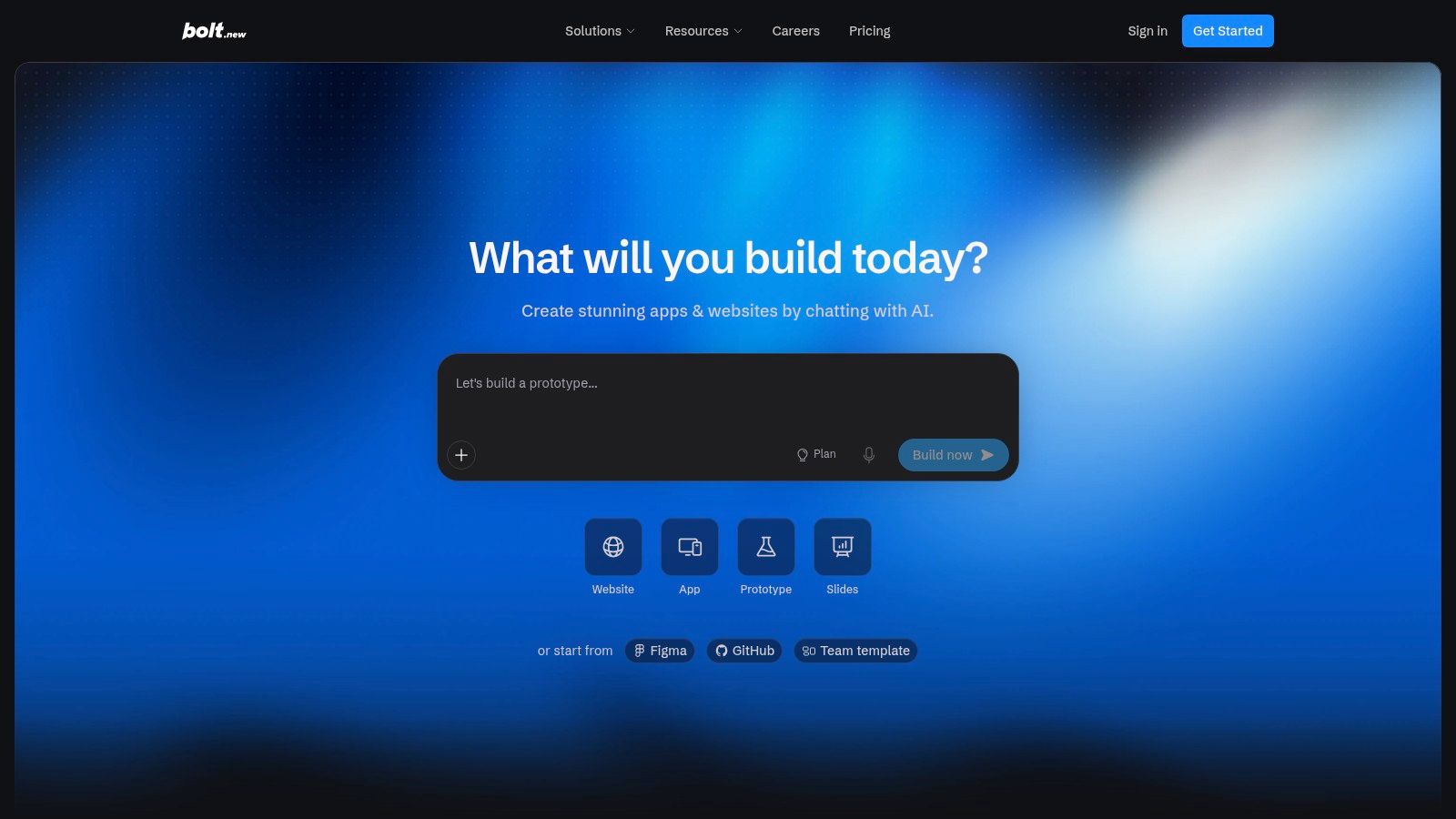
Workflow stage: Browser-based app building with code access.
The appeal of Bolt is straightforward: build, edit and preview a web application in the browser without installing a local development stack. It sits between approachable prompt-driven generation and a more recognisable development workflow.
That makes it useful when a prototype needs actual behaviour. A dashboard should load records, filters should change results, and a form should show a meaningful error when submission fails.
Keep the changes small enough to inspect
Start with a narrow application slice and verify it before expanding. Ask for a specific correction, such as preserving filter selections after navigation, rather than requesting a general improvement.
Bolt's hosting and database options can keep early experimentation together. For alternatives with similar prompt-led workflows, our best vibe coding tools guide helps distinguish generation convenience from development control.
Spend-control rule: Save a working state before asking an agent to restructure the application.
The limitation: Frequent iteration can consume tokens quickly, particularly when the agent repeatedly revisits a growing project. Generated code may also need debugging that a non-technical founder can't confidently perform.
Choose Bolt if browser-based development removes a genuine setup obstacle. Don't confuse avoiding installation with avoiding engineering responsibility.
5. v0
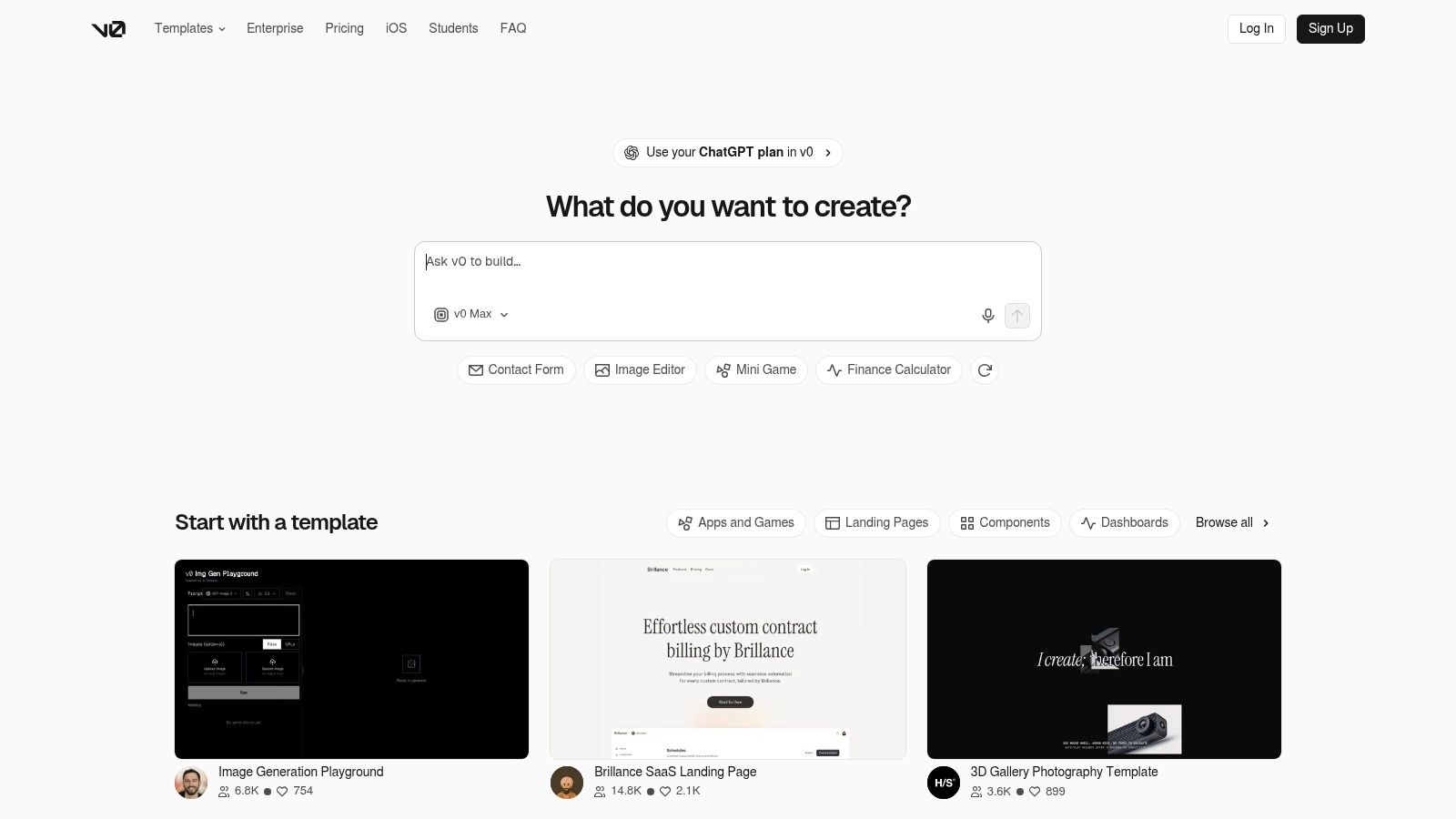
Workflow stage: Code-first interface prototyping.
v0 makes particular sense when your intended implementation uses React, Next.js, TypeScript, Tailwind CSS and shadcn/ui. Its output belongs in a code-oriented workflow rather than stopping at a visual representation.
For a technical founder, that changes the evaluation. You're assessing component boundaries, state handling and repository fit alongside typography and spacing.
- Start with existing context: Import relevant code or a GitHub project instead of generating a parallel implementation.
- Inspect the structure: Check whether repeated interface elements become reusable components.
- Test realistic content: Use long labels, empty results and failed requests before accepting the layout.
Visual editing, GitHub synchronisation and deployment support can make the path from experiment to reviewable code more direct. That's useful when a prototype might continue into an engineering project.
The limitation: v0 is most useful when you can review what it generates. Attractive interfaces can still contain brittle state management, unnecessary dependencies or inaccessible controls.
Vercel is the recommended route for the full preview and deployment experience, so consider that fit before committing. I'd choose v0 for a developer-led web prototype, particularly when keeping the output close to the intended stack matters more than avoiding code entirely.
6. Replit Agent
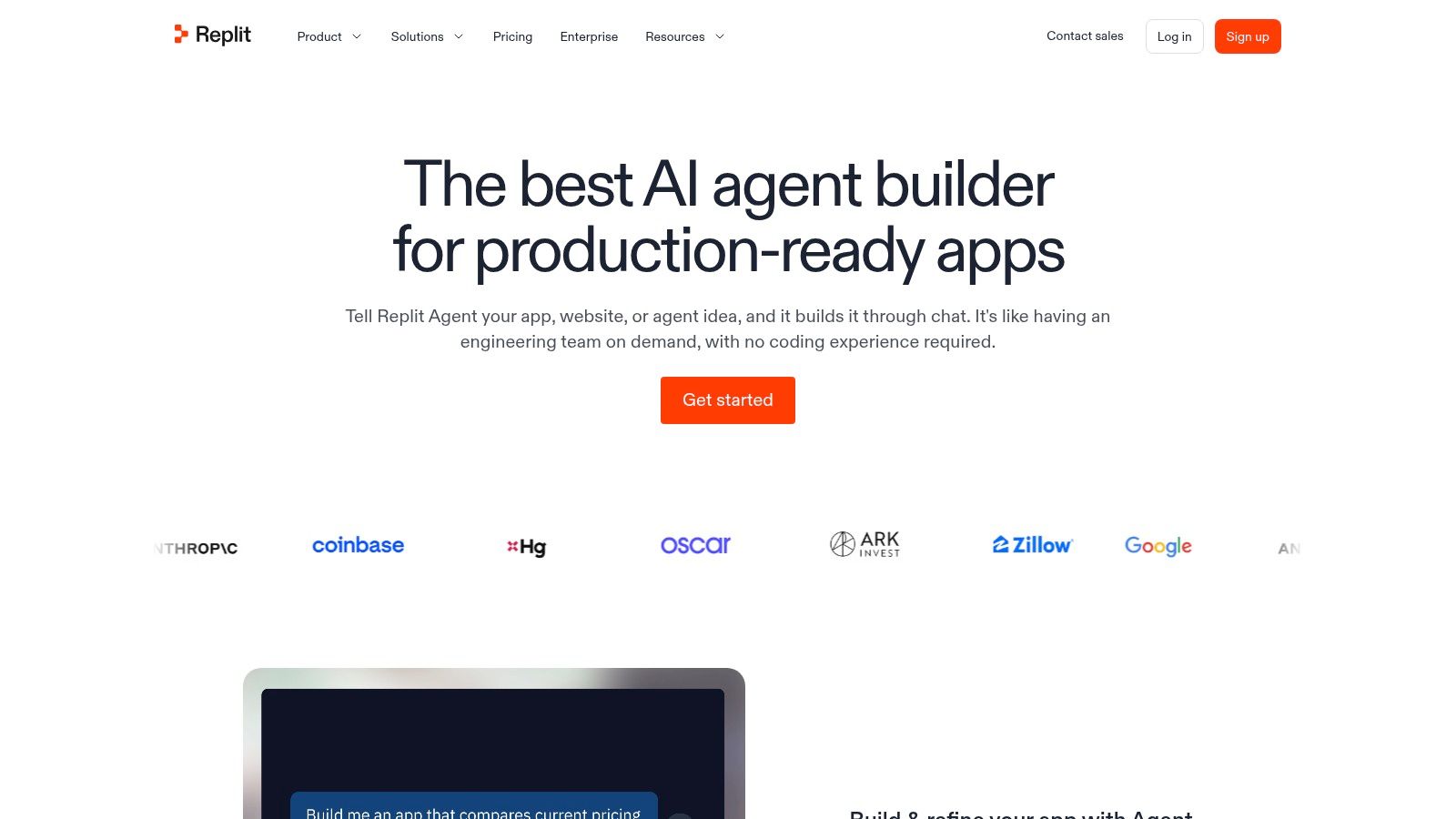
Workflow stage: Code-first experimentation in a cloud workspace.
Some prototypes need more than an interface generator. Replit Agent combines AI assistance with a browser-based coding workspace, making it useful when you need to build, run and inspect an application together.
A founder exploring a document-processing workflow, for example, needs to understand what happens after upload. The useful prototype includes processing behaviour, error handling and a way to inspect the result, not merely an upload screen.
Use the workspace, not only the chat
Read the files the agent changes. Inspect runtime errors, keep credentials out of source files and ask for a test that reproduces a bug before requesting a fix.
The collaboration and deployment options support continued experimentation without immediately assembling a separate local environment. That can also help a founder learning enough development to supervise the prototype intelligently.
The limitation: Agent usage can make spending less predictable than the subscription alone suggests. A long debugging loop may consume resources without producing a stable result.
Set a stopping condition before starting an open-ended task. If the same failure survives repeated attempts, inspect the cause or seek technical help instead of continuing to prompt.
Replit Agent is a reasonable fit when you want an integrated development workspace. Complex applications still need deliberate testing and technical oversight.
7. Uizard
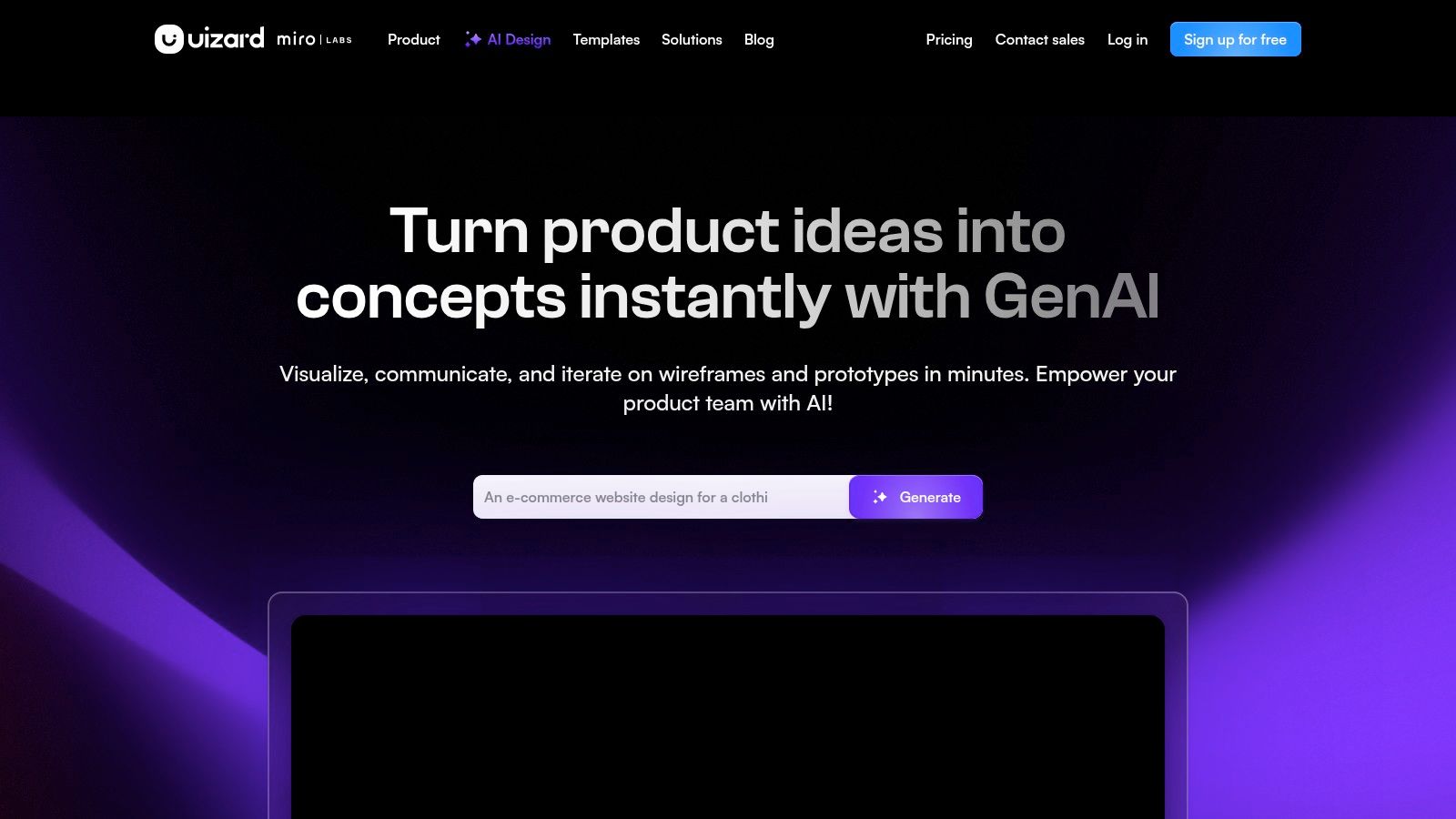
Workflow stage: Early design exploration.
A rough sketch can be enough to start a useful product discussion. Uizard turns descriptions, screenshots, wireframes and sketches into screens you can refine and share before committing to implementation.
That makes it approachable for founders who understand the problem but don't have a design background. You can compare information hierarchy and navigation without first mastering a professional design workflow.
Keep the prototype intentionally provisional
Use Uizard to answer questions such as whether users can find the next action or understand how screens relate. Don't invest heavily in decorative polish while the core flow is still changing.
- Useful input: A sketch showing content priorities and the action each screen supports.
- Useful review: Ask someone to complete a task without explaining where to click.
- Useful output: A clearer flow and a list of unanswered questions for the next build.
Templates and sharing features help get the concept in front of collaborators. Developer-handoff options may be useful later, depending on your plan and intended implementation.
The limitation: Free-plan project and AI-generation allowances constrain exploration, so check the current allocation before organising a workshop. Uizard is primarily a design-and-prototyping tool, not a full-stack application builder.
Choose it when your uncertainty concerns screen structure and usability, rather than database behaviour or integration feasibility.
8. Google Stitch
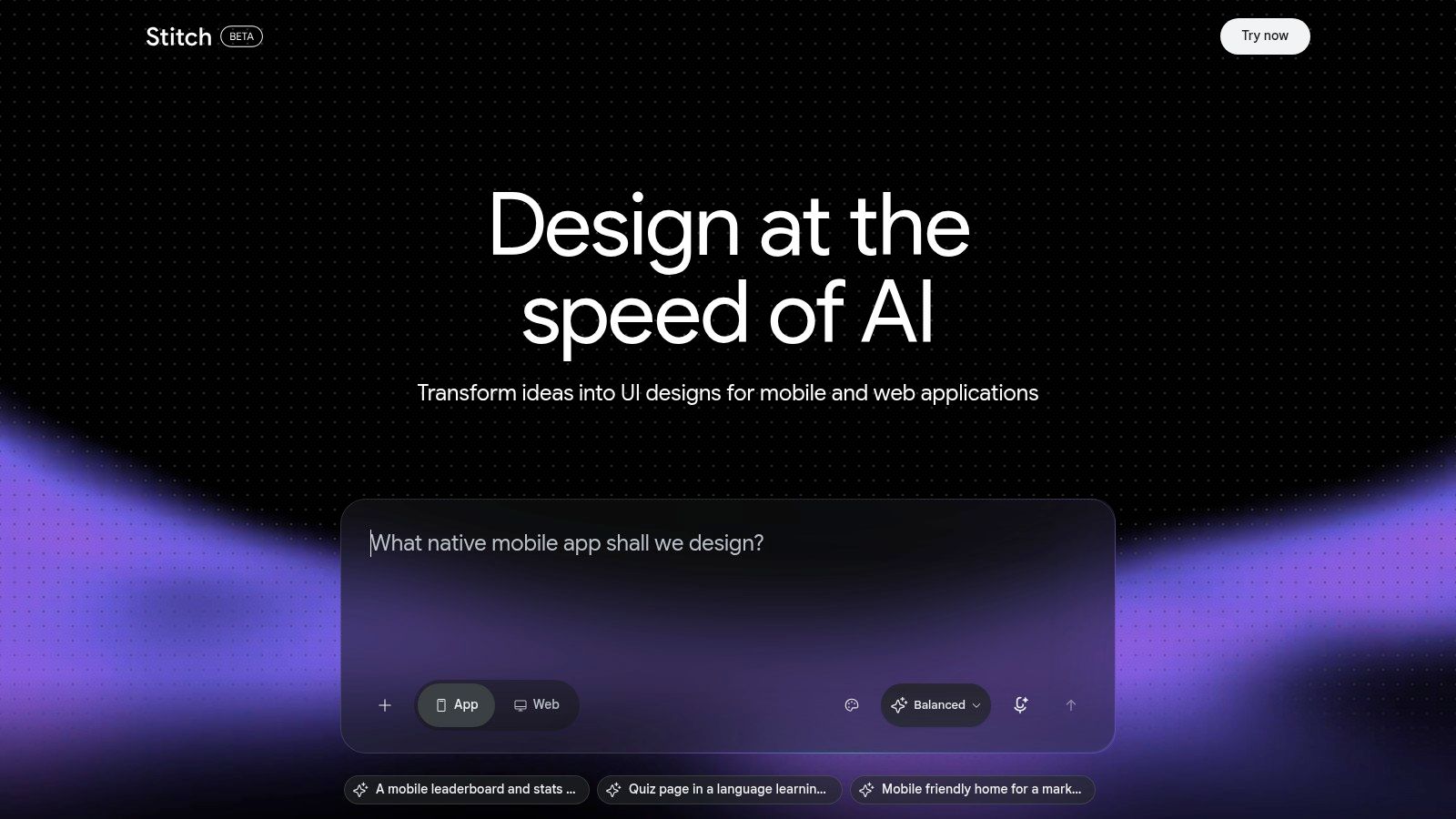
Workflow stage: Exploratory interface design.
Google Stitch offers an experimental design canvas for generating and refining interface concepts. Text and voice input provide different ways to describe a direction, while existing design files or code context can help anchor the work.
Its strongest role is exploration before commitment. Try a navigation arrangement, compare content density or examine how the same task might work on a smaller screen.
A useful prompt explains the user's intent and constraints, not just a visual style. For example, describe an administrator reviewing failed imports who needs to identify the cause and retry safely.
Explore broadly, then make a decision
Use generated alternatives to identify which layout best supports the task. Record why you chose it, so later iterations don't reopen decisions because another variation looks appealing.
Our best design tools guide covers adjacent options if you need a more established home for ongoing design work.
The limitation: Google presents Stitch as experimental. Treat access, export routes and collaboration behaviour as things to verify before making it central to a delivery process.
It's also more design-oriented than a complete development environment. A shareable prototype can help validate an interface, but it doesn't establish that the underlying product works.
9. Framer
Workflow stage: No-code website building and demand validation.
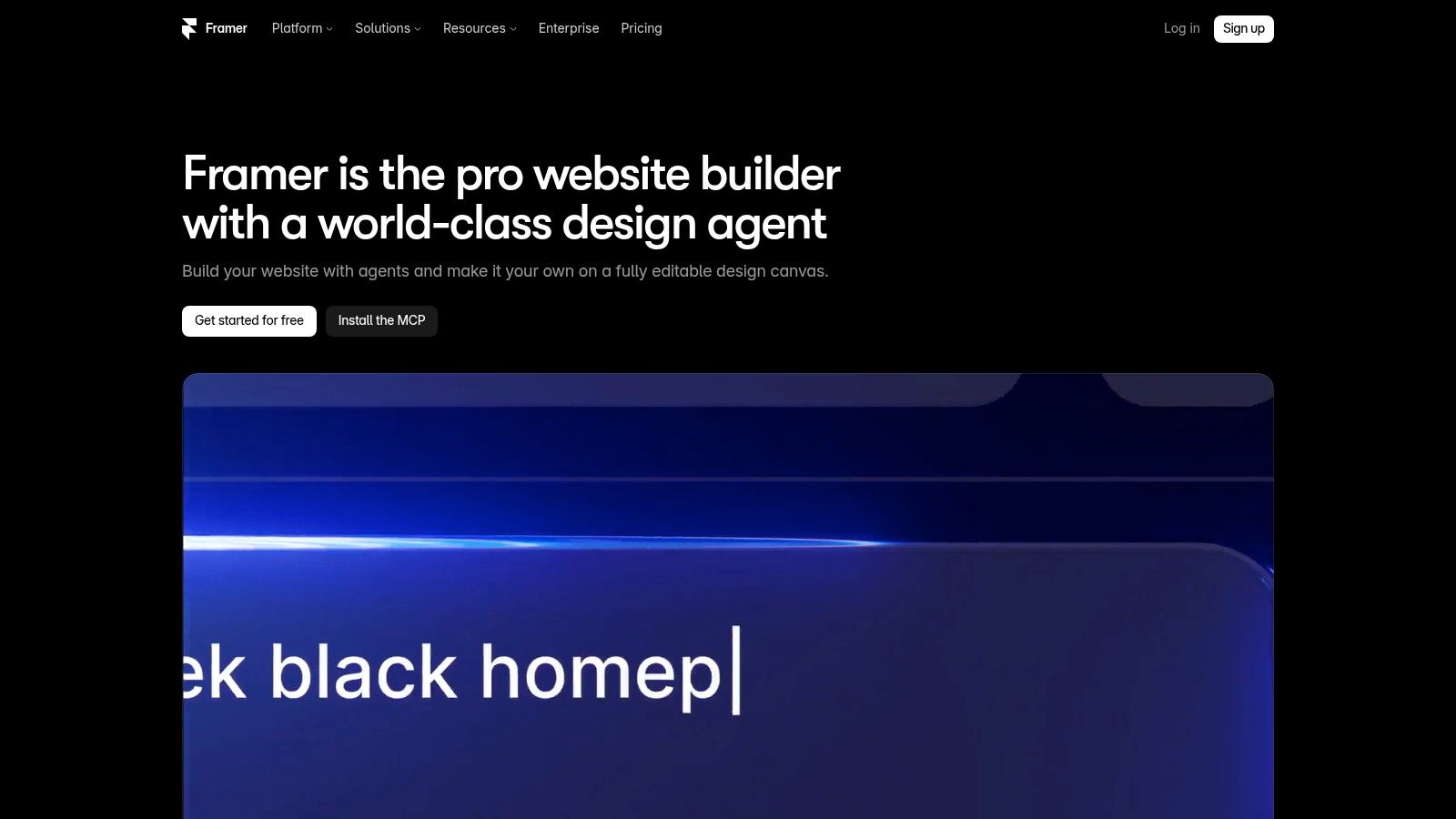
Your first prototype might not need an application at all. Framer is particularly relevant when you need to test positioning, explain an offer and capture interest through a published website.
Visual editing and publishing sit together, with AI assistance supporting website creation and changes. That lets a founder work on the message and presentation without treating the launch page as a separate engineering project.
A landing page tests whether people respond to the promise. It doesn't prove they'll succeed with the product.
For a useful demand test, make the offer concrete. Explain who the product serves, what task it helps them complete and what happens after they express interest.
- Check the form: Confirm submissions reach the intended destination.
- Check mobile: Review text wrapping, navigation and the primary action.
- Check expectations: Don't imply an unfinished feature is already available.
The limitation: Framer is focused on websites rather than general-purpose application prototyping. AI features also use credits, with allowances depending on the plan.
Compare it with the options in our best no-code tools guide if your requirements extend into application workflows. Choose Framer when publishing the message is the test, not when you need to validate complex business logic.
10. Relume
Workflow stage: Website planning before visual execution.
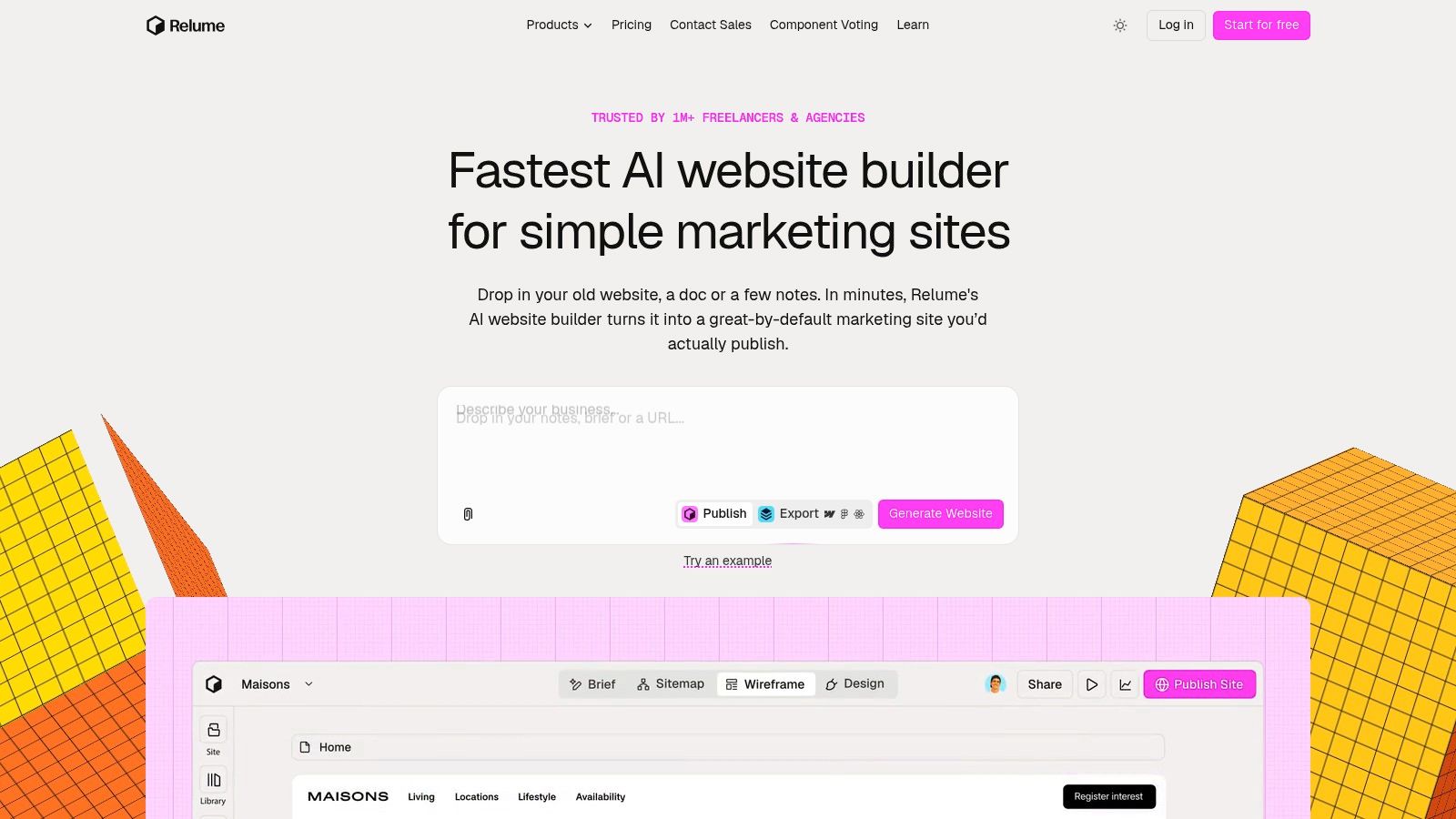
Relume is useful when you're not ready to design the site because you haven't agreed what belongs on it. It helps turn a brief into a sitemap and wireframes, with routes into design and publishing workflows.
That's a different job from generating a finished-looking homepage. A founder needs to decide which questions each page answers and how visitors move towards the intended action.
Resolve scope before polishing
Say you're launching a B2B service with several use cases. Use the sitemap to separate different buyer needs from pages that merely repeat the same message.
Then review the wireframes for content requirements. If a section calls for customer evidence you don't have, replace it with an honest product explanation rather than leaving invented testimonials in the prototype.
Relume's value is making structure visible early enough to change it cheaply. It can also help a founder give a designer a clearer brief.
The limitation: It specialises in marketing-site structure rather than complex software interfaces. Export, integration and publishing capabilities vary between products and plans, so confirm the intended handoff before committing to the workflow.
Choose Relume when page hierarchy and scope are your main uncertainties. If you already know the structure and need to publish, a website builder may be the more direct choice.
11. Claude Design
Workflow stage: Conversational design with a code handoff.
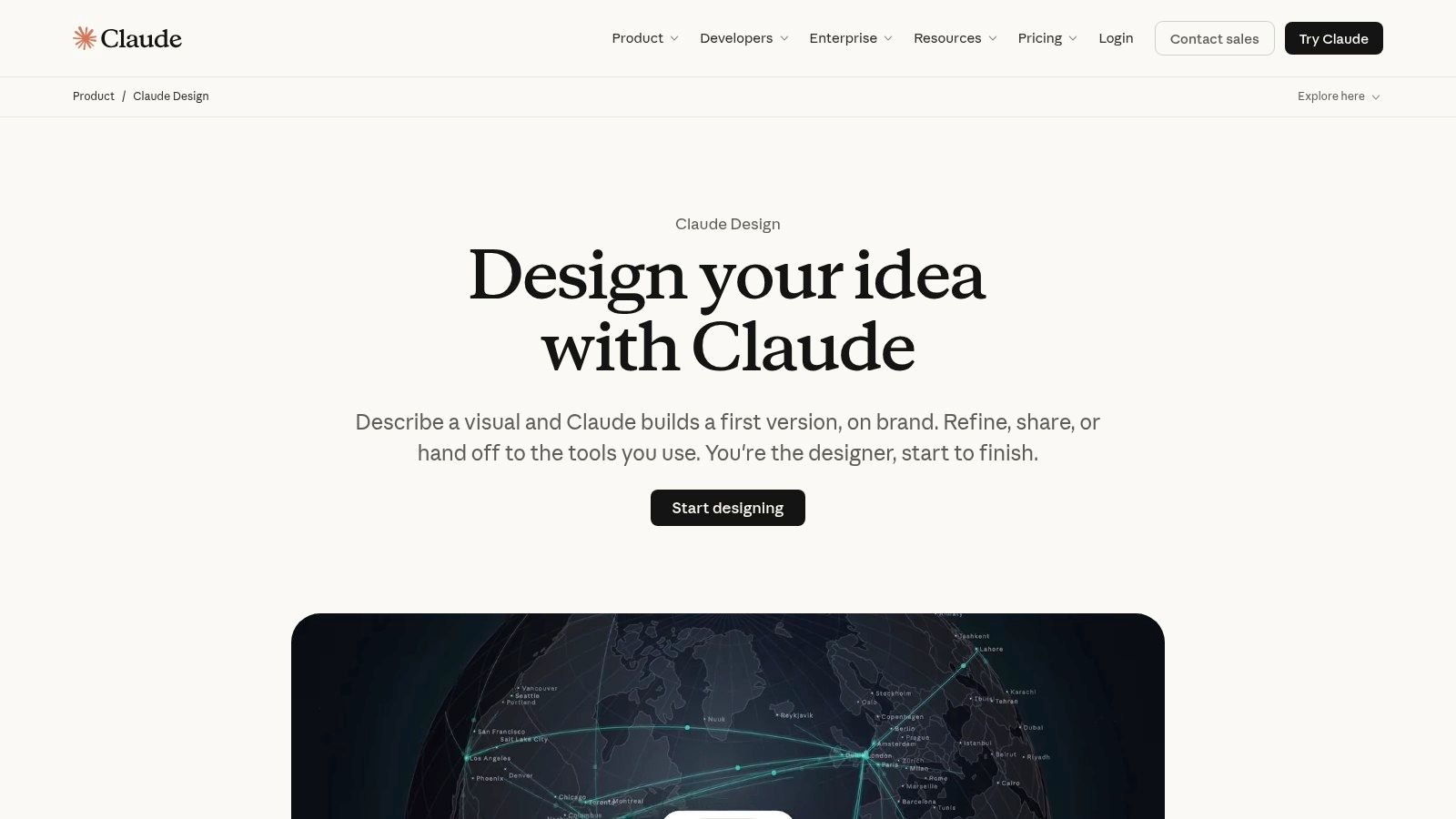
Claude Design supports visual work and interactive prototypes through conversation and a canvas. It's relevant when you want to explain a design problem in plain language, refine the result directly and prepare a route towards implementation.
Design-system support, screenshots and codebase context can help keep exploration connected to an existing product. Canvas edits and inline comments also give you more precise ways to request changes than repeatedly rewriting a broad prompt.
Make the handoff explicit
The connection with Claude Code is useful when the prototype needs to move into a coding workflow. Still, the handoff should explain behaviour, not merely transfer an attractive screen.
- Define states: Include loading, empty, error and permission-restricted views.
- Separate simulation: Mark interactions that use mock data or don't perform a real action.
- Preserve decisions: Record component constraints and the reasoning behind important choices.
The limitation: Usage depends on subscription limits, and product access and workflow are evolving. Verify current availability before choosing it for a time-sensitive project.
I'd consider it where conversational design and implementation planning need to stay close together. Don't assume that a convenient handoff guarantees maintainable code or removes the need to reconcile the prototype with the actual application architecture.
Best AI Prototyping Tools at a Glance
Use the table to match a tool to the stage you are in: design exploration, no-code app building, or code-first prototyping. Treat free access as enough for a short validation sprint, then move to paid only if the prototype starts answering a real question.
| Best for | Output type | Free plan | Key limitation |
|---|---|---|---|
| Figr: product teams creating context-aware UX artifacts | PRDs, flows, prototypes, reviews, and test cases | Available with limited usage | Focused on product UX workflows |
| Figma Make: teams already designing in Figma | Interactive prototypes and small apps | Plan-dependent AI credits | Works best for people comfortable with Figma |
| Lovable: non-technical founders turning ideas into web apps | Working web apps | Available with limited usage | Generated code and functionality may need technical review |
| Bolt: founders building and previewing apps without local setup | Browser-based web apps | Available; includes projects, hosting, and databases | Token limits can run down quickly |
| v0: developers creating code-based web interfaces | React and full-stack projects | Available; includes deployment and GitHub sync | Best suited to users comfortable reviewing code |
| Replit Agent: founders experimenting in a cloud coding workspace | Runnable apps and code projects | Available with limited workspace usage | Agent usage costs can be unpredictable |
| Uizard: teams turning rough concepts into screens | UI designs and interactive prototypes | Available with tight project and generation caps | Not a full-stack app builder |
| Google Stitch: users exploring interface concepts quickly | UI concepts and shareable prototypes | Available for experimentation | Experimental and design-focused |
| Framer: founders prototyping and publishing marketing sites | Designed and published websites | Available for site prototyping | Focused on websites, not general-purpose apps |
| Relume: founders planning a marketing site's structure | Website briefs, sitemaps, and wireframes | Available | Specializes in marketing sites |
| Claude Design: founders moving from visual concepts toward implementation | Designs and interactive prototypes | Subscription-dependent | Access and workflow are evolving |
The main trade-off is speed against control. Design exploration tools get you to a credible screen fastest, app builders get you to a testable flow, and code-first tools give you the most maintainable path if someone can inspect what the agent writes.
Ship the Smallest Thing That Proves the Idea
The best AI prototyping tools help you answer a question, not collect features. Pick the workflow that matches your uncertainty, then build the smallest version that can produce useful evidence.
For design exploration, consider Figr when existing product context matters, Figma Make for collaborative refinement, or Uizard and Stitch for early concepts. Claude Design is another option when you want conversational exploration connected to an implementation handoff.
For functional app validation, Lovable and Bolt offer approachable browser-based starting points. For code-first work, v0 and Replit Agent make more sense when someone can inspect and maintain the generated application.
For demand validation, use Framer to publish the offer or Relume to resolve the site structure first. Don't build account management and database logic just to discover whether visitors understand your value proposition.
Put a boundary around the experiment
Aim to put a testable version in front of real users within a week. That's a working deadline, not a promise about what every tool can deliver.
Before increasing spend, document what you learned:
- What users attempted: Record the task, not just their general reaction.
- Where they struggled: Separate unclear interface choices from missing functionality.
- What was simulated: Identify mock data, manual fulfilment and incomplete integrations.
- What happens next: Decide whether to revise, rebuild, continue or stop.
Keep a separate record of credits, hosting, integrations and correction effort. A cheap subscription isn't necessarily a cheap pilot if you need substantial rework to make it reliable.
Be equally deliberate about data. The UK government's AI procurement guidance advises teams using third-party AI to assess supplier risks, protect confidential information from training use and apply proportionate assurance controls.
Start with synthetic or appropriately anonymised examples where possible. Before introducing customer data, review retention settings, data-processing arrangements, access controls and whether a Data Protection Impact Assessment is needed.
Choose a tool, write a narrow brief and book a user-feedback session before expanding the build. Once you've validated your own tool, submit it to Launch Llama Tools for a free permanent listing, with no credit card, trial or hidden fees. We review every submission for quality, relevance and value to founders. Before moving from prototype to production, have a developer review AI-generated code, especially authentication, permissions, payments and customer-data handling.