
LockIn MCP
For knowledge workers: LockIn MCP blocks system-level distractions and connects to Claude or ChatGPT so you stay focused with AI accountability.
Built by Mil Hoornaert · Artificial Intelligence · Productivity · Developer Tools · Freemium
In category: #1531 of 2048 · Artificial Intelligence
LockIn MCP is a Community listing on Launch Llama with 2 total upvotes, founded by Mil Hoornaert who joined in Jul 2026, compared against 4 alternatives.
Community listing
Listing status
2upvotes
Community score
Mil Hoornaert (Joined Jul 2026)
Founder
Compared against 4 alternatives
Market comparison
Launched on Launch Llama Jul 12, 2026 · #11 of 22 that day
About
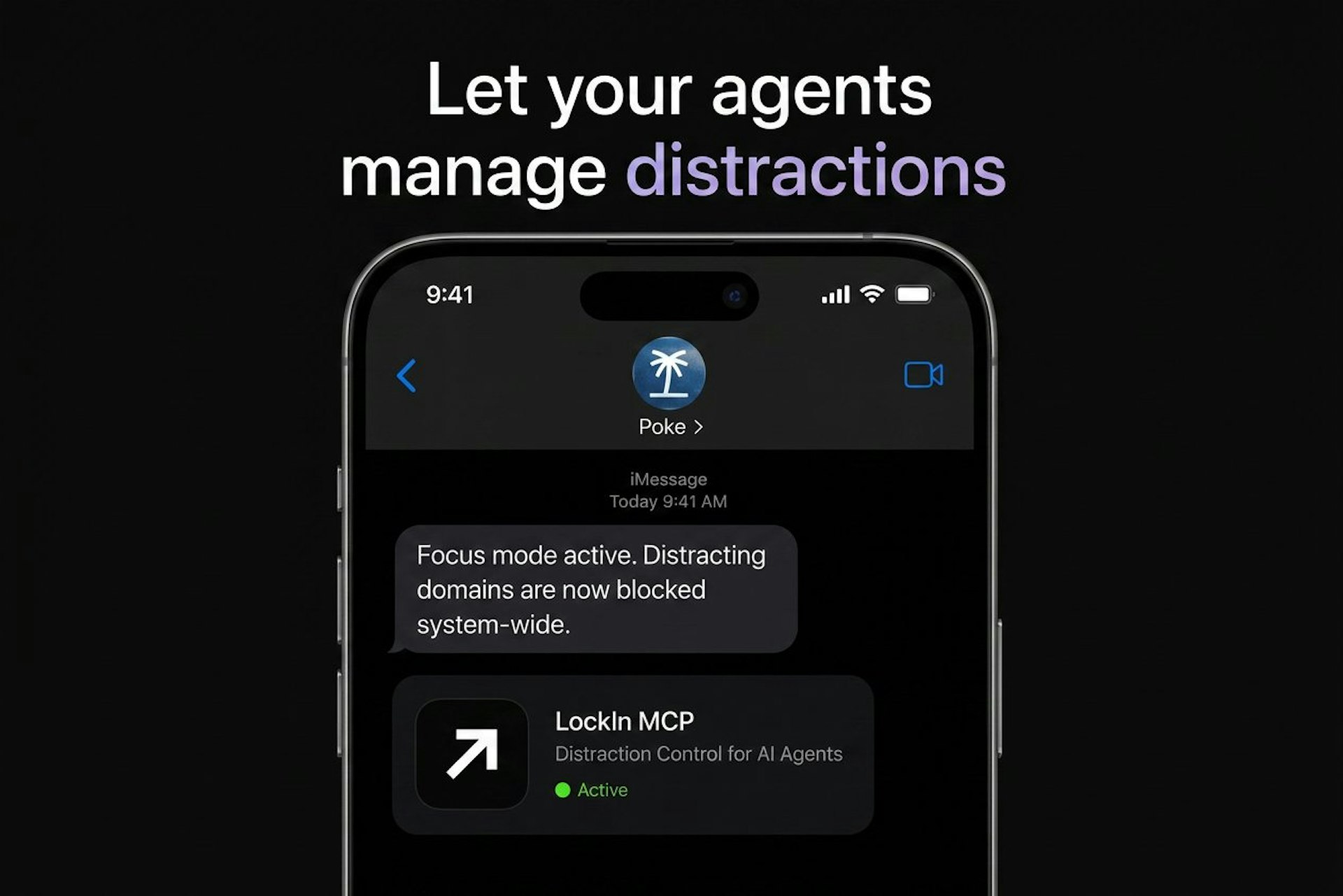
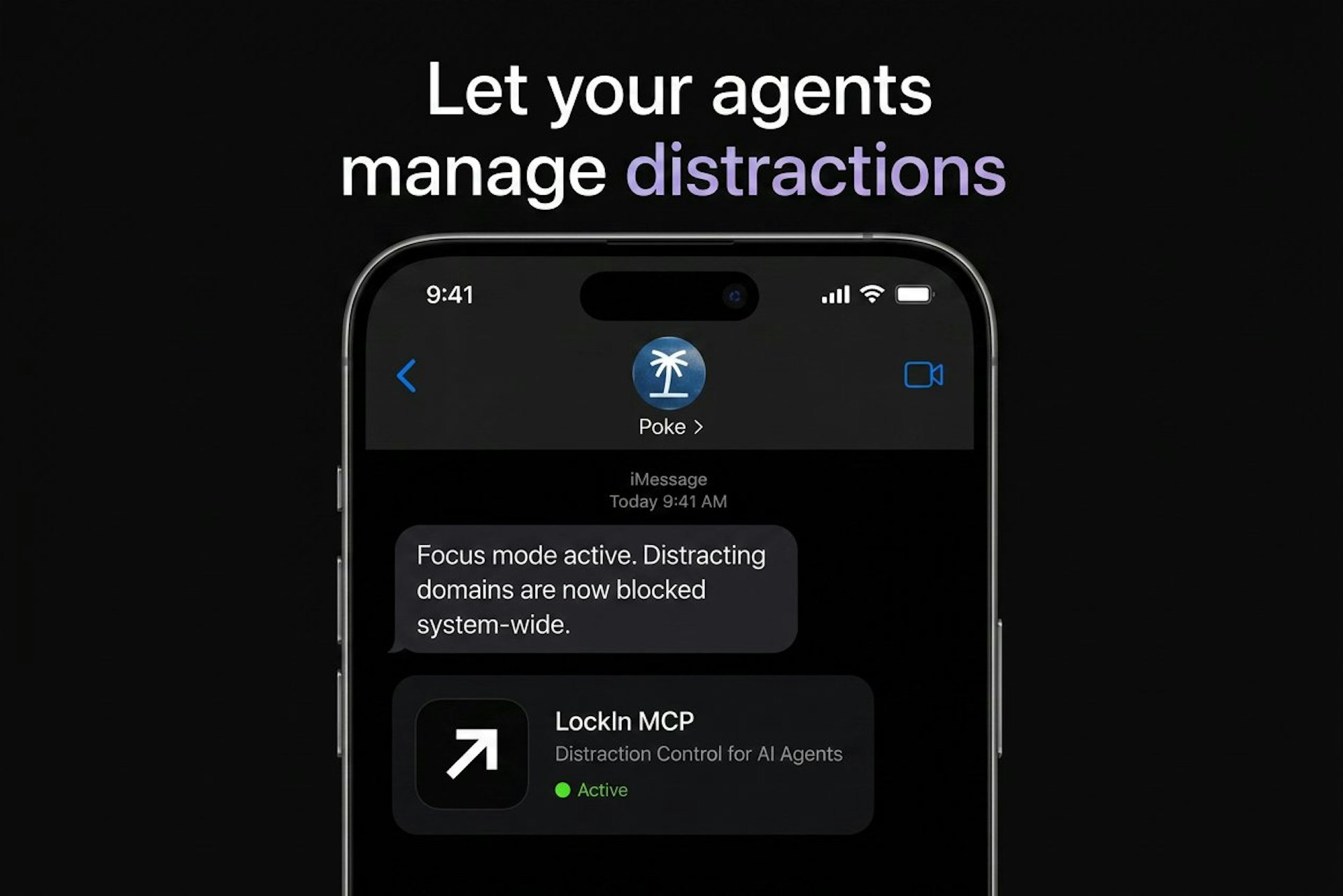
LockIn is a system-level distraction blocker that integrates with AI tools like Claude, ChatGPT, Perplexity, and Gemini to help you stay focused. It blocks distractions at the system level through hosts file editing and includes a Chrome extension that intelligently filters content based on your current task. Connect it to your preferred AI assistant to get accountability and dynamic focus management.
Key Features
- System-level distraction blocking
- Unbypassable blocking by default
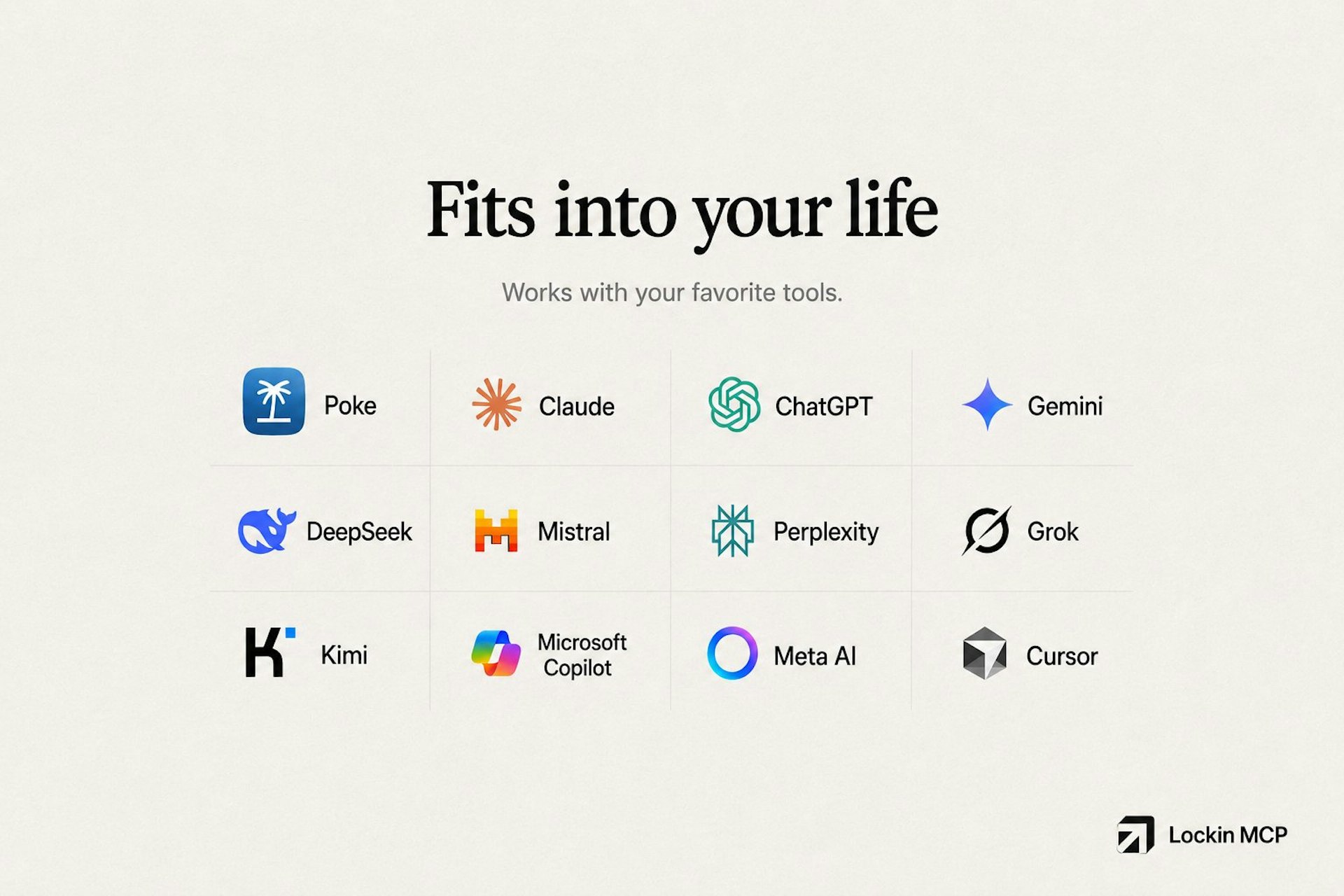
- Connects with all your favourite AI agents
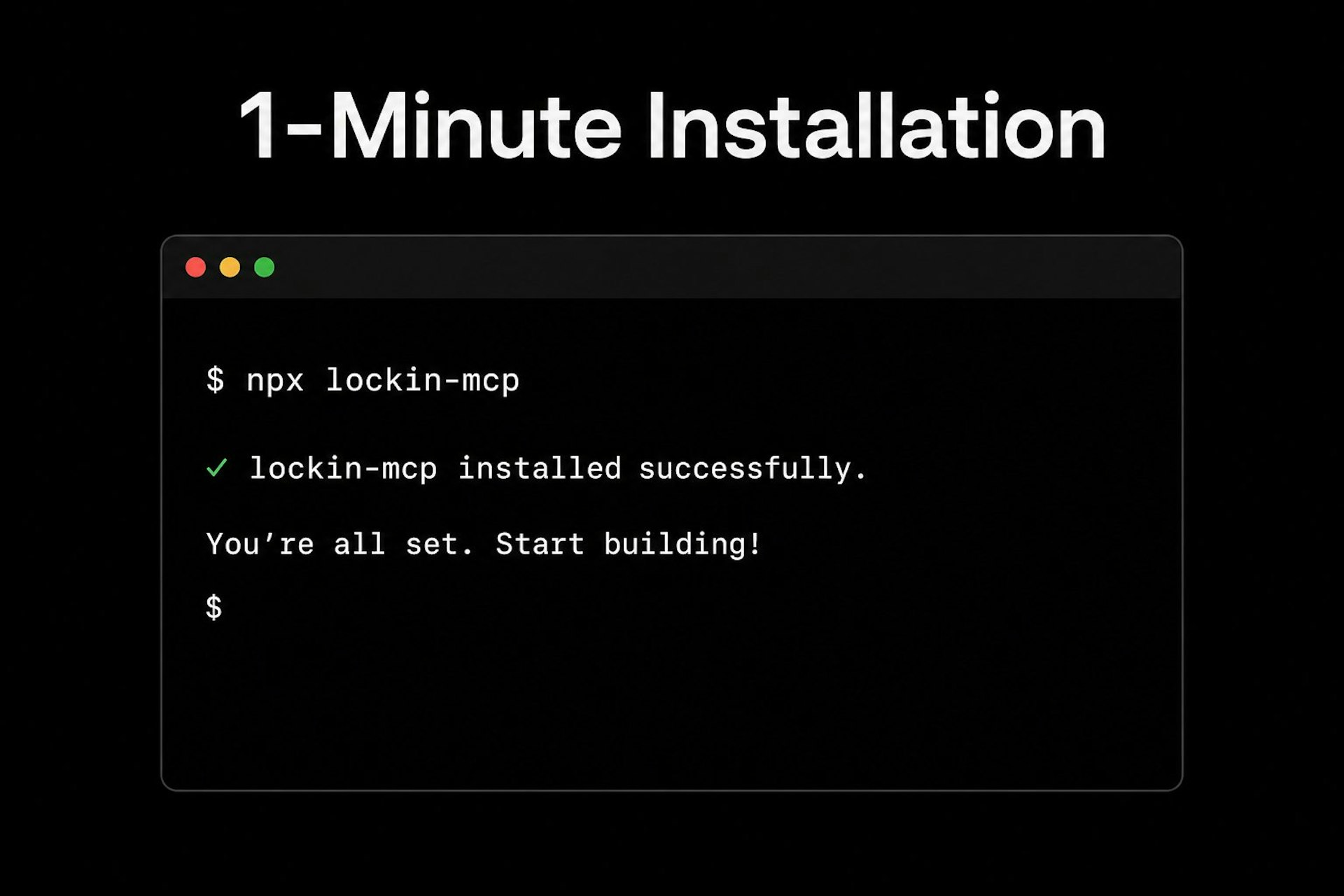
- Simple one-minute setup
Use Cases
- Eliminate distractions with task-aware blocking
- Let AI control distraction blocking so you don't bypass it
- Easily map out your day by letting agents create a task list
- Learn about your focus habits inside our dashboard
- Stay on track with an AI productivity coach reminding you to stay focused
Who it is for
LockIn MCP is designed for a range of users, including:
- busy founders and teams looking to increase productivity
- students who need to lock in for their exams
- ai enthusiasts getting distracted while vibe coding
Pricing
Pricing details for LockIn MCP are available on their official website. Many tools in the productivity category offer free tiers or trials, so it's worth checking if LockIn MCP has one that fits your needs.
Verdict
In the competitive productivity space, LockIn MCP stands out as a solid option. It's gaining traction among founders who value simplicity and results. LockIn is a system-level distraction blocker that integrates with AI tools like Claude, ChatGPT, Perplexity, and Gemini to help you stay focused. If ai-powered distraction blocker for focus and productivity is a priority for your team, it's worth giving LockIn MCP a closer look.
FAQ
Does it work after restart?
Yes. Blocks persist in your hosts file, and the background service keeps MCP running and temp-unblock timers active.
Which platforms are supported?
macOS is fully supported. Linux and Windows have hosts blocking with platform-specific DNS flush and background services.
Is this a subscription?
LockIn is $2.99/month or $29.99/year (both include a 3-day free trial; yearly is the default), or $59.99 lifetime.
How do I use it with Poke?
Run the installer and choose Poke - it copies your relay MCP URL. In Poke, paste the URL, choose OAuth, sign in on lockinmcp.com, then add our recipe at https://poke.com/r/KQ7myvC_Xpo.
Which AI tools work with LockIn?
After install, open /dashboard/agents to connect Poke, Claude (web), ChatGPT, Cursor, Hermes, OpenClaw, and install the Chrome extension. Claude Desktop is the exception: npx -y lockin-mcp connect-agent --agent claude-desktop. Any MCP client can use your relay URL.
How does the Chrome extension work?
Optional add-on for Pro subscribers. Sign in from the extension popup via OAuth, then manage focus tasks from the bottom-left widget on any site or from your new tab page. While a task is active, the extension blocks distracting pages, can check whether a site matches your task, and logs distraction attempts to Dashboard → Sessions. System-wide blocking still runs through the desktop installer and hosts file; the extension adds browser-level task focus on top.
Is my search history shared with AI?
No. LockIn does not upload your full browsing or search history, and nothing is shared with Poke, Claude, ChatGPT, or any other AI you connect. The Chrome extension only logs distraction attempts on your active block list while focus mode is on (plus short productive dwell on a small set of work sites). Task-aware blocking may send a page URL and short excerpt to LockIn's server for a relevance check - that stays on our side, is tied only to your LockIn account for your own tool, and is not stored as a browsing profile or passed to third-party AI agents.
How do I disconnect an AI agent?
Revoke the connection on Dashboard → Agents. This stops LockIn from accepting that OAuth token - you may still need to remove the connector inside Poke, Claude, or ChatGPT separately.
How does LockIn compare to Freedom or Cold Turkey?
Freedom syncs blocking across phone and desktop but has no AI integration (~$40/year). Cold Turkey offers maximum desktop lockdown ($39 once) but is manual only. LockIn MCP is the only blocker with native MCP - your AI starts focus sessions - with subscription or lifetime pricing. See our comparisons at /compare.
Is LockIn MCP a good AI productivity tool?
Yes, if you already use Poke, Claude, or ChatGPT. Your assistant can block_domains, enter_focus_mode, and manage timed unblocks via MCP - no separate focus app to open. Pair with iOS Screen Time for mobile.
Alternatives
More in Artificial Intelligence
New on Launch Llama
Launched this week · This month's launches · All products A–Z
Ask AI about LockIn MCP
Supporters
1 founder
1 founder supported LockIn MCP on Launch Llama.
Reviews
1 review
LockIn MCP Breakdown has great potential! A few improvements could make it even better. I'd love to share my feedback and suggestions. WhatsApp: https://wa.me/447307349530 Telegram: t.me/rforrank
Third-party sources
- Show HN: An MCP server that gives your AI assistant write access to /etc./hosts
Hacker News · July 4, 2026 · 2 points
- Show HN: Lockin – system-level distraction blocker controlled via text
Hacker News · June 22, 2026 · 2 points
For bots & AI agents
Machine-readable versions of LockIn MCP and Launch Llama. Fetch these instead of parsing this page.
This listing (.md) llms.txt llms-full.txt ai.txt Full catalog (.md) Endpoint index API docs MCP server MCP manifest Developer docs