
ExamClutch
Under reviewAnswers online quiz questions instantly, one shortcut away
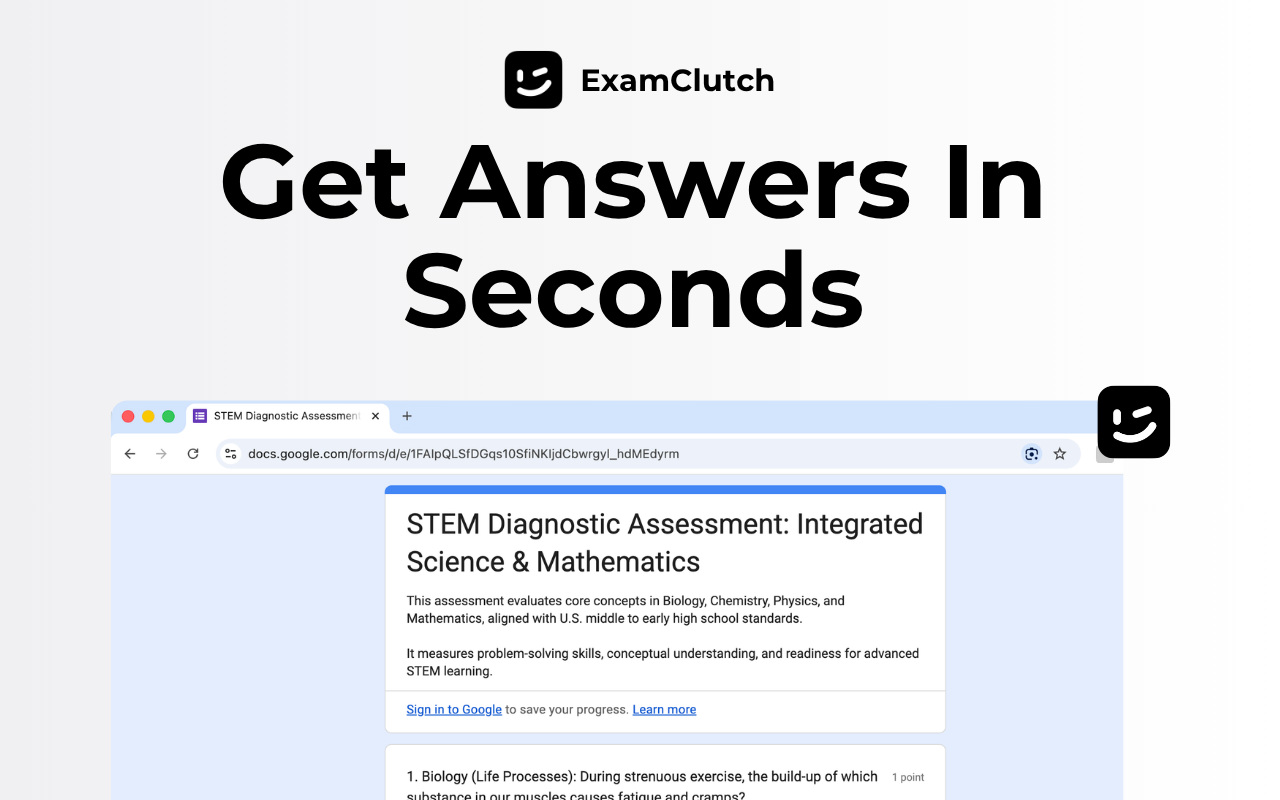
Built for college students taking web quizzes: reads multiple choice, multi-select, dropdown, and fill-in-the-blank questions on Canvas, Brightspace, and Moodle, filling answers in about 30 seconds.
Built by Meet Patel · Artificial Intelligence · Chrome Extensions · Education · Freemium
Coming soon on Launch Llama Tools
ExamClutch is a Community listing on Launch Llama with 0 total upvotes, founded by Meet Patel who joined in Oct 2026, compared against 6 alternatives.
Community listing
Listing status
0upvotes
Community score
Meet Patel (Joined Oct 2026)
Founder
Compared against 6 alternatives
Market comparison
Built for college students taking web quizzes: reads multiple choice, multi-select, dropdown, and fill-in-the-blank questions on Canvas, Brightspace, and Moodle, filling answers in about 30 seconds.
About
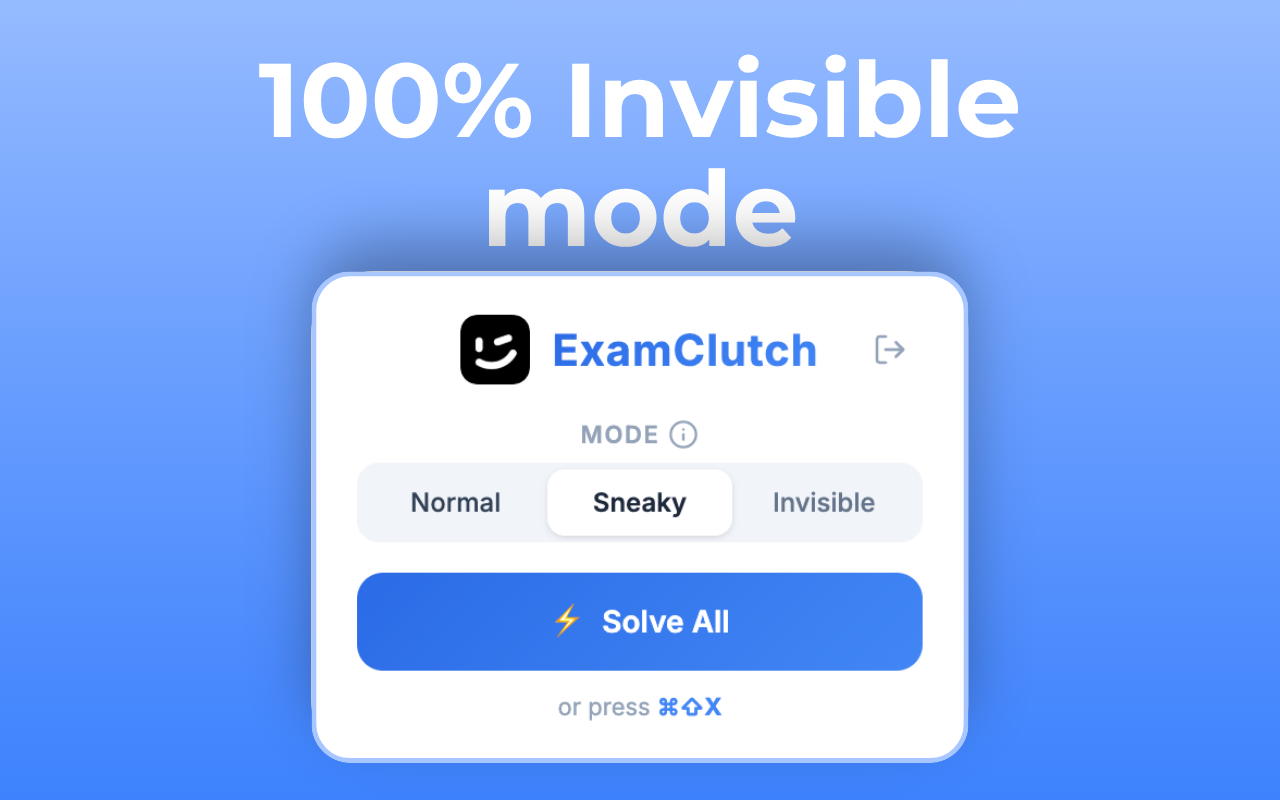
After you install the Chrome extension and pair it with a code, pressing Cmd/Ctrl+Shift+X on a quiz pulls answers in roughly 30 seconds, and you double-click a question to mark it. Three modes control visibility: Invisible Mode shows no popups or overlays, Sneaky Mode shows only a subtle loader, and Homework Mode gives full on-screen control for practice tests and assignments. The page says it runs locally in the browser and does not store answers or sell user data.
Key Features
- Detects and answers multiple choice, multi-select, dropdown, and fill-in-the-blank quiz
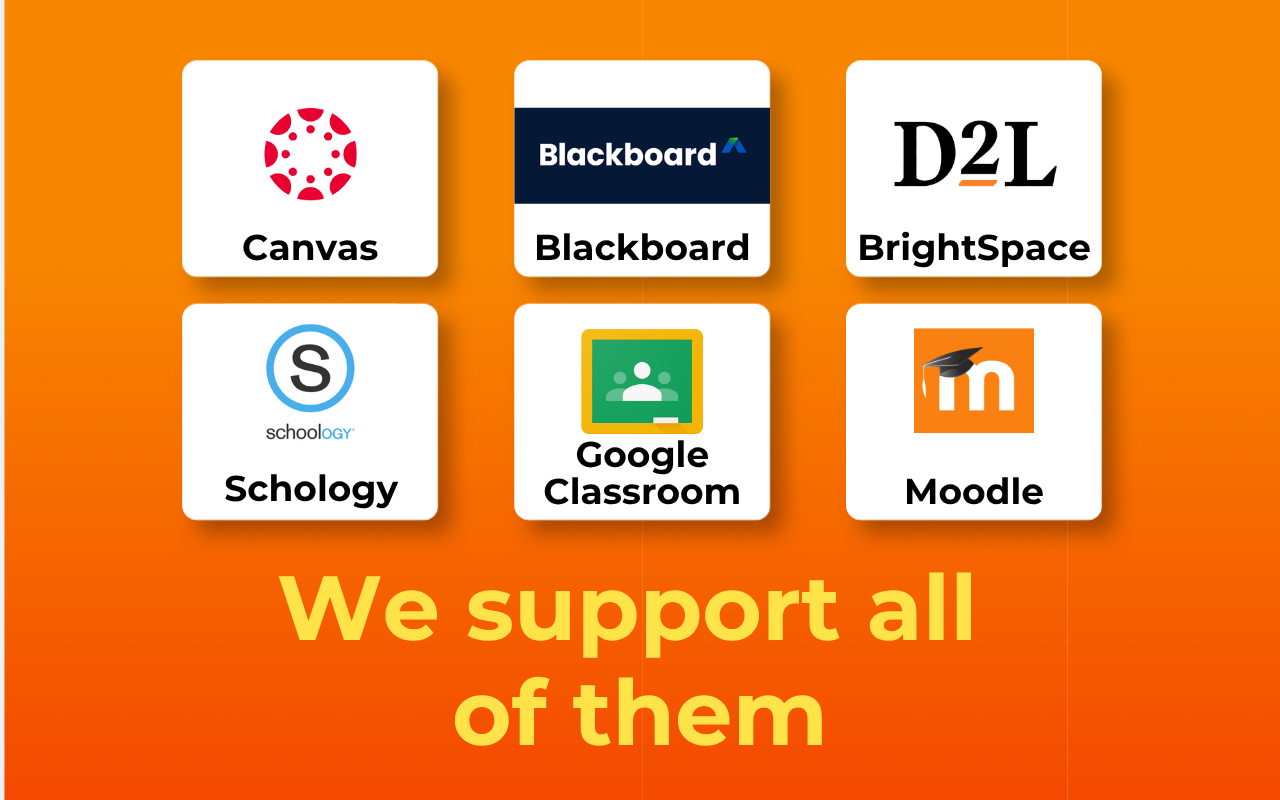
- Delivers works on Canvas, Brightspace, Blackboard, Moodle, D2L, Schoology, and other web quiz
- Offers Invisible, Sneaky, and Homework modes for different levels of on-page visibility
- Delivers solves a full quiz with the Cmd/Ctrl+Shift+X shortcut, then double-click to mark each
- Runs locally in the browser and states it does not store answers or sell user data
- Installs from the Chrome Web Store and links to your account with a pairing code
Use Cases
- Pulling answers for timed Canvas or Brightspace quizzes during finals week
- Completing short-form homework questions on Moodle, Schoology, or Google Forms in minutes
- Working through practice tests and chill assignments in Homework Mode with full visibility
Who it is for
- College students taking web-based quizzes on Canvas & other LMS
- Students facing last-minute deadlines on homework & assignments
Pricing
Free trial, $10/month
FAQ
Is ExamClutch really undetectable?
ExamClutch runs in the background with no visible overlay on the page. It doesn't interfere with other browser tabs or modify the quiz page beyond applying the answers you ask it to.
What types of questions can ExamClutch answer?
ExamClutch supports multiple choice, multi-select, dropdown, and fill-in-the-blank question types across all supported LMS platforms.
How fast is ExamClutch?
After activating with Cmd/Ctrl+Shift+X, ExamClutch fetches answers in roughly 30 seconds per quiz. Answers are then applied by double-clicking a question.
What platforms can I use ExamClutch on?
ExamClutch works with Canvas, Brightspace, Blackboard, Moodle, D2L, McGraw Hill Connect, Schoology, Edulastic, DeltaMath, IXL, Microsoft Forms, and Google Forms.
Is my data secure?
ExamClutch runs locally in your browser. We do not store your answers or sell your data. See our Privacy Policy for details.
How do I get started?
Install ExamClutch from the Chrome Web Store, paste your pairing code to activate the extension, and press Cmd/Ctrl+Shift+X on any supported LMS quiz page to begin.
Who is ExamClutch for?
ExamClutch is designed for a range of users, including: • College students taking web-based quizzes on Canvas & other LMS • Students facing last-minute deadlines on homework & assignments
Alternatives
 text to quizFor educators: text to quiz generates quizzes from PDFs, URLs, or videos in seconds, editable and exportable to multiple formats.
Ask AI about ExamClutch