
CleanYourTV.AI
Trim TV ads and bundled apps, then restyle your home
CleanYourTV.AI Clean Your TV. Manage ads and preinstalled apps.
Built by partner:aidirectories and Kal · Artificial Intelligence · Productivity · Free
In category: #1529 of 2048 · Artificial Intelligence
CleanYourTV.AI is a Community listing on Launch Llama with 2 total upvotes, founded by partner:aidirectories and Kal who joined in Oct 2026, compared against 5 alternatives.
Community listing
Listing status
2upvotes
Community score
partner:aidirectories and Kal (Joined Oct 2026)
Founder
Compared against 5 alternatives
Market comparison
Launched on Launch Llama Oct 30, 2026 · #2 of 3 that day
About
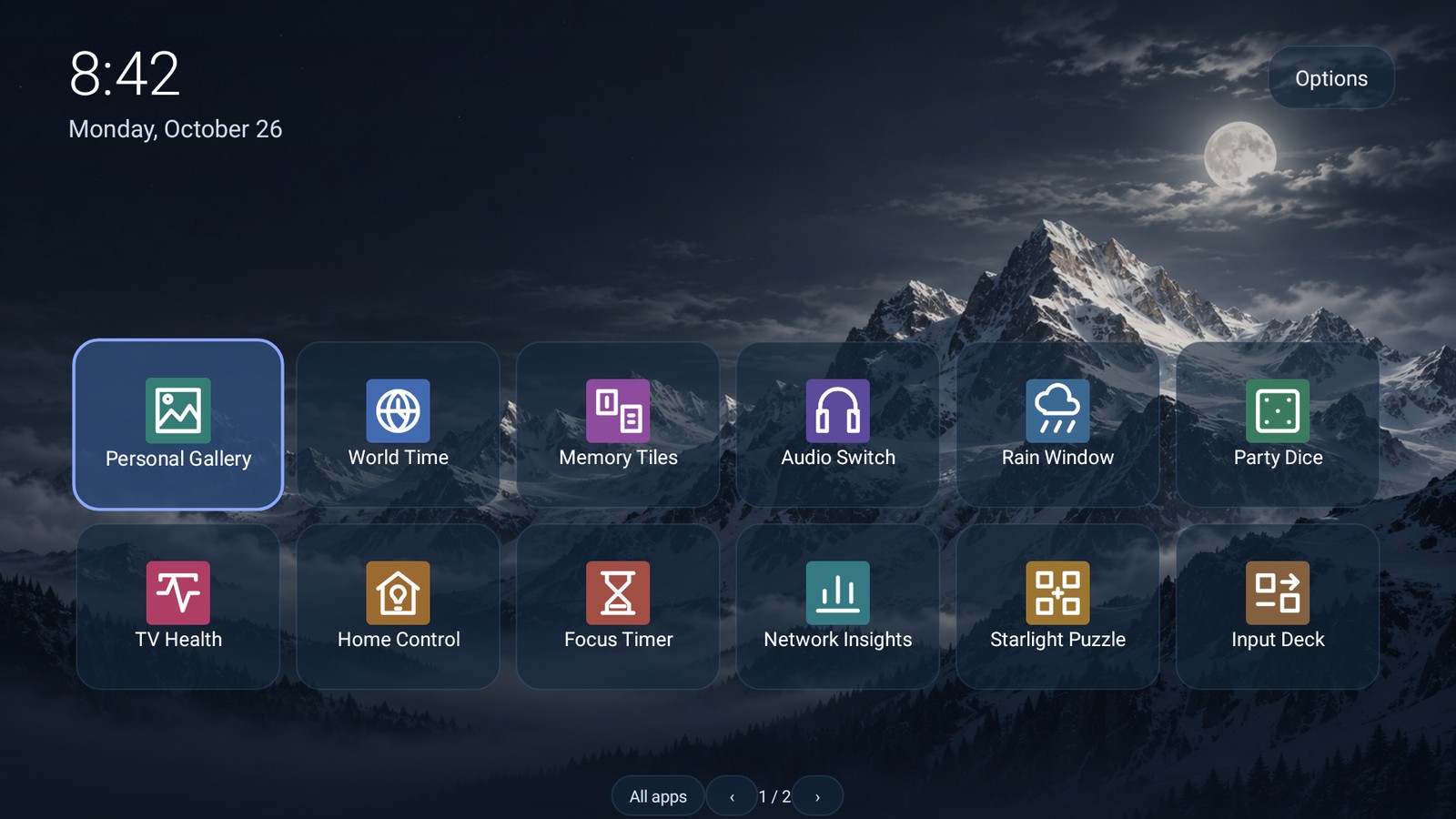
Optimize your smart TV experience with CleanYourTV.AI. Effortlessly remove intrusive ads, manage preinstalled apps, and customize your interface with unique themes and wallpapers—all without needing root access. Restore your TV to its best performance today.
Use Cases
- Removing ads and promoted rows from the home screen of an Android TV or Google TV set
- Uninstalling or hiding preinstalled apps to clear clutter from a TV's home screen
- Restoring a TV's original home screen and settings later using local restore records
Who it is for
- Owners of Android TV, Google TV or supported Fire TV models who want a cleaner home screen.
- Users who prefer a guided desktop or Android app over a coding-assistant setup to customize their TV.
Pricing
CleanYourTV.AI is free to use. See the website for details.
FAQ
What is CleanYourTV.AI? Is the original project free?
Clean Your TV with our guided companions, curated library and support. CleanYourTV.AI is independent of Gathin’s CleanYourTV open-source project, which remains available free under its license. We credit its authors; we are not the official project.
How can you check compatibility before you Clean Your TV?
Before you Clean Your TV, run a free check. Support depends on Android TV, Google TV or supported Fire TV firmware and detected components. Samsung Tizen, LG webOS and Roku OS are different systems. Paying does not unlock an unsupported model.
What do you need to Clean Your TV without root?
Clean Your TV over your home network without rooting or flashing it. Use Mac, Windows or an Android phone. The TV must allow a supported ADB connection; your companion guides that connection and keeps a local restore record.
Where is the TV IP address, and why does connecting time out?
To Clean Your TV, copy the TV’s IP or IPv4 address from its connected network’s settings. Use the same home network, enable debugging and accept the TV authorization prompt. Guest networks and VPNs can block access. Use Android pairing guidance when a pairing code is required.
How do I enable debugging on Xiaomi or Redmi MIUI TV?
To Clean Your TV on some MIUI models, open Settings → About, select Product model and press OK seven times. Enable ADB in Account & security, return to the TV home, then connect and approve the popup. Xiaomi Google TV models use the Google TV guide.
Which ads can change when you Clean Your TV?
When you Clean Your TV, only recognized, supported system-ad, recommendation and screensaver components can be disabled. Results vary by firmware and region. This does not remove ads inside YouTube or other streaming videos, unlock paid subscriptions or guarantee faster performance.
Alternatives
More in Artificial Intelligence
New on Launch Llama
Launched this week · This month's launches · All products A–Z
Ask AI about CleanYourTV.AI
Supporters
1 founder
1 founder supported CleanYourTV.AI on Launch Llama.
Third-party sources
- Cleanyourtv.ai
Hacker News · October 26, 2026 · 1 point
For bots & AI agents
Machine-readable versions of CleanYourTV.AI and Launch Llama. Fetch these instead of parsing this page.
This listing (.md) llms.txt llms-full.txt ai.txt Full catalog (.md) Endpoint index API docs MCP server MCP manifest Developer docs