Best Speech to Text API 2026: Accuracy, Price and Fit
Published November 6, 2026
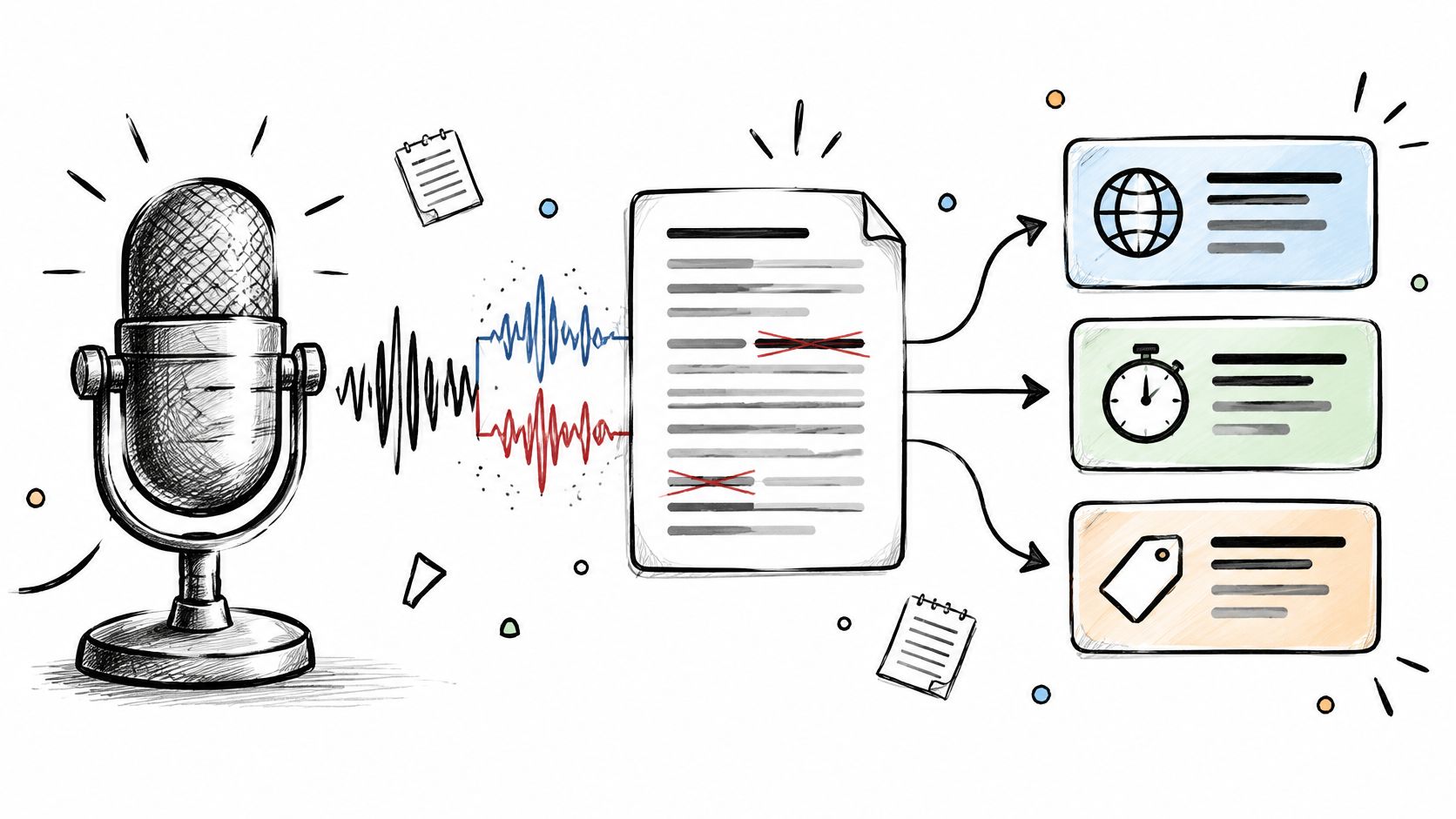
Your meeting recorder produces a tidy transcript until a customer mentions a Scottish surname, a Welsh town or your product's least pronounceable feature. Say your team picked the API with the strongest published benchmark, but now someone has to replay every client introduction before sending the notes.
A podcast platform faces a different problem. Its inexpensive transcription model handles English interviews acceptably, then loses the thread when guests switch languages mid-sentence. Replacing that model with a faster streaming service won't necessarily fix the language problem.
Accuracy matters, but only alongside the workload. A live receptionist needs stable transcripts and sensible turn detection. An interview archive needs speaker labels, searchable timestamps and affordable batch processing. A public-sector application also needs an acceptable processing location and a defensible retention policy.
The best speech to text API is the one that gets those jobs done with the least correction work and operational friction. Don't treat the order below as an accuracy leaderboard. These are workload-based recommendations, with the compromises that matter before you build around an endpoint.
Practical rule: Test the transcript your application will actually consume, with its real formatting, speaker labels and optional features enabled. A clean text demo doesn't prove that the production workflow will work.
Table of Contents
- 1. WhisperAI.com
- 2. Deepgram
- 3. AssemblyAI
- 4. OpenAI
- 5. Google Cloud Speech-to-Text
- 6. Microsoft Azure AI Speech
- 7. Amazon Transcribe
- 8. Speechmatics
- 9. ElevenLabs Scribe
- 10. Groq
- 11. Rev AI
- How the Leading Speech-to-Text APIs Compare on Workload Fit
- Matching the Right Speech API to Your Audio Before You Build
1. WhisperAI.com
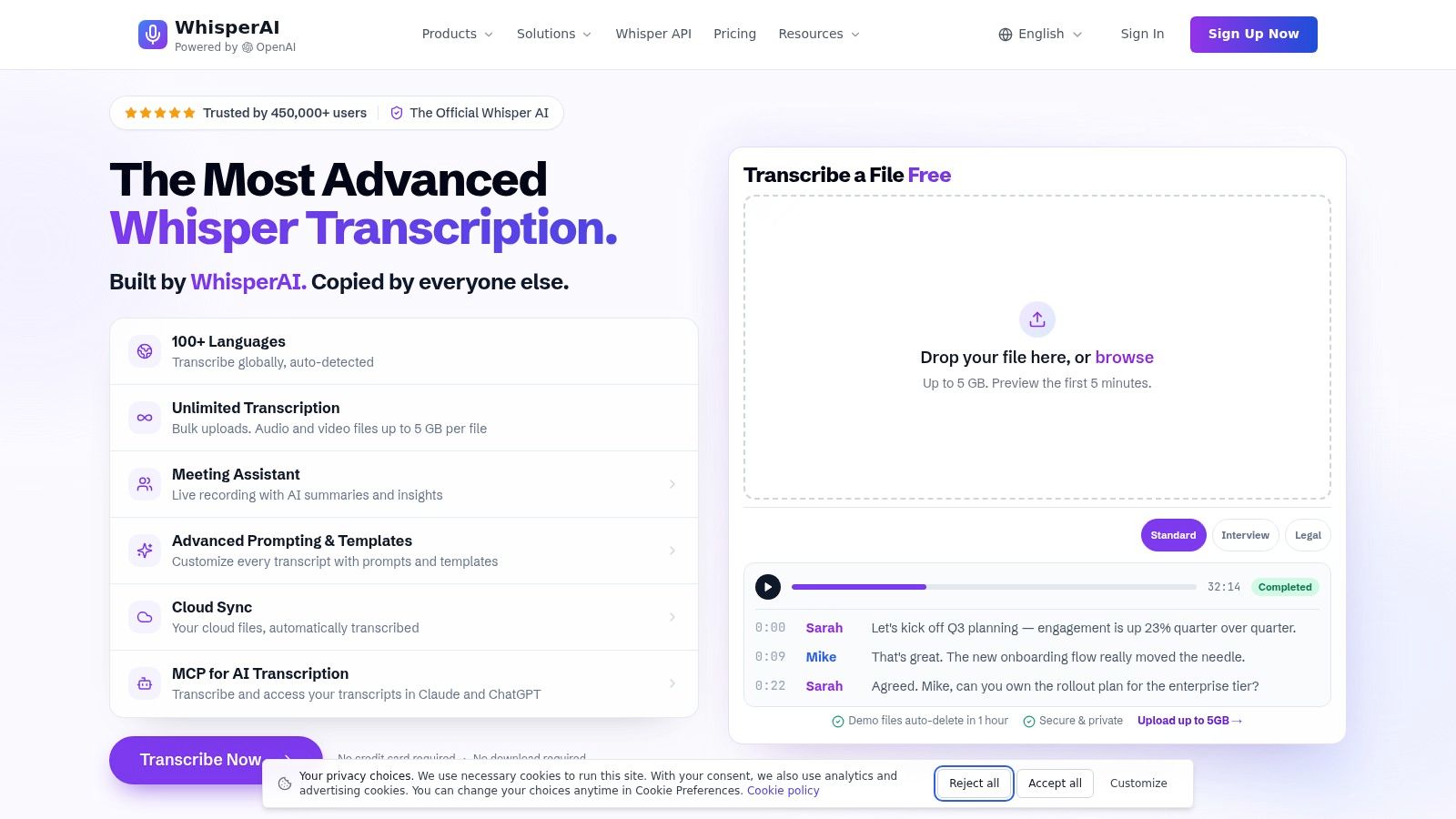
Best fit for recorded interviews, multilingual content and teams that also need an editing workspace. The WhisperAI speech-to-text API combines transcription and translation with a browser-based workflow, rather than leaving you to build every review and export feature yourself.
Its practical appeal is the surrounding workflow: custom vocabulary, per-file instructions, speaker labels, timestamps and document or subtitle exports. For a founder building an interview product, those capabilities address separate problems: recognising terminology, attributing answers, locating quotes and delivering something customers can use.
Where the workflow earns its place
Instruction presets can help distinguish verbatim transcription from a cleaned-up reading copy. Keep that distinction explicit. A readable meeting summary and an evidential interview transcript shouldn't share an undocumented cleanup policy.
The online editor, speaker renaming and reusable batch defaults are useful when operations staff need to correct recordings without engineering support. Translation and subtitle exports also make it a candidate for media workflows that would otherwise require separate tools.
However, a Whisper foundation isn't a guarantee of regional accuracy. An academic evaluation of Scottish speech measured 33.6% WER on North-East Scottish speech, falling to 24.0% after fine-tuning on matching regional data.
- Test recognition: Include client names, regional speech, overlapping answers and silence. Compare prompted and unprompted results.
- Confirm API entitlements: Don't assume unlimited web-app transcription includes unlimited developer usage, streaming or every export.
- Check governance: Obtain written processing-location, retention and deletion details. Encryption claims don't establish UK or EU residency.
Choose it when transcription plus human review and delivery matters more than buying a bare recognition endpoint.
2. Deepgram
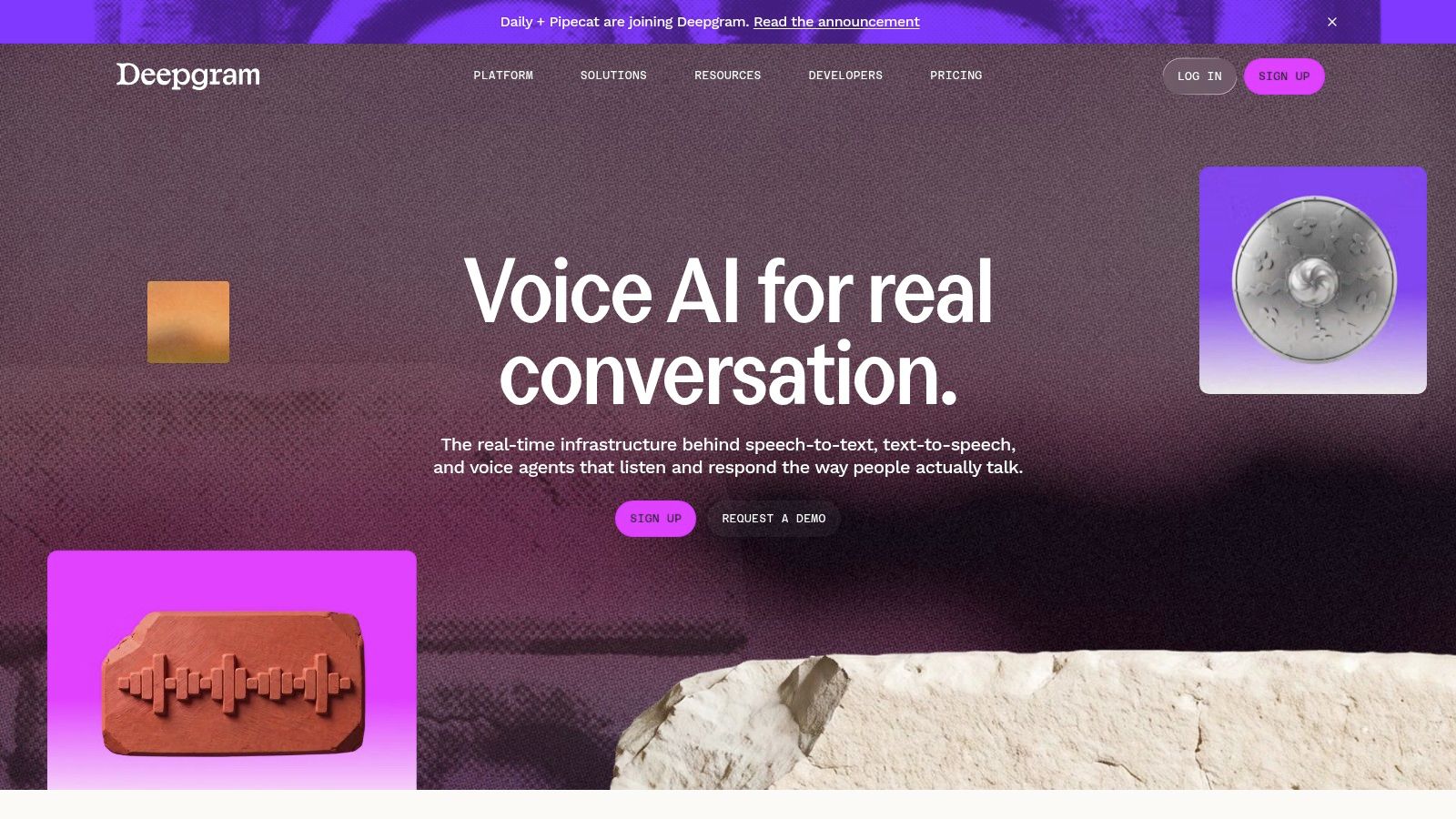
For a live receptionist, the point at which text becomes stable matters as much as the words themselves. Deepgram belongs on the shortlist when you need streaming recognition, conversational turn handling and prerecorded transcription within the same developer stack.
Its Flux and Nova model families serve different priorities. Don't select a model by brand alone, then assume its language coverage, prompting and formatting match another model in the catalogue.
A UK outbound-call benchmark from Quantum Automations reported 180 ms median time-to-final-transcript for Deepgram Flux, while policy-identifier extraction reached 76% for Flux versus 91% for AssemblyAI Universal-3. That's a useful illustration of the trade-off, not a production latency guarantee.
Test the conversation, not just the transcript
Replay carrier-quality UK calls through your complete agent. Check hesitation, interruptions, postcode spelling and whether premature finalisation makes the agent respond before the caller finishes.
- Costs: Price redaction, keyterm prompting and audio-intelligence options separately from base recognition.
- Residency: Verify that your chosen model and features work through the EU endpoint, including associated logs.
- Integration: Compare partial-transcript revisions and reconnection behaviour, not just successful requests.
If you're still deciding whether you need an API or a finished application, the best transcription tools comparison helps separate those purchasing decisions.
3. AssemblyAI
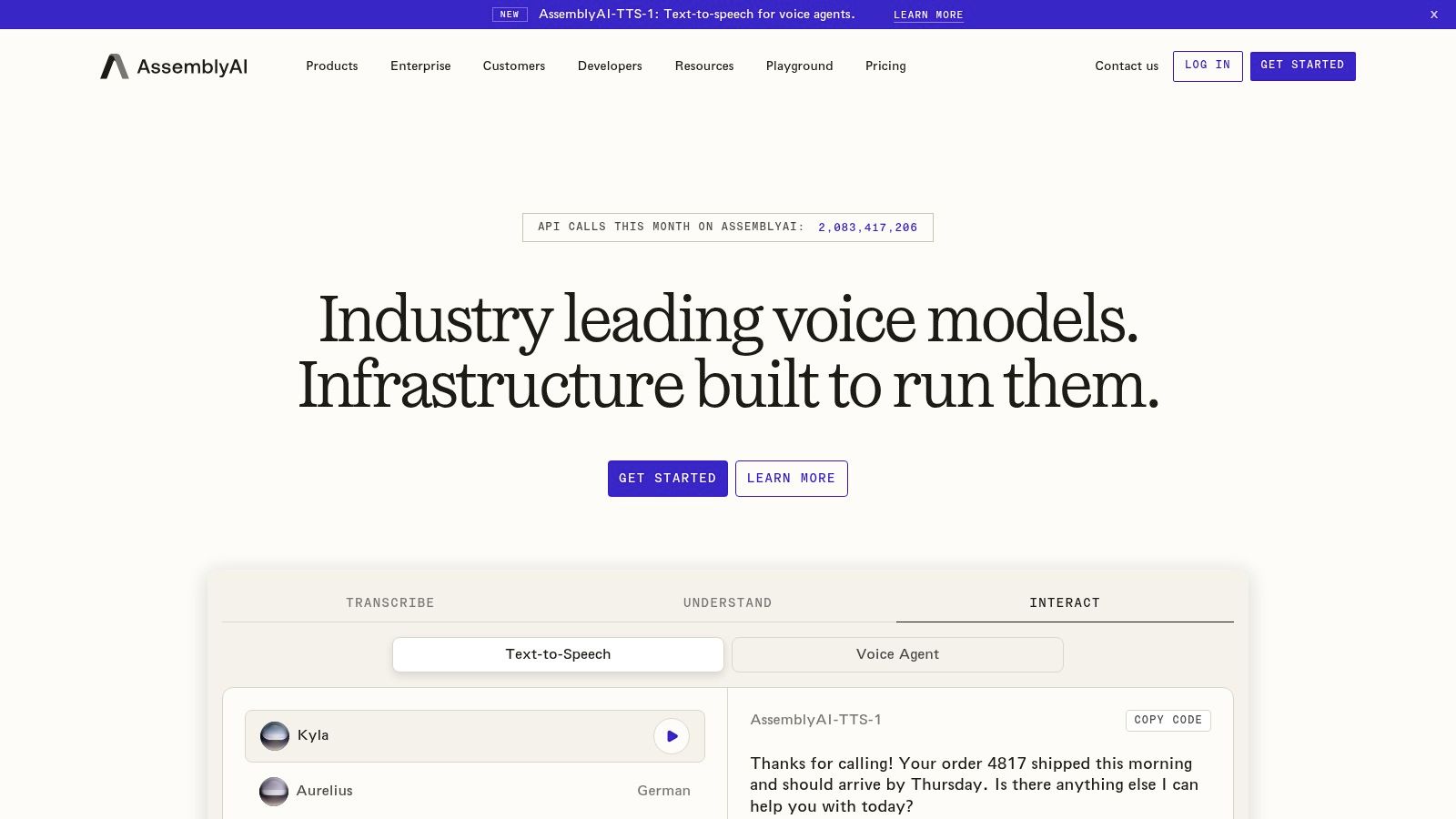
AssemblyAI suits products that need to do something with the transcript afterwards. AssemblyAI offers live and file-based transcription alongside speaker labels, timestamps and optional information-extraction tools.
Consider a customer-interview application. Recognition supplies the words, diarisation separates the interviewer from the customer, and downstream extraction identifies objections or requested features. Keeping those components within one service can simplify integration, but it also makes feature-level pricing important.
Its real-time, asynchronous and synchronous paths deserve separate evaluation. A successful short-clip request doesn't tell you how a long recording, dropped WebSocket connection or delayed callback will behave.
Buy the features your product uses
Start with the required output schema. If customers only need searchable interview text, don't enable summarisation, medical features or other processing because they're available.
- UK accuracy: Score names, account references and fast conversational answers separately from general wording.
- Model coverage: Check the languages supported by the exact model you select. Newer doesn't automatically mean broader.
- Data handling: Confirm EU processing availability, retention defaults and whether optional intelligence features follow the same arrangements.
For a voice-agent shortlist, the Parrot Speech-to-text API listing offers another workload-specific option to investigate.
AssemblyAI is a sensible candidate when structured transcript intelligence saves development work. It's less compelling if you'll pay for those capabilities but replace them with your own processing anyway.
4. OpenAI
An application that already turns text into summaries, tasks and structured records may benefit from keeping transcription in its existing API stack. OpenAI's developer platform offers uploaded-audio transcription and live transcription workflows, with capabilities that depend on the endpoint and model.
Convenience is the main reason to shortlist it, not an assumption that every audio model behaves identically. Check the supported output formats, prompting behaviour, timestamp availability and diarised-output path before defining your database schema.
A meeting product might need speaker-attributed segments for playback but plain text for summarisation. Those are different requirements, and a transcript that works for one can be inadequate for the other.
Separate recognition from interpretation
Store the transcription result independently from generated summaries and action items. Otherwise, when a customer challenges a task assignment, you won't know whether recognition or subsequent interpretation introduced the mistake.
- Audio constraints: Test file handling, chunk boundaries and long-recording continuity against the chosen endpoint.
- Commercial scope: Include subsequent extraction and summarisation in your unit economics.
- Deployment: Confirm available processing locations and contractual controls rather than assuming your existing account settings cover audio.
UK names and specialist vocabulary still need representative testing. Context hints can help, but they shouldn't become a mechanism for inserting expected words that weren't spoken.
Choose this route when it simplifies a broader AI workflow. Compare specialist APIs if transcription itself is your main infrastructure requirement.
5. Google Cloud Speech-to-Text
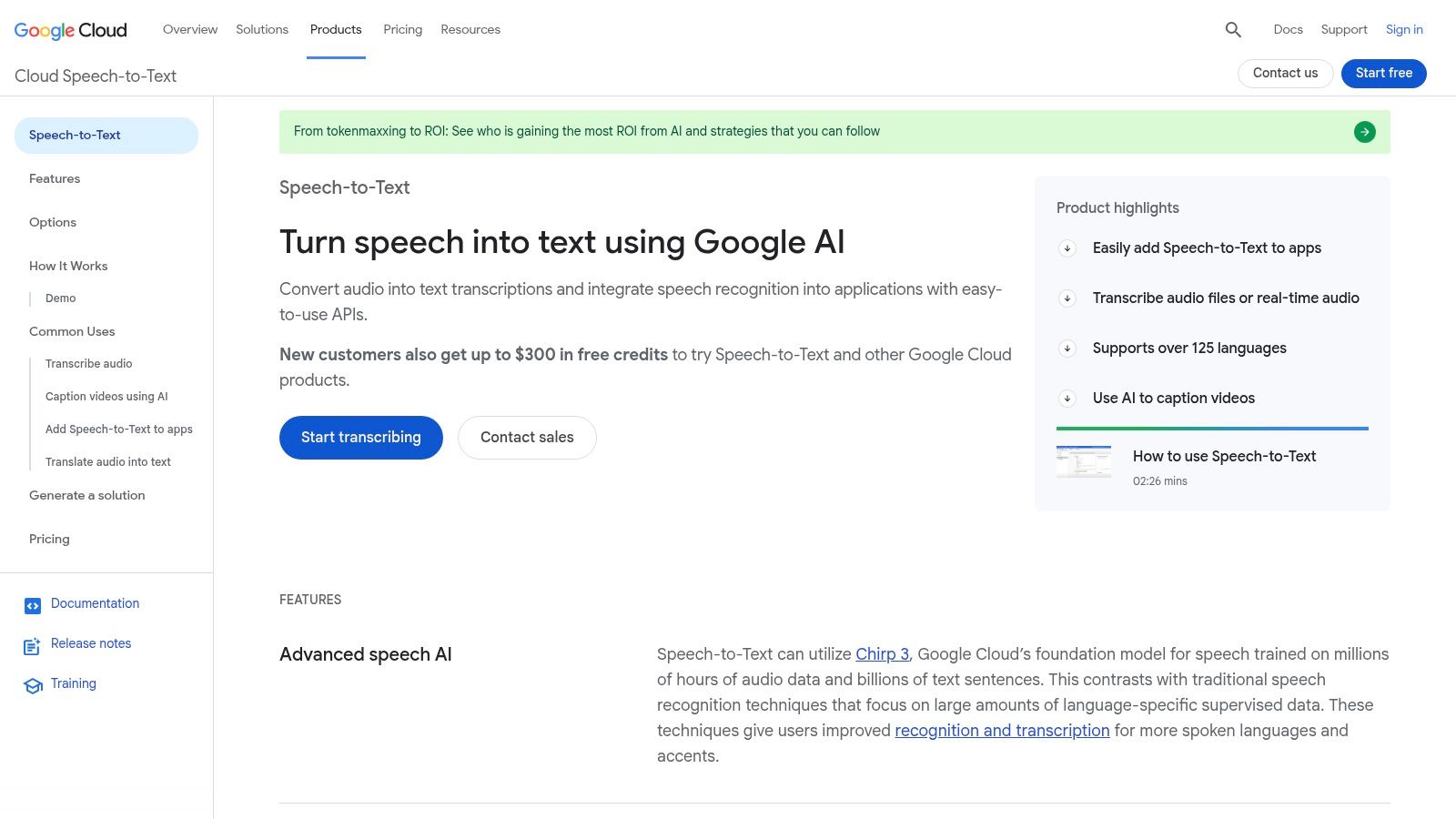
If recordings already arrive in Cloud Storage, moving them elsewhere for transcription introduces another transfer, permission boundary and failure path. Google Cloud Speech-to-Text is a practical candidate for Google Cloud-native batch and streaming pipelines.
Its recognition methods cover stored recordings, short requests and streaming audio. Chirp models provide multilingual capabilities, but model, region and recognition method determine which features you can combine.
The important engineering work is configuration. Match the declared encoding, sample rate and channel layout to the audio you send. Don't mistake a configuration error for a model-quality problem.
Region selection needs an end-to-end check
A regional recogniser is only part of the design. Confirm the locations of source audio, generated transcripts, temporary objects and downstream analytics, alongside the speech-processing location.
- UK English: Test the UK English configuration against regional speakers, not just standard pronunciation.
- Adaptation: Verify phrase adaptation and diarisation on your exact model and recognition path.
- Full cost: Include object storage, request orchestration, logging and any cross-region transfers.
Google is attractive when existing identity, storage and monitoring arrangements reduce operational work. For a small application that just uploads interviews and retrieves text, those same cloud controls can add setup that a specialist endpoint avoids.
Run a representative batch through the complete storage-to-transcript pipeline before choosing it. A successful console demonstration doesn't establish production throughput or acceptable costs.
6. Microsoft Azure AI Speech
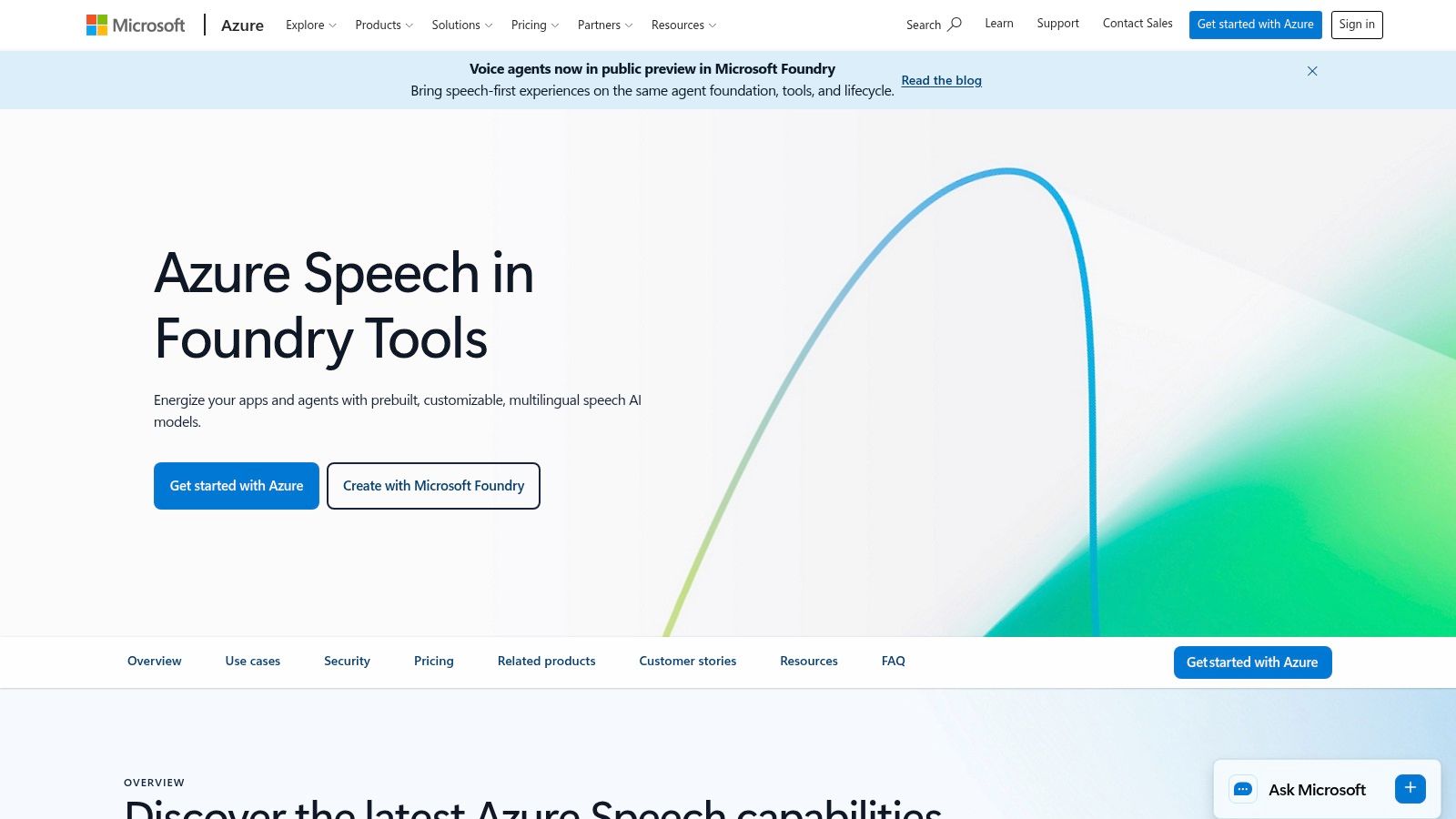
UK-region deployment is a reason to investigate Azure, not a shortcut around governance. Microsoft Azure AI Speech offers real-time, fast and batch transcription, plus custom speech capabilities, with UK South and UK West among its listed Speech regions.
Verify availability for the particular feature you need. A region supporting core recognition doesn't establish that every batch, customisation or related speech capability is available there.
This matters for public-sector and sensitive workflows. Harborough District Council's automated-transcription privacy notice illustrates that transcription involves processing audio under UK GDPR and applicable data-protection law, rather than merely generating harmless meeting notes.
Match the deployment to the obligation
Ask where audio is processed, where results are stored, who can review them and how deletion works. Assess whether your use case needs a Data Protection Impact Assessment, with appropriate privacy advice.
A UK cloud region answers a location question. It doesn't, by itself, answer questions about retention, lawful processing or access.
Azure is particularly relevant when your team already uses its identity controls and Blob Storage. Custom speech also warrants evaluation for recurring domain vocabulary.
Budget for resource configuration, storage and ongoing model maintenance where applicable. Test regional UK speech before investing in customisation, then measure whether that extra work reduces meaningful errors rather than merely improving familiar test recordings.
7. Amazon Transcribe
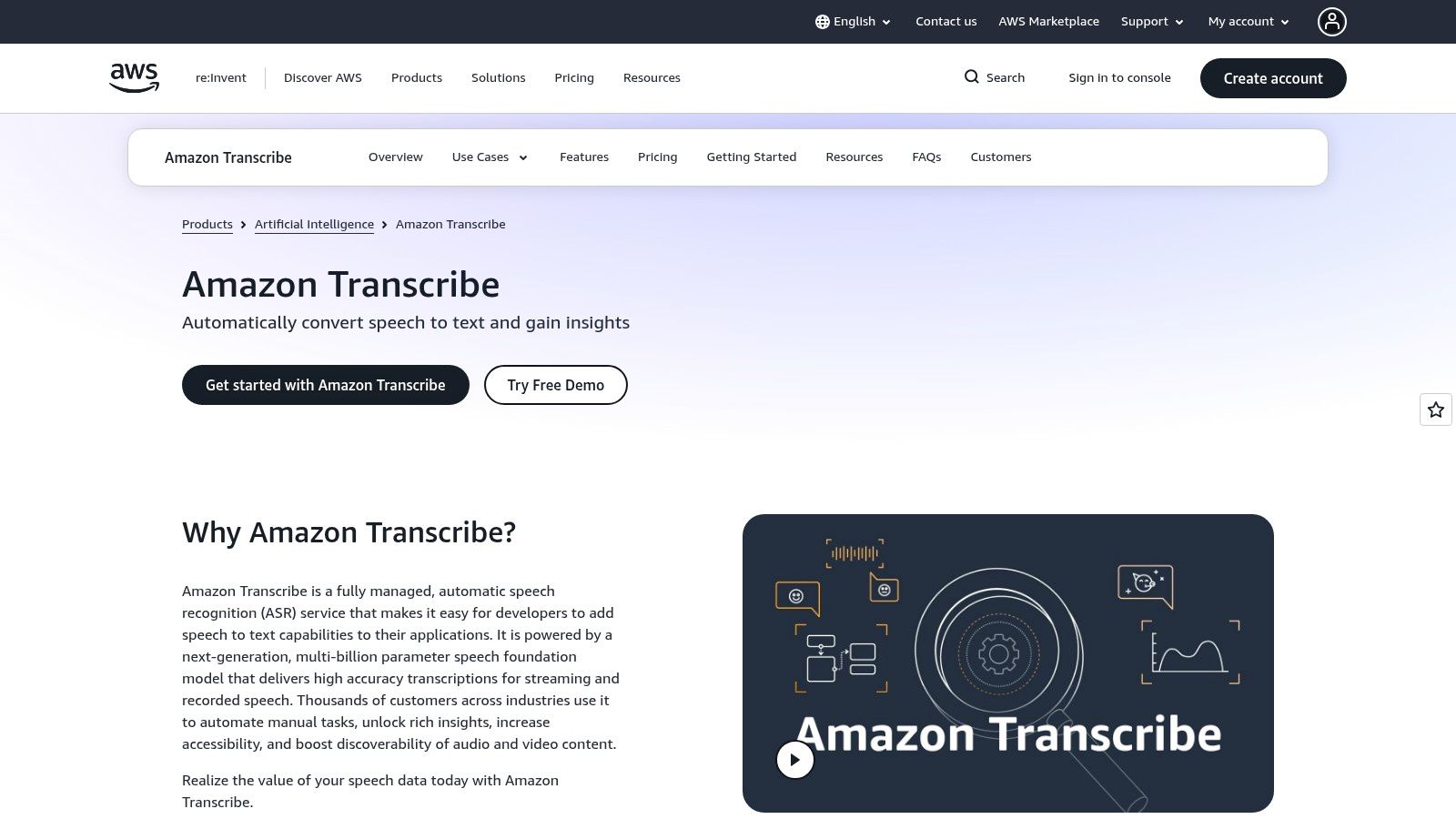
AWS-based teams can evaluate Amazon Transcribe without introducing an entirely separate cloud operating model. Batch and streaming recognition, vocabulary controls and speaker-related output make it a candidate for stored-call processing and AWS-native applications.
Its language options include UK English and additional British Isles varieties on particular paths. Confirm the exact combination of language variety, region and feature rather than treating the language list as universal coverage.
Speaker variation still matters. A University of York study of Amazon Transcribe found individual WERs ranging from 11.2% to 33.0% among university-educated young adult male speakers of Standard Southern British English.
Use AWS integration without skipping evaluation
That finding argues for speaker-level testing, even within an apparently consistent accent group. Include fast speakers and conversational answers rather than relying on carefully read scripts.
- Speaker handling: Compare diarisation with channel-based separation when your recording already contains separate channels.
- Vocabulary: Test customer names and specialist terms without over-biasing ordinary words.
- Charges: Check redaction, custom models and related AWS resources against the actual workload.
- Governance: Verify processing region, storage permissions and deletion across audio, transcripts and logs.
Amazon Transcribe is strongest as a practical infrastructure choice when its outputs fit your application. Existing AWS usage can reduce integration work, but it doesn't establish that recognition will be better for your customers.
8. Speechmatics
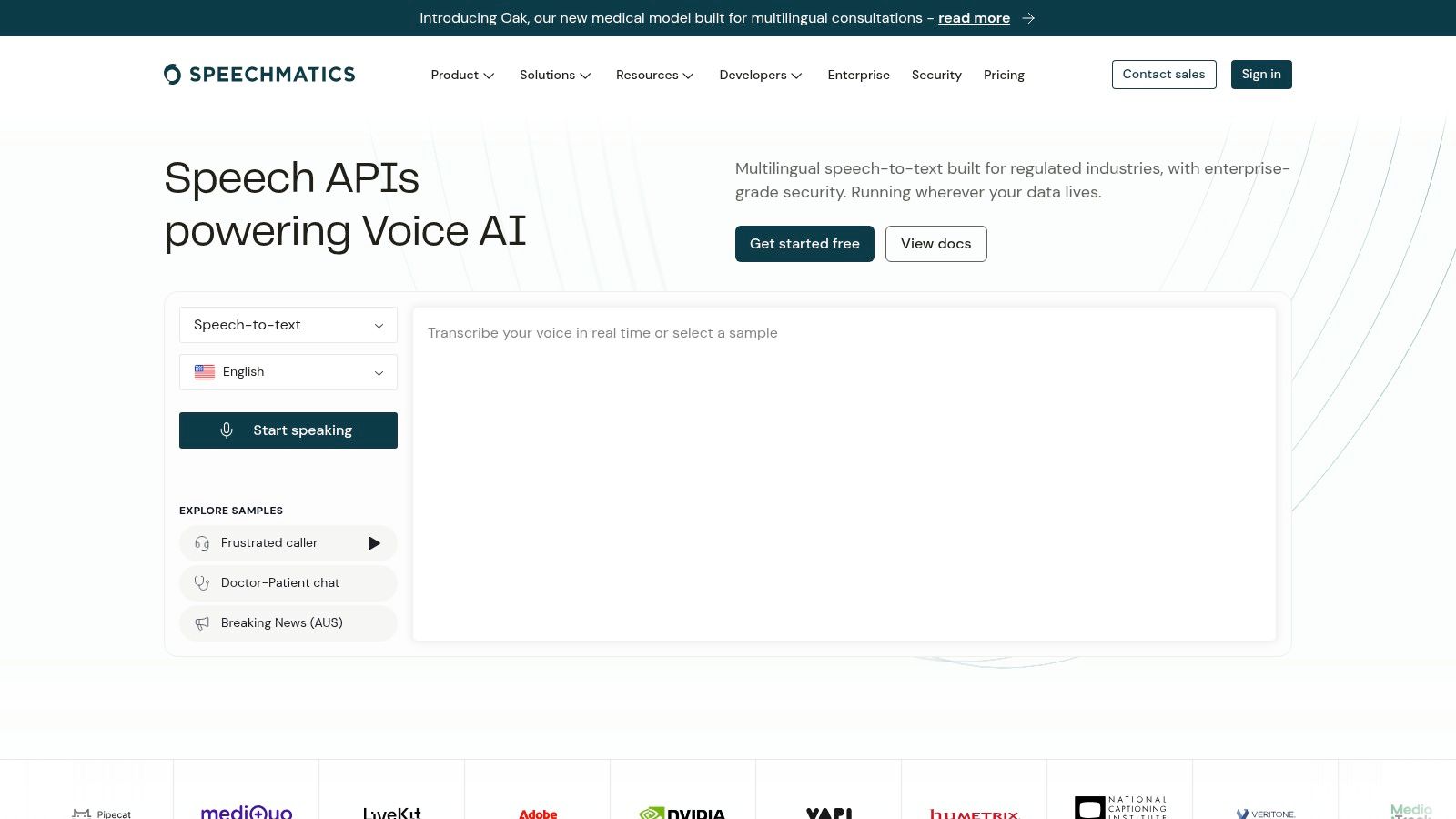
A multilingual interview doesn't necessarily stay in its opening language. Speechmatics deserves evaluation when code-switching and multilingual media are central requirements, with its Melia model designed to recognise multilingual audio without requiring an initial language selection.
That's a different problem from offering separate monolingual models. A service can support both languages individually yet struggle when a speaker switches between them within an answer.
Speechmatics also offers batch and real-time transcription, specialist model options and a choice of EU processing location. Compare those options against the exact language mixture and delivery workflow you need.
Test the switches and the surrounding words
Prepare recordings containing borrowed terminology, names pronounced differently across languages and genuine mid-sentence switches. Score the words immediately before and after each transition, not just the language identification.
- Model economics: Compare entry-level and higher-accuracy options after correction time is included.
- Optional processing: Request explicit costs for translation, summaries and other required add-ons.
- Residency: Confirm that the selected processing location covers the required model and associated services.
For personal speech input rather than an embedded transcription pipeline, the AI dictation apps comparison addresses a different, often simpler purchasing route.
Choose Speechmatics when mixed-language recognition justifies careful model evaluation. Don't pay for multilingual breadth your application won't use, and don't assume every language mixture will perform equally well.
9. ElevenLabs Scribe
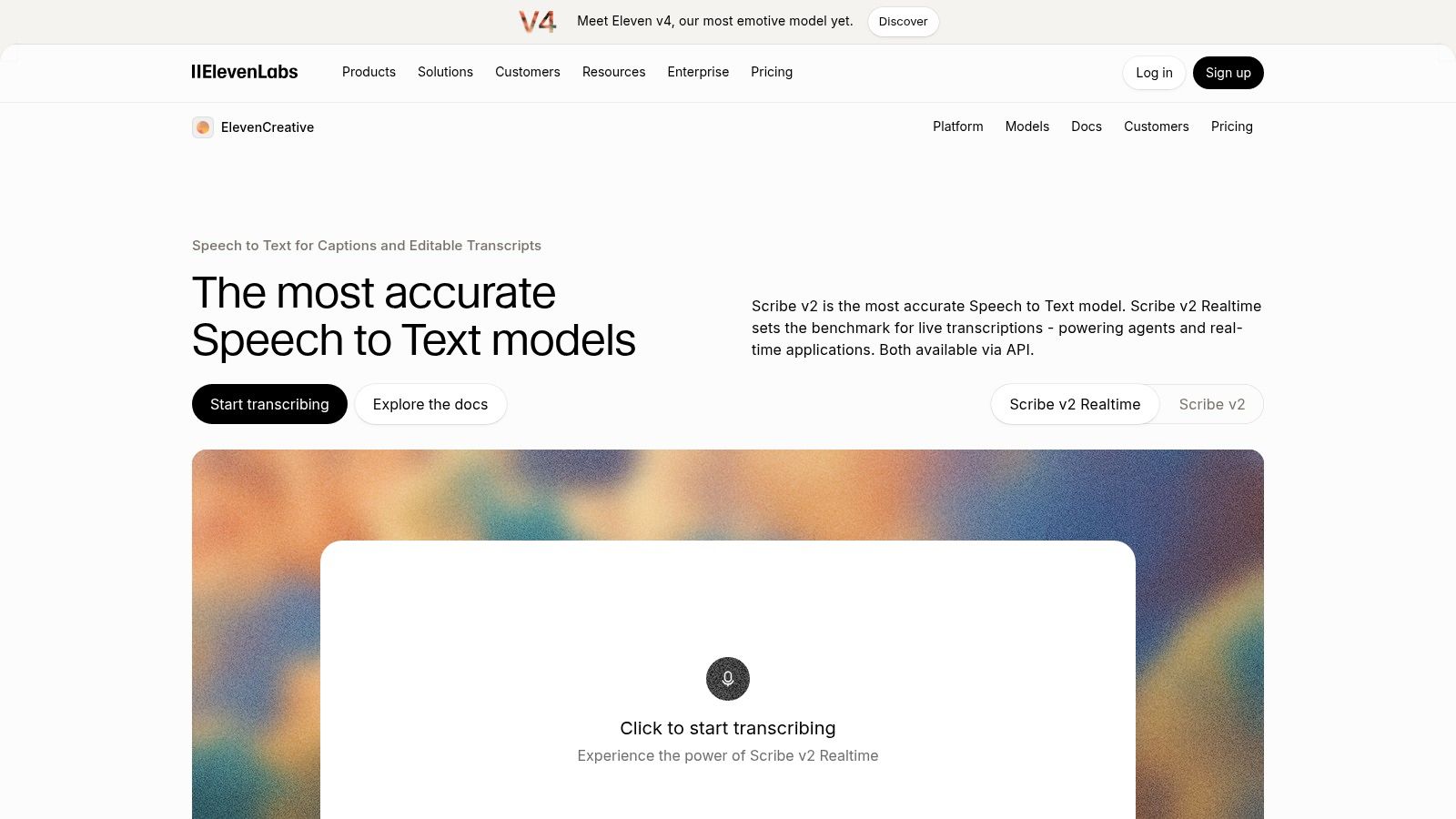
Media applications need more than a paragraph of words. ElevenLabs Scribe combines transcription with detailed structure, including word-level timing, speaker diarisation and audio-event labels such as laughter or applause.
Those outputs can help an editor move through a recording or build captions. They also create additional evaluation work: a correctly recognised word with a poor timestamp still causes trouble in a subtitle editor.
Scribe is especially relevant if your application already uses ElevenLabs speech products. Keep batch and real-time evaluation separate, since their pricing and behaviour needn't match.
Treat accessibility as a product test
The UK government's inclusion monitoring findings reported that 27% of surveyed organisations offered none of the listed accessibility tools or didn't know what they supported. That finding isn't a Scribe benchmark, but it reinforces why accessibility needs explicit ownership.
Test caption readability, speaker attribution and correction controls with intended users, including people whose speech isn't represented by clean demo audio.
- UK recordings: Include accents, overlapping conversation and difficult names.
- Add-on costs: Check prompting and entity-detection charges alongside recognition.
- Data location: Obtain a clear processing and retention answer for the selected service.
Choose Scribe for structured media output when its timestamps and speaker labels hold up in your editor. Don't infer caption usability from transcription accuracy alone.
10. Groq
For an archive-processing job, waiting for a conversational endpoint may be unnecessary. Groq is worth evaluating for fast, cost-conscious file transcription, using Whisper-based models through an OpenAI-compatible API format.
Its Large and Turbo options represent a quality-versus-processing-cost decision. Don't assume the faster option preserves every quiet name, foreign-language phrase or fragment at a chunk boundary.
API compatibility can reduce initial integration work, but it doesn't make services interchangeable. Validate supported parameters, output structure, errors and file handling before switching an existing client.
Optimise cost per accepted transcript
Run both candidate models on the same difficult recordings. Include downstream correction effort, failed requests and retries in the comparison, rather than looking only at the recognition charge.
Fast inference is useful for a queue of completed recordings. It isn't a substitute for streaming turn detection in a live conversation.
- File handling: Check plan-specific upload restrictions and design chunking that preserves context.
- UK accuracy: Compare regional names and conversational speech, not just clean narration.
- Deployment: Confirm processing location, retention and contractual suitability before uploading sensitive audio.
- Pipeline costs: Include conversion, storage, orchestration and any separate diarisation requirement.
Groq is a useful batch candidate when your application already manages uploads and transcript delivery. A dedicated live-speech API is usually the more relevant comparison when your product needs stable partial text while someone is speaking.
11. Rev AI
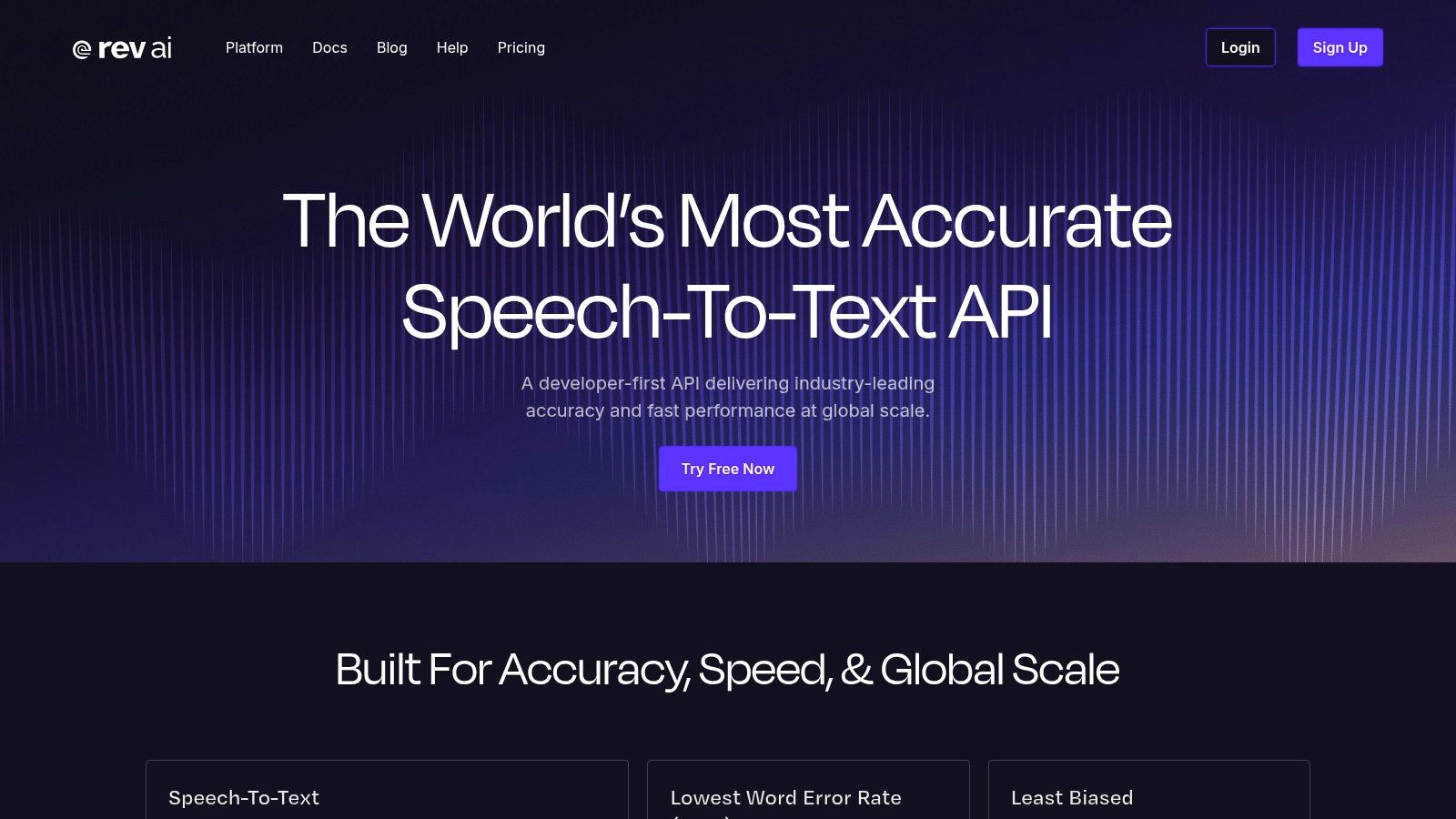
Some recordings need an escalation path rather than another automatic retry. Rev AI offers automated recognition alongside a broader human-transcription service, making it relevant for interviews, publishing and review-heavy workflows.
That doesn't mean every API result automatically receives human review. Define how your application orders that service, obtains consent where needed and associates the reviewed transcript with its original recording.
Model selection matters here too. Reverb's English focus differs from multilingual options, so choose the recognition path before comparing costs or language performance.
Design a deliberate review route
A publishing application might accept routine recordings automatically, then route unclear attribution or important quotations to an editor. Human transcription can form part of that process when its cost and turnaround fit the job.
- Commercial details: Check rounding, minimum charges and model restrictions against your expected clip lengths.
- Review quality: Specify speaker naming, terminology, formatting and how reviewers mark uncertain audio.
- Governance: Confirm automated-processing locations and human-review arrangements separately.
- UK performance: Test local names, overlapping interviews and specialised terminology before defining escalation rules.
Human transcription costs more than automated recognition, so use it where the consequence of an uncorrected error warrants the expense. Also test forced alignment if you already have an edited transcript and need timings.
Rev AI is a strong candidate when review and delivery are part of the product promise, rather than an exception your team hasn't planned for.
How the Leading Speech-to-Text APIs Compare on Workload Fit
| Item | Real-time support | Language coverage | Regional data options | Best for |
|---|---|---|---|---|
| WhisperAI.com | Yes, live transcription and API streaming | 100+ languages | GDPR-aligned handling; specific regions not stated | Teams needing live or recorded transcription, translation, and exports |
| Deepgram | Yes, streaming transcription | 60+ languages; varies by model | Dedicated EU endpoint | Developers building real-time speech and audio-analysis features |
| AssemblyAI | Yes, via WebSockets | Varies by model | Not specified | Meeting, call, and interview apps needing transcript intelligence |
| OpenAI | Yes, live transcription options | Varies by model and endpoint | No dedicated EU endpoint or on-premises option stated | Teams already building with OpenAI APIs |
| Google Cloud Speech-to-Text | Yes, streaming recognition | Chirp 3 supports UK English and other languages | EU and US multi-regions; V2 data-residency options | Products already using Google Cloud |
| Microsoft Azure AI Speech | Yes, real-time recognition | Not specified | UK South and UK West for core functionality; feature availability varies | Azure organizations prioritizing UK-region deployment |
| Amazon Transcribe | Yes, streaming transcription | UK English, Scottish English, and Welsh English on specific paths | Region availability should be verified | AWS applications needing speech recognition and AWS integration |
| Speechmatics | Yes, real-time transcription | Multilingual; Melia 1 supports language switching | EU processing-location choice | Multilingual recordings, including mid-sentence language changes |
| ElevenLabs Scribe | Yes, real-time transcription | 90+ languages | Not specified | Developers needing detailed transcripts and speaker labels |
| Groq | Streaming support not specified; geared toward batch workloads | Multilingual Whisper models | Not specified | Fast, lower-cost batch transcription and translation |
| Rev AI | Not specified | Reverb is English; other models support foreign-language transcription | Not specified | Teams wanting automated transcription plus a human transcription option |
Matching the Right Speech API to Your Audio Before You Build
Start with the questions that eliminate unsuitable providers: is the audio live or recorded, which languages and accents must work, and where must processing happen? Shortlist providers that meet those requirements before comparing headline accuracy or advertised recognition rates.
For live calls, begin with streaming-focused candidates such as Deepgram and AssemblyAI. For recorded interviews with an accompanying review workspace, evaluate WhisperAI.com. For multilingual media, compare Speechmatics and ElevenLabs Scribe on the actual language mixtures your users produce.
Cloud alignment can be equally decisive. Azure deserves attention for UK-region requirements, while Google Cloud Speech-to-Text and Amazon Transcribe may reduce integration work in their respective environments. Groq belongs in a cost-conscious batch evaluation, and Rev AI deserves consideration when human review needs a defined route.
Build a test that can change your decision
Use recordings you have permission to process, including the difficult material: regional accents, fast speakers, poor microphones, interruptions and unfamiliar terminology. Create a human-checked reference transcript, then run the same audio through each candidate with the settings your application will use.
Measure word error rate, but keep separate scores for names, postcodes, amounts and identifiers. Review speaker attribution and timestamps independently. For streaming, measure first partial output, final-transcript delay, revisions and recovery after a connection failure.
- Compare complete costs: Include prompting, diarisation, redaction, summaries, storage, retries and correction labour wherever they apply.
- Validate governance: Obtain written answers on processing location, model-training use, retention, deletion and human access.
- Test the user experience: Check whether someone can find, understand and correct an error without replaying the entire recording.
Don't let a fluent summary conceal a poor transcript. Keep recognised text separate from generated interpretation, preserve appropriate links to the original audio and make important corrections traceable.
Choose the failure mode you can manage
Every option needs safeguards. An inexpensive batch model may require more review; a responsive streaming model may need stronger identifier confirmation; a cloud-native service may demand more configuration. Choose the compromise your team can operate, not the one with the most impressive demo.
The best speech to text API is the one that performs well on your audio and fits your deployment obligations. Keep the test recordings and evaluation process so you can reassess model changes without relying on memory.
Select a shortlist, run your hardest recordings through each provider, and compare the corrected outputs before committing. Once your speech product is ready for users, submit it to Launch Llama Tools with a clear description of the workload it handles and the customers it serves.