Best AI Agents in 2026: Practical Picks by Use Case
Published November 9, 2026

Stop buying the most famous agent and hoping it'll fit your work. That's the standard advice, and it's backwards. A brilliant coding agent won't triage support tickets well. A strong research agent won't safely update your CRM without supervision.
Most rankings of the best AI agents sort tools by brand recognition or feature count. Neither tells you what breaks on a Tuesday afternoon with your data, your permissions and your messy inputs. This guide groups agents by the job instead: research, business workflows, app building and software engineering.
For each pick, you'll get where it earns its keep, where it falls over, and who should skip it. That last part matters most. Vendors rarely tell you their agent needs clean instructions, constant review, or an ecosystem you don't use.
The UK context should also temper the hype. Among UK businesses, 16% reported using at least one AI technology, while a further 5% planned to adopt AI in the future, according to the UK government's 2025 AI Adoption Survey. Agentic AI was used by just 7% of businesses. You're still early. Pick for one recurring task, test hard, and ignore the demo that does everything.
Table of Contents
- 1. Zenfox.ai
- 2. ChatGPT Work
- 3. Perplexity Computer
- 4. Claude and Claude Code
- 5. Microsoft Copilot agents
- 6. Zapier Agents
- 7. Replit Agent
- 8. Devin
- 9. Cursor
- 10. Lindy
- How the leading AI agents compare by use case, free access and skill requirements
- Match the Agent to the Job, Not the Hype
1. Zenfox.ai
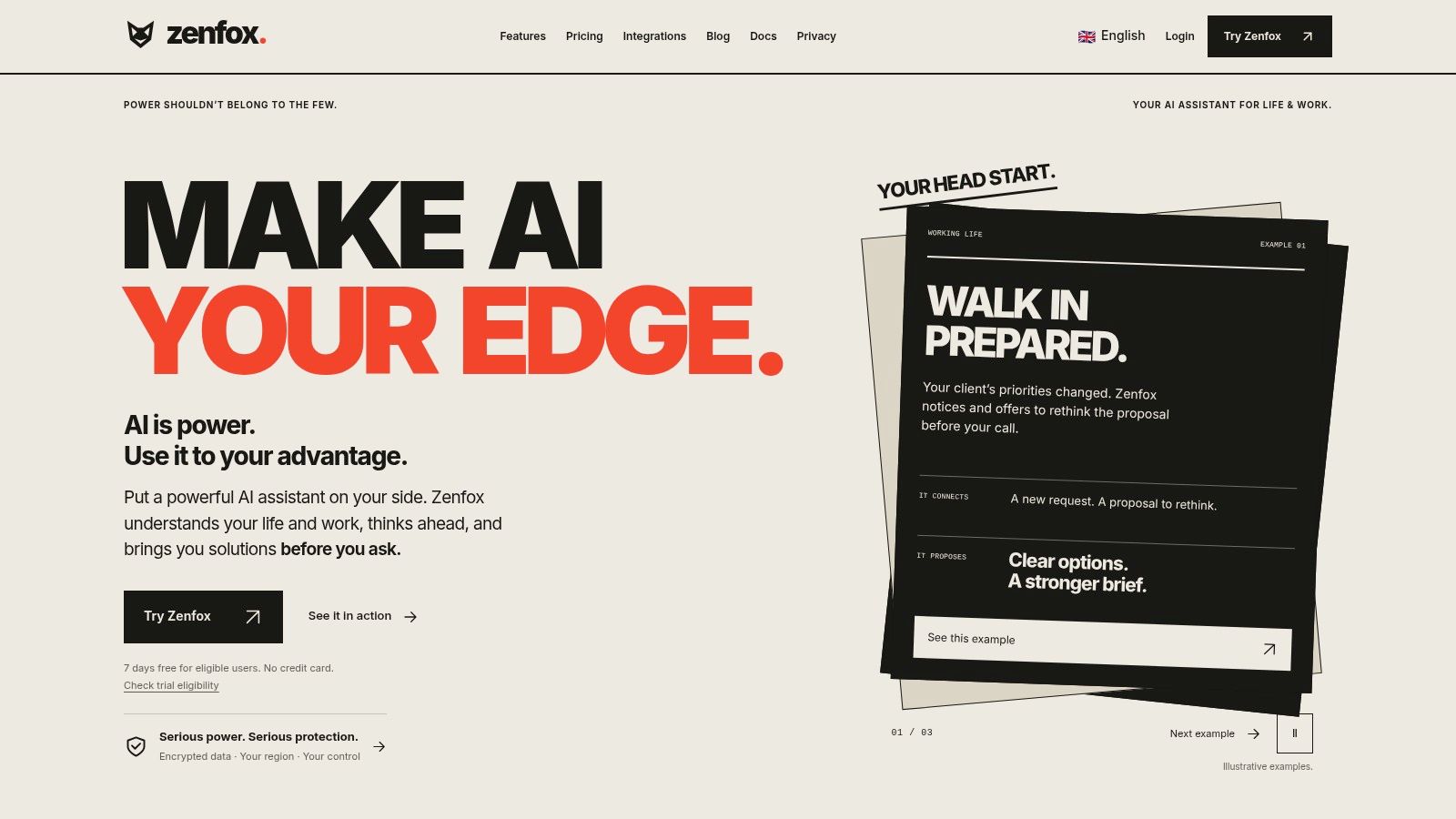
Zenfox.ai is built for work that lives across your stack, not in one chat window. Connect Gmail, Slack, HubSpot and Drive, plus other tools, and it builds context around your projects, clients and history. Then it acts. It can send follow-up emails, update your CRM, generate weekly reports and produce competitive briefings without you copying data between tabs.
You describe the goal in plain English. Zenfox's autonomous AI agent breaks complex projects into steps, creates zero code workflows, and runs them while keeping a complete activity log. That log is the feature I'd check first. If an agent touches clients or revenue data, you need to see what it did and why. The limitation vendors skip: broad access cuts both ways. The more apps you connect, the larger the blast radius when an instruction is vague or permissions are too wide.
Where Zenfox earns its keep
Search is unusually practical. It indexes documents, emails and databases for precise retrieval across large collections, so research starts from your own material rather than a blank prompt. Capabilities also include deep research, topic monitoring, competitive intelligence, self coding automations, API connections and instant app generation, reachable via web, Telegram, Discord or SMS.
- Best fit: Founders and operators whose bottleneck is follow-up, reporting and cross-tool admin
- Standout strength: Context from connected apps, not just a generic prompt box
- Controls to verify: Confirm current certifications, encryption standards and data-hosting options in Zenfox's security documentation before you connect client or revenue data.
Zenfox rewards teams with recurring, connected work. Skip it if you only need occasional drafting or code help. Skip it too if your stack stays disconnected or you cannot grant an agent wide permissions. You get autonomy you cannot safely use.
2. ChatGPT Work
Think of ChatGPT as the versatile starter agent. It handles longer, multi step tasks across research, drafting, analysis, files and some coding related work. For a solo founder who jumps between a pitch deck, a spreadsheet and customer research in one hour, that breadth is useful.
Workspace agents on eligible plans let teams create and share repeatable workflows. That's stronger than everyone keeping their own magic prompt. Build one agent for weekly competitor summaries or support draft reviews, share it, and improve the same process together.
Practical rule: Let a general agent draft and organise. Keep a human on anything that sends, spends or commits you legally.
The familiar chat interface lowers the learning curve. You won't need to teach most teammates a new system before they get value. Files and connected tools also make document heavy work less painful.
The trade off is control. Access and usage vary by plan, and limits can interrupt a workflow just as it becomes routine. Results also need checking, especially before consequential actions.
Who should skip it: Teams that need deep, deterministic automation across many business apps, or developers who want an agent living inside their codebase all day. ChatGPT Work is a strong generalist. It isn't your operations engine, and it won't replace a specialised coding environment.
3. Perplexity Computer
Say you need a market report, not fifty browser tabs. That's the job Perplexity Computer is chasing. It breaks broader assignments into subtasks, delegates work to sub agents, and moves across browsing, research, writing and supported connected tools.
The output matters here. It can turn research or file analysis into reports and presentations, not just a list of links with a summary you still have to assemble. Longer running tasks and iterative direction suit founders who want to steer a project over several rounds.
- Research heavy projects: Market scans, competitor reviews and briefing packs
- Deliverable focus: Documents you can share, not raw answers
- Plan note: Pro includes advanced models, connectors and Computer access, while a free plan lets you try the core search experience
Don't treat the finished document as verified truth. Complex tasks still need founder review, source checks and follow up questions. A polished report can hide a weak assumption better than rough notes can.
Who should skip it: Anyone whose main job is acting inside business systems, such as updating records or running app to app workflows. Computer access and usage also depend on subscription limits and credits, so heavy research teams should test real workloads before relying on it daily.
4. Claude and Claude Code
Claude suits founders who move between thinking, writing and building. Claude handles writing, analysis, research and connected tools. Claude Code adds an agentic coding workflow in the terminal, where it can work on tasks directly rather than waiting for you to paste code into a chat.
That combination is the appeal. You can shape product copy in the morning, analyse customer feedback at lunch, and hand a defined coding task to Claude Code later. Pro includes Claude Code access, and Max tiers offer higher usage limits. A free plan lets you try Claude first.
Our detailed Claude Code review for 2026 is worth reading if terminal based coding is your main reason to buy.
The limit vendors soften
Claude and Claude Code share usage limits on Pro and Max. A heavy coding session can eat into the same allowance you wanted for writing and research. That shared pool surprises people who assumed they were buying two separate products.
Who should skip it: Non technical users who won't touch a terminal, and teams that need predictable, separate budgets for chat and coding. If you live in an editor and hate terminal workflows, Claude Code will feel like friction, however capable it is.
5. Microsoft Copilot agents
If your company already runs on Microsoft 365, Microsoft Copilot agents deserve a serious look. If it doesn't, move on quickly. These agents are designed for defined tasks and business scenarios inside the Microsoft ecosystem, not as a neutral layer over every tool you own.
Microsoft highlights a Workflows Agent for creating, managing and testing workflows, plus a Learning Agent for customized workforce training. Role focused agents can be more practical than one generic assistant that tries to answer everything vaguely.
The enterprise readiness gap is real, though. In a Salesforce and NewtonX survey, 62% of 100 UK C suite respondents rated their technical infrastructure as good or very good for AI adaptability and only 47% gave that rating to employee adaptability, according to the Salesforce UK digital labour trends survey. Buying agents won't fix untrained teams or unclear ownership.
- Best fit: Microsoft centred teams with defined internal workflows
- Watch out for: Access, functionality and costs that depend on plans and configuration
Who should skip it: Google Workspace first startups and small teams that don't want ecosystem lock in. You'll spend more time working around the platform than benefiting from agents inside it.
6. Zapier Agents
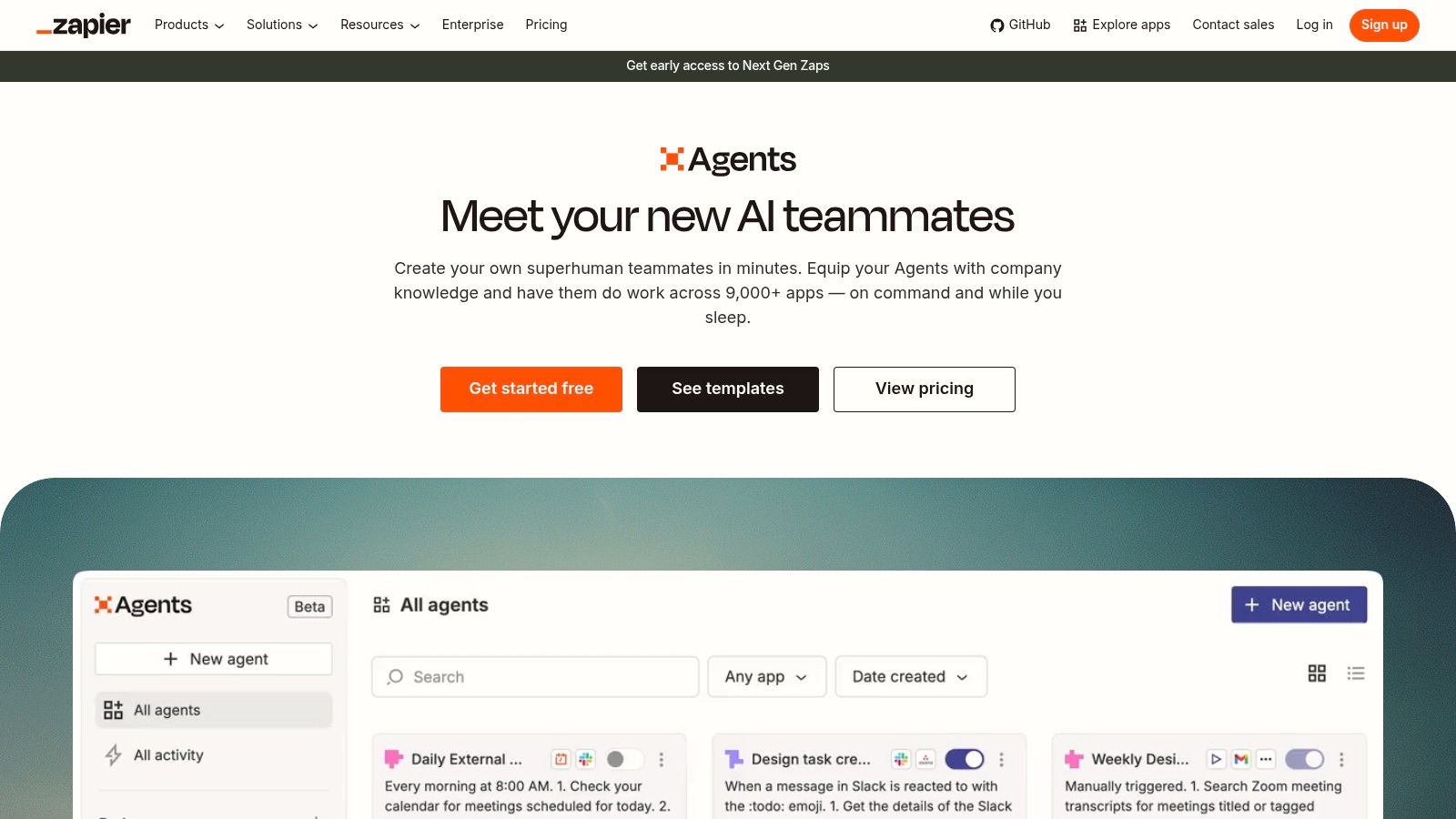
Zapier Agents makes sense when the work already crosses several SaaS products. A form arrives, an agent qualifies it, updates a spreadsheet, drafts an email and notifies the team. Zapier's app ecosystem does the connecting, so you don't build integrations yourself.
Setup is no code, which helps operators test an idea without waiting for engineering time. MCP and SDK options also give technical teams routes to connect agents to actions. Our guide to the best AI workflow automation tools covers where this model works best.
An agent is only as reliable as the action underneath it. If the connected app can't do the step cleanly, better prompting won't save the workflow.
The weakness is specification. Vague instructions produce vague agents, and quality depends on whether required apps and actions are supported. Task based pricing and usage limits also need monitoring as volume grows. A cheap pilot can become an expensive habit.
Who should skip it: Teams needing deep reasoning over large documents, or anyone unwilling to write precise instructions and test edge cases. Zapier Agents rewards clear processes. It punishes "just handle enquiries" thinking. A free Zapier plan is available for basic platform use, so test before you commit volume.
7. Replit Agent
Describe an app in plain language and Replit Agent turns it into a project inside Replit's cloud development environment. You don't assemble a local coding setup first. For validating an idea, that speed is the whole point.
A non developer can build, run and show something real. A founder can test whether users understand the concept before paying for a larger engineering effort. Keeping building and running in one environment removes a lot of early friction.
What a prototype is not
A generated app is not automatically production ready. Behaviour is probabilistic, output can be wrong, and you still need testing around auth, data handling, errors and edge cases. Treat the first version as evidence for a decision, not as finished software.
- Use it for: MVPs, internal demos and quick validation
- Budget carefully: Plans include AI and model usage allowances, and effort based costs can make complex projects harder to predict
Who should skip it: Teams building complex, regulated or high scale products from day one, and experienced developers who already have a mature local workflow they trust. I recommend Replit Agent for learning fast. I wouldn't let its first output touch real customer data unreviewed.
8. Devin
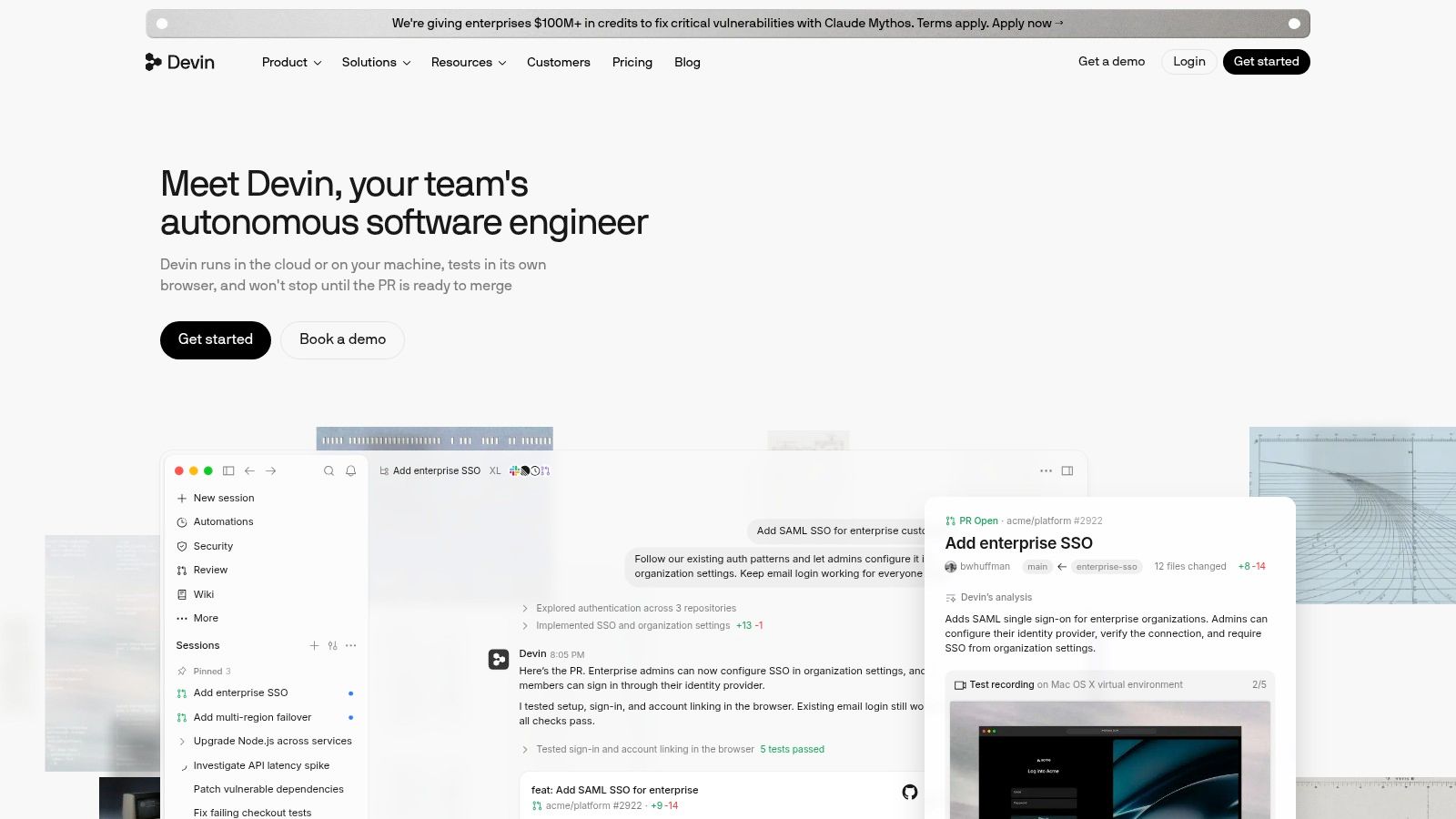
Devin is Cognition's software development agent, aimed at delegated engineering work rather than autocomplete. Give it a defined assignment, such as fixing a bug or working through an issue in a codebase, and it's meant to move through multiple steps with less hand holding.
That focus is refreshing. Devin isn't pretending to run your marketing, research your market and answer support tickets. It's specialised for software work, which makes evaluation easier. Did the task pass tests? Did a developer approve the change? Did it save senior time or just create review work?
Our roundup of the best AI coding agents puts Devin in context against editor and terminal based rivals.
The limit is oversight. Developers must inspect and test its work before shipping, and poorly scoped tasks will wander. "Improve performance" is not a brief. A reproducible bug with clear acceptance criteria is.
Who should skip it: Non technical founders, teams without code review discipline, and anyone needing help with sales, support or research. Check current pricing and availability directly before planning around it. Devin can help a stretched engineering team, but only if that team can judge the output properly.
9. Cursor
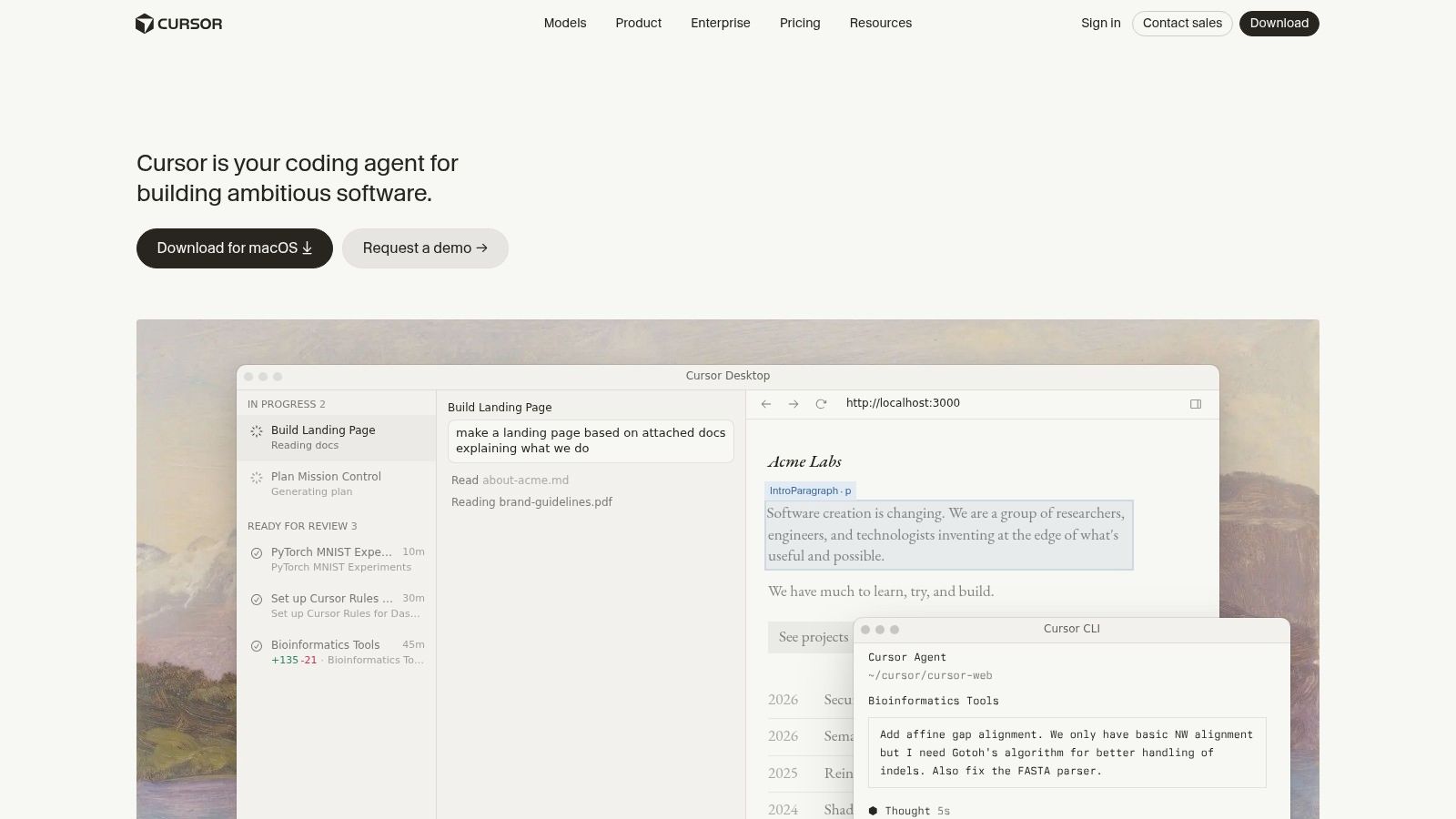
Cursor keeps AI assistance inside a dedicated coding environment. Instead of copying context into a separate chatbot, you work with the codebase in front of you. Its agent workflows help developers make changes, fix issues and understand an existing project in context.
For founders who still code, that proximity matters. You see the files, the diff and the consequences. Desktop, CLI, cloud and code review capabilities give teams several ways to work, but the core value stays the same: codebase aware help where the code lives.
- Strongest use: Building features and fixing issues in an active project
- Natural user: Developers who prefer an editor based interface
- Main risk: Accepting changes you don't fully understand
Cursor won't magically make a non developer safe. Users need to read diffs, run tests and review changes. Plan and model usage limits should also be checked for heavier projects, because agent heavy work can consume allowance quickly.
Who should skip it: Anyone shopping for a general business agent. Cursor is more specialised for software than broad office tools, and that's a strength. Don't buy it to write reports or automate your CRM. Buy it if shipping code is your bottleneck.
10. Lindy
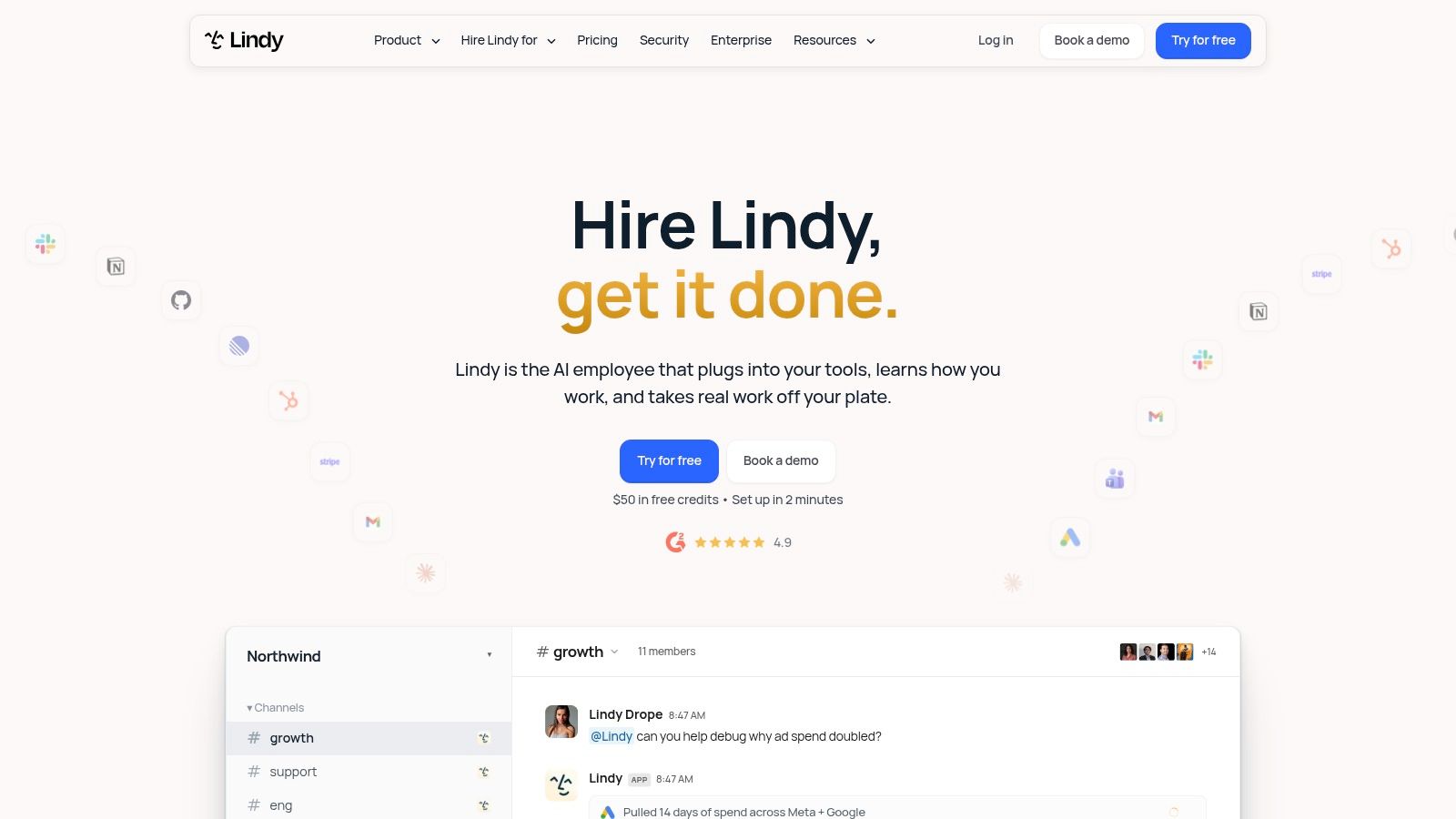
Lindy takes a narrower, more operational approach. Instead of one general purpose assistant, you build task specific agents for business workflows. That suits repetitive internal processes where the steps, inputs and done state are known.
Think recurring admin, operational follow up and routine coordination. A focused agent with a clear role is easier to test than a do everything helper. You can measure whether it completed the process, escalated correctly and avoided inventing missing information.
That discipline matters because many businesses still can't name the job. Among surveyed businesses, 51% said AI was not relevant to their organisation, according to the Department for Business, Innovation and Skills AI Adoption Research Report. Generic agent marketing won't convince those buyers. A named workflow with a measurable outcome might.
Before adopting Lindy, verify integrations, controls and pricing against your exact apps. Agents that can take actions still need monitoring, permission boundaries and escalation paths.
Who should skip it: Developers who mainly need coding help, and teams whose processes change every day. Lindy rewards repeatable work. If you can't write the process down, you aren't ready to agent it yet. Confirm current pricing and limits directly.
How the leading AI agents compare by use case, free access and skill requirements
| Item | Best for | Free plan | Technical skill needed | Key limitation |
|---|---|---|---|---|
| Zenfox.ai | Automating work across business apps | Yes | Low; no-code workflows | Autonomous actions and integrations need oversight |
| ChatGPT Work | Multi-step research, drafting, and team workflows | Plan-dependent | Low | Access and usage depend on plan limits |
| Perplexity Computer | Research projects that need finished deliverables | Yes; core search | Low | Computer access and usage depend on subscription limits |
| Claude and Claude Code | Writing, analysis, and terminal-based coding | Yes; Claude | Low for Claude; moderate for Claude Code | Shared usage limits on Pro and Max |
| Microsoft Copilot agents | Task workflows for Microsoft 365 teams | Plan-dependent | Low to moderate | Access and features depend on plans and configuration |
| Zapier Agents | AI workflows across connected SaaS apps | Yes; basic Zapier use | Low; no-code setup | Task limits and costs can rise with usage |
| Replit Agent | Building and testing app prototypes | Plan-dependent | Low to moderate | Generated apps need testing and may not be production-ready |
| Devin | Delegated software-engineering assignments | Check current availability | High; technical review required | Requires developer oversight |
| Cursor | Coding within an existing codebase | Plan-dependent | Moderate to high | Not a general-purpose business agent |
| Lindy | Repeatable business and administrative workflows | Check current availability | Low to moderate | Integration and pricing fit need verification |
Match the Agent to the Job, Not the Hype
Start with one recurring task. Not your whole job. Not "operations". Pick support triage, lead qualification, weekly reporting, competitor research or a defined coding issue. Then test two or three agents on the same real inputs for a week.
Track corrections, not vibes. Count how often you rewrite output, fix a wrong record, restart a run or step in because permissions were unclear. An agent that needs constant rescue isn't saving time, even if its demo looked autonomous. The winner is the tool that finishes your task on your data with the least rework.
That focus fits how adoption is unfolding. In 2025, 47% of surveyed UK organisations were actively integrating agentic AI into applications and workflows, compared with a 40% European average, according to research from OutSystems, KPMG and CIO Dive reported by IT Brief. Integration is the story. Standalone chat is not enough.
Use this short test before you pay annually:
- Same task, same inputs: Give every agent identical material and success criteria
- Permission check: Confirm what it can read, write, send and delete
- Failure check: Feed it missing, messy or contradictory information on purpose
- Cost check: Run realistic volume, not three tidy examples
If you're building an agent yourself, being discoverable matters as much as being capable. We built Launch Llama Tools so agents can search our catalogue, run a launch readiness audit and open a listing draft via our public REST API and MCP server. Agents can never publish a listing. You, the founder, always finish and confirm it at /submit.
Our Artificial Intelligence category lists 2034 tools, and we provide SEO and GEO/AEO pages that AI assistants can cite. Submitting a tool takes 30 seconds and includes AI prefill, with no credit card required for a Free listing.
Pick your one task today, run the week long test above, and keep the agent that needs the fewest corrections. If you've built a tool that deserves to be found next, submit it free on Launch Llama Tools, let your own agents open the draft if you want, then finish and confirm the listing yourself at /submit.